Have Additional Questions? Contact Us: info(at)aviadiag.com

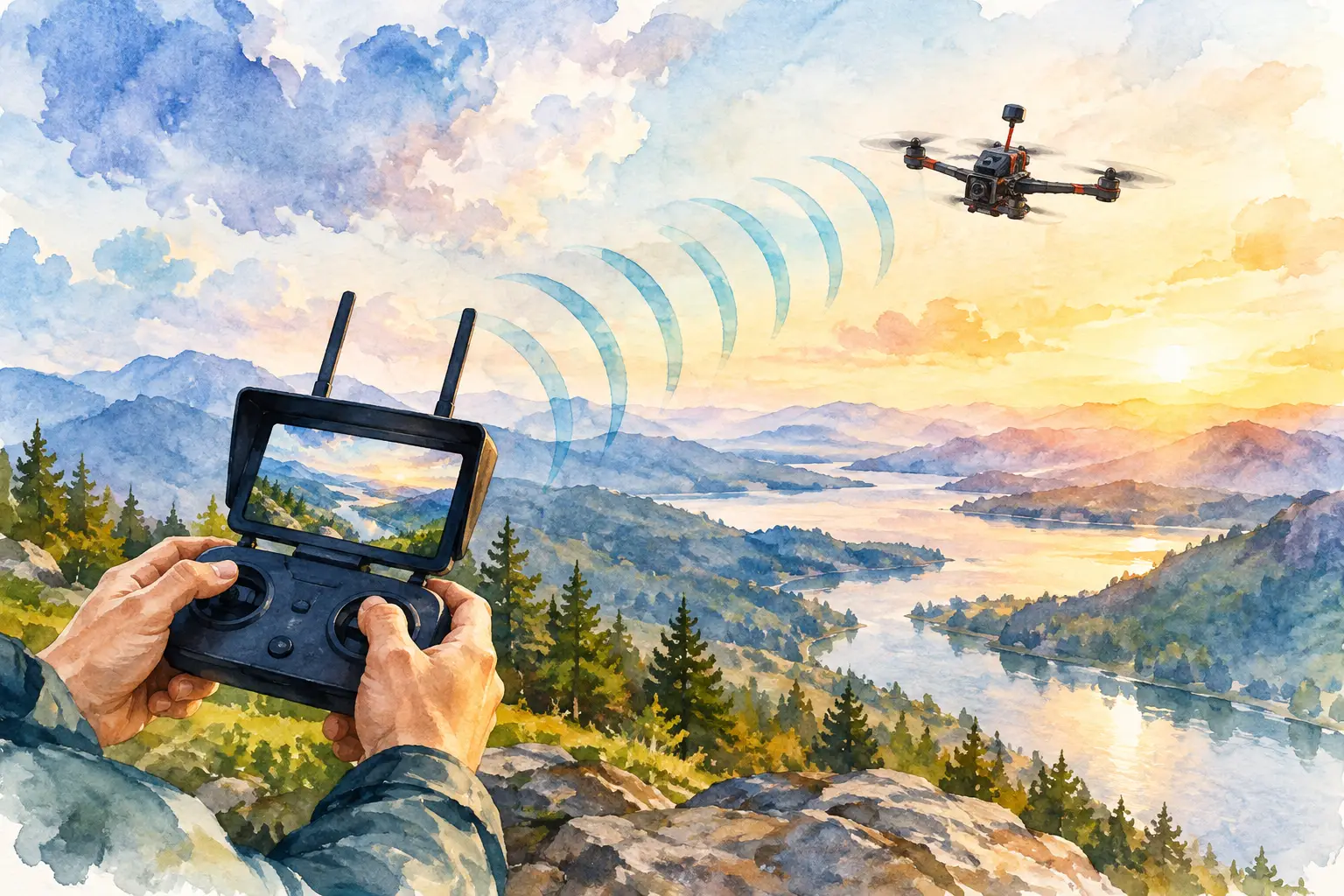
A video feed that breaks up at the edge of a line is rarely solved by simply fitting the highest-power VTX available. To improve FPV video link range, treat the aircraft, goggles or ground station, antennas, power supply and flight environment as one RF system. A strong long-range build is a deliberate match of components, not a collection of maximum-spec parts.
The practical goal is not only more distance. It is a predictable link with enough margin to turn back before image quality becomes a risk. That means choosing hardware for the route, terrain, aircraft layout and operating rules, then proving the setup through controlled testing.
Start with the link budget, not transmitter power
Every FPV system has a finite link budget: the usable signal available after transmitter output, antenna gain, cable losses, distance, obstructions and receiver sensitivity have taken their share. Raising VTX output can help, but it is only one part of that calculation.
A poorly positioned antenna can throw away far more performance than a modest power increase can recover. Likewise, a clean 400 mW installation with matched antennas may produce a more usable picture than a hot, noisy 1 W setup feeding the wrong aerial.
Digital systems tend to hold a clear image until their error correction runs out, then deteriorate quickly. Analogue video usually gives earlier warning through snow, rolling lines or colour loss. Neither behaviour makes one system automatically better for range. Build around the video format and receiver ecosystem you already trust, then optimise the complete path.
Improve FPV video link range with matched antennas
Antenna selection has the largest return on effort for most pilots. First, match polarisation. A circularly polarised antenna on the aircraft should normally feed a circularly polarised receiver antenna with the same handedness – right-hand circular polarisation with right-hand, or left-hand with left-hand. Mixing handedness incurs a severe signal penalty.
For close and mixed-direction flying, an omnidirectional antenna is the sensible airborne choice. It maintains coverage as the quad rolls, yaws and changes heading. Fit it where the carbon frame, battery and electronics do not sit directly in its radiation pattern. On a typical quad, a rear-mounted antenna held clear of the battery during flight is usually more useful than one folded against the frame.
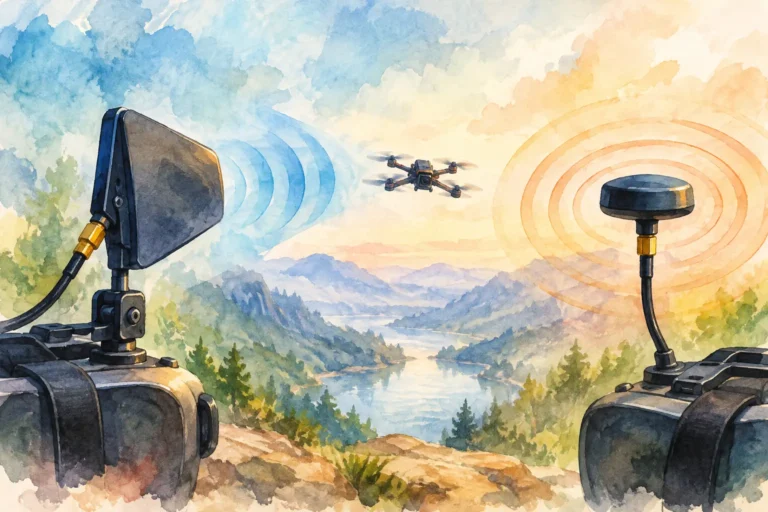
At the receiving end, diversity gives you options. Pair an omni with a directional patch or helical antenna when you need wider local coverage plus extra reach in the intended flight direction. The omni covers launches, turns and overhead passes; the directional antenna concentrates reception where you expect the aircraft to be.
Higher gain is not free range. A directional antenna has a narrower beam, so it can underperform when the aircraft moves well to one side or flies behind you. For a fixed ridge line or long out-and-back route, that trade-off makes sense. For freestyle through changing terrain, a broad pattern is often the safer decision.
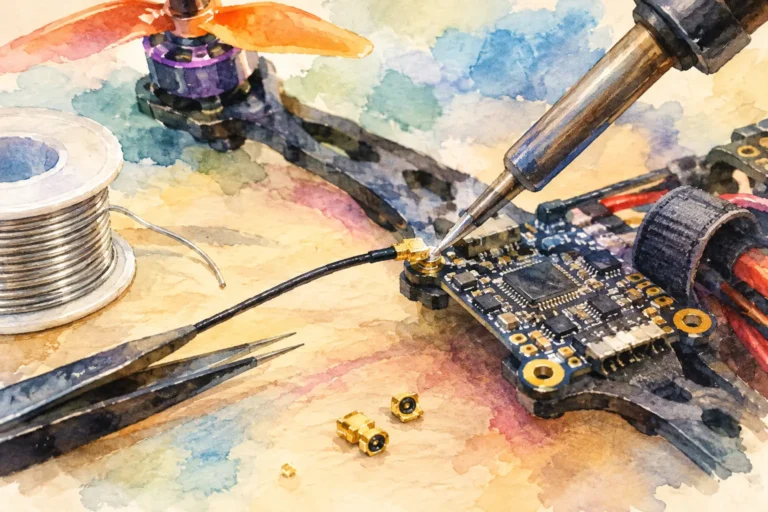
Use quality antenna extensions only where they solve a placement problem. Every connector and length of coax adds loss, particularly at 5.8 GHz. Check that SMA and RP-SMA connectors are genuinely compatible rather than forcing a connection that looks correct but leaves the centre pin unmatched.
Keep the antenna clear and intact
A damaged lobe, split heat-shrink or crushed coax can quietly ruin a video link. Inspect antennas after hard landings and replace any unit with a loose connector or visibly distorted radiating element. Never power a VTX without a suitable antenna attached. The reflected power can damage the transmitter in seconds.
Give the VTX clean power and clean air
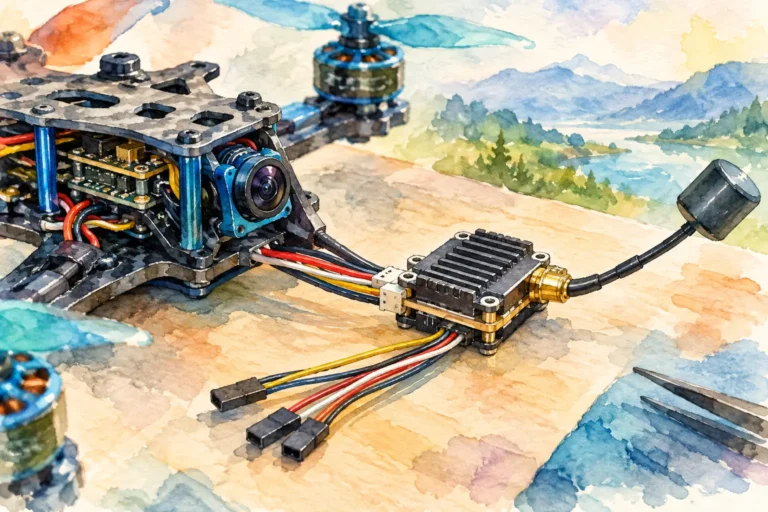
Video transmitters work hardest when supplied with stable voltage and kept within their thermal limits. Electrical noise from motors, ESCs and switching regulators can enter the video chain as interference or reduce transmitter stability. Follow the VTX input-voltage specification, use a well-filtered power source, and keep sensitive video wiring away from high-current motor leads where the build allows.
A low-ESR capacitor at the main battery input can reduce voltage spikes and noise on many builds. If your camera and VTX support it, a regulated supply or appropriate filter may further improve image cleanliness. Do not add parts blindly, though. Diagnose the issue first. Noise that appears only when throttle rises points towards power or electrical interference; gradual breakup with distance points towards the RF link.
Heat is the other limit. A VTX running high output power on the bench can become dangerously hot because it lacks prop wash. Configure the unit at low power while stationary where possible, confirm pit mode behaviour, and inspect the mounting area for restricted airflow. In flight, a transmitter that thermal-throttles can make range inconsistent even when the specification looks adequate.
Use only output levels and frequencies permitted for your location and operating conditions. Higher power can increase interference to other users and does not replace responsible site selection, visual awareness or a planned return path.
Build the receiver side as carefully as the aircraft
Pilots often upgrade the airborne VTX and overlook the goggles or ground station. Receiver sensitivity, diversity switching behaviour, antenna positioning and RF noise around the display all matter.
Keep receiver antennas upright and clear of your body, vehicle roof, metal railings and other reflective surfaces when practical. Your own body absorbs 5.8 GHz energy remarkably well. A small change in where you stand can restore a marginal feed, especially when using a directional antenna.
For ground-station use, place the receiver higher where safe and secure. Height improves line of sight and can lift the receive antenna above low vegetation or parked vehicles. It does not overcome a hill, dense building or a substantial tree line, but it can significantly improve the margin over open ground.
Check diversity operation before committing to a long route. If one receiver module or antenna port is weak, a system may switch at the wrong moment and create the impression of random range loss. Test each antenna path independently, then test them together while moving the aircraft through different angles.
Respect line of sight and the Fresnel zone
At FPV frequencies, range is not a straight-distance contest. The path between aircraft and receiver must be reasonably clear, including the space around the direct line known as the Fresnel zone. Bushes, wet leaves, terrain crests, walls and even a parked vehicle can intrude into that zone and attenuate the signal.
Flying behind a hill is a much tougher demand than flying the same distance across open land. Flying low over long grass can also be worse than flying slightly higher, because the ground absorbs and reflects energy. If your picture fades at a repeatable point, look at the geometry before buying more power.
Plan routes that preserve a clear return path. Avoid putting the aircraft behind terrain or structures unless the system and mission have been designed specifically for that environment. When the image begins to degrade, turn back early. A controlled return on a weak but usable feed is better than waiting for a total loss of picture.
Test changes one variable at a time
The fastest way to waste money is replacing several components at once and never learning what fixed the problem. Record your existing VTX power, channel, antenna type, receiver configuration, weather conditions and the point where the image becomes unreliable. Then change one variable and repeat the same route where it is safe and permitted.
A useful field test includes a close-range check, a straight outbound pass, turns to each side, a low-altitude pass and a return flight. Review DVR footage rather than relying only on memory. DVR will show whether the problem was steady distance-related degradation, a brief antenna null, interference on a particular channel or noise that followed throttle.
If another pilot is present, coordinate channels properly. Adjacent channel spacing, high-power transmitters and nearby RF equipment can compromise an otherwise well-built system. Range testing alone, on a known clear channel, provides a more meaningful baseline.
Choose components around the mission
A compact freestyle quad needs durable, low-profile antenna placement and reliable nearby coverage. A long-range cruiser benefits more from a carefully positioned omni antenna on the aircraft, a directional receive antenna and disciplined route planning. A professional or specialised platform may need a ground station, purpose-built receiver layout or a non-standard connectivity approach rather than a typical goggle-mounted setup.
For applications where RF exposure or long-distance signal constraints make conventional wireless video unsuitable, purpose-designed optical-fibre hardware may be relevant. That is a different system architecture with its own handling, weight and deployment constraints, not a simple substitute for an antenna upgrade. Match the component choice to the operational objective.
Aviadiag supports builders who need to move beyond standard configurations, from FPV transmitters and receivers to specialised connectivity hardware. Bring a defined build requirement, not just a distance target, and component selection becomes far more precise.
The best range upgrade is the one that gives you a calm picture at the point where your flight actually demands it. Build for that margin, test it honestly, and let the route determine the hardware.