Have Additional Questions? Contact Us: info(at)aviadiag.com

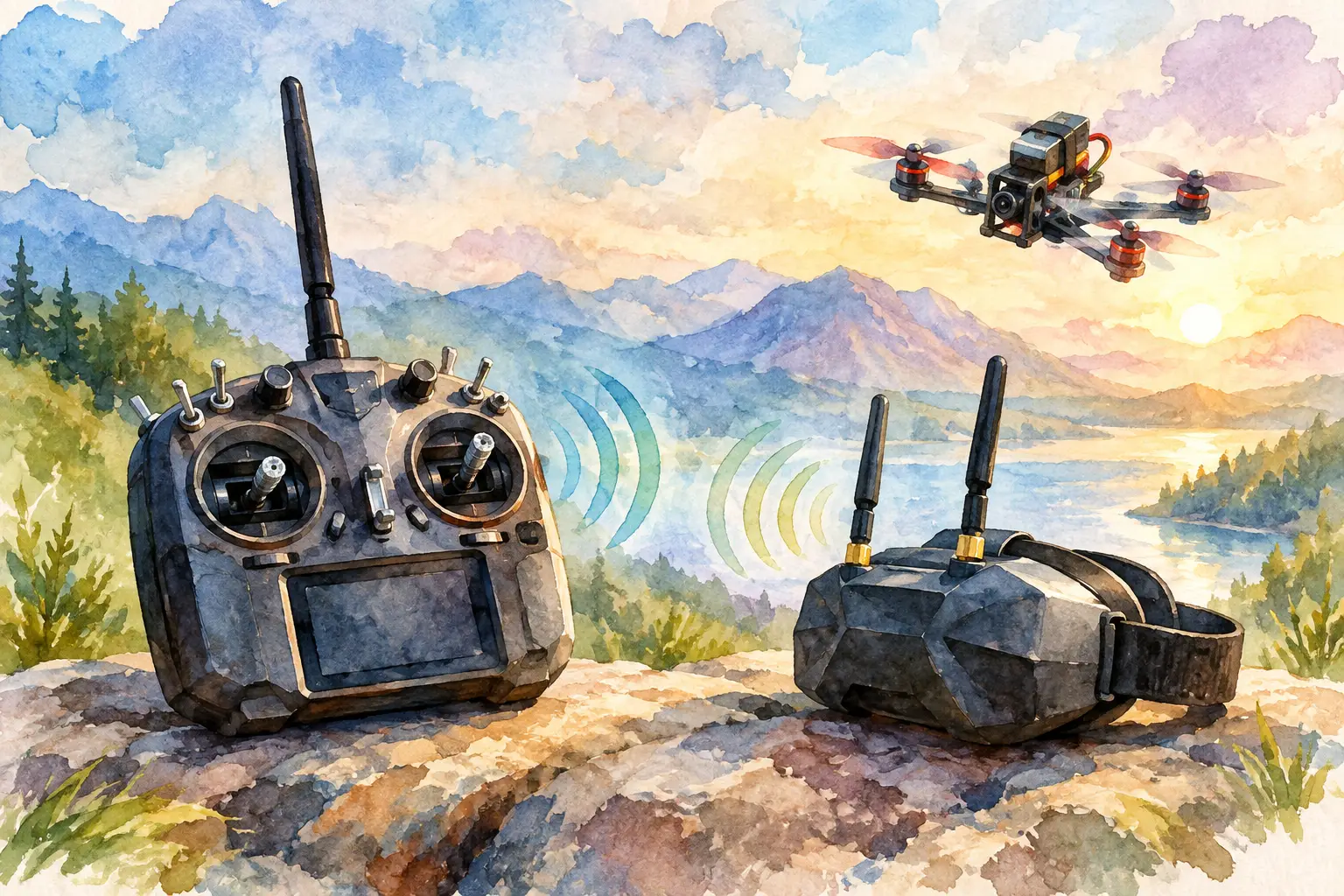
A clear FPV image at the bench proves very little. The real test comes when the aircraft is behind cover, banking hard, or moving to the edge of the intended flight area. Matching FPV transmitter and receiver hardware correctly is what turns a collection of capable components into a video link you can trust when the flight gets demanding.
For builders, the process is less about choosing the highest number on a product page and more about matching the complete signal path. Video format, frequency band, channel plan, antenna polarisation, output power and installation all affect what reaches your goggles or ground display. Build those decisions around the mission, not around a single specification.
Start With the Video System
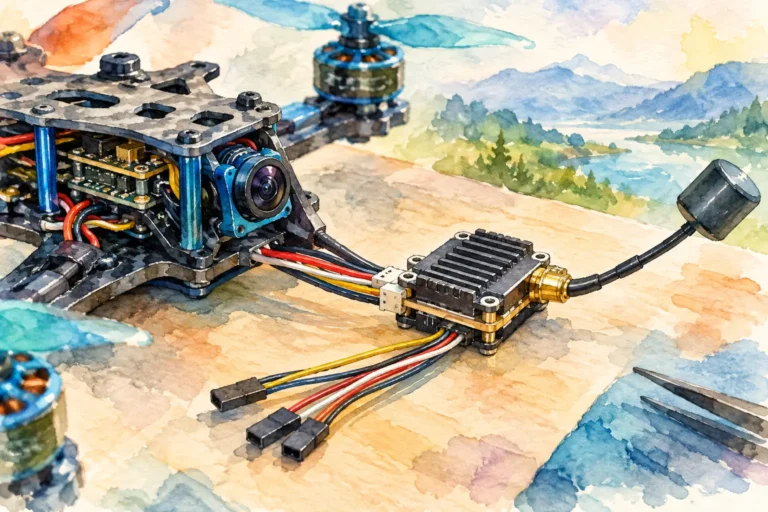
The transmitter in this discussion is the video transmitter, commonly called a VTX. It is separate from the radio-control transmitter used to command the aircraft. A video receiver, or VRX, must be designed to decode the signal the VTX sends. That sounds obvious, but the label “5.8 GHz” alone does not guarantee compatibility.
Analogue FPV systems generally offer broad interoperability when the VTX and VRX support the same band and channel. Their appeal remains straightforward: components are widely available, latency is low, and a degraded signal often stays flyable as static rather than failing outright. For repair builds, training rigs and applications where serviceability matters, analogue can still be a practical choice.
Digital systems require a more disciplined match. A digital VTX and VRX, goggles, or display module must belong to the same supported ecosystem. Different digital platforms use their own encoding, pairing process and firmware requirements, so a receiver that operates in the same radio spectrum may still be unable to display the transmitted video. Confirm system compatibility before selecting antennas, mounting hardware or power accessories.
Resolution and latency should be evaluated together. Higher-definition video improves route reading and target identification, but it can introduce different range behaviour, processing delay or configuration limits. If low-latency handling is the priority, choose the system that meets that need rather than assuming the sharpest image is automatically the strongest flight solution.
Matching FPV Transmitter and Receiver Bands
Once the video format is established, set the VTX and VRX to the exact same frequency. Matching a band name is not enough. The selected channel must correspond precisely, especially where equipment offers several band tables or where labels such as Raceband, A, B, E or F are used.
Do not rely solely on an automatic receiver scan. Auto-scan can identify the strongest nearby signal, which may be another pilot’s VTX rather than your own. Set the channel manually where possible, then verify it in the receiver display or goggles menu. A manual check is especially valuable at group flying sites, test areas and events with multiple active video links.
Frequency planning is equally important when operating more than one aircraft. Channels placed too close together can create interference even when each individual link appears correct on the workbench. Leave appropriate channel spacing, agree the plan before powering equipment, and confirm that no operator has changed VTX settings after the initial check.
Use only bands, channels and power levels permitted for your operating location. Video-link regulations vary, and a configuration suitable in one region may not be compliant elsewhere. A capable build should be both technically clean and responsibly operated.
Antennas Are Part of the System
A correctly configured VTX and VRX can still perform badly if the antennas do not match. Circularly polarised antennas are common in FPV because they help reduce the effects of multipath reflections from buildings, ground surfaces and obstacles. They must use the same polarisation: right-hand circular polarisation with right-hand circular polarisation, or left-hand with left-hand. Mixing RHCP and LHCP can severely reduce usable signal strength.
Linear antennas can work effectively, particularly on compact or specialist installations, but their orientation matters more. If one linear antenna is vertical and the other is horizontal, signal loss can be significant. Keep the aircraft antenna aligned as consistently as practical with the receiving antenna during the expected flight profile.
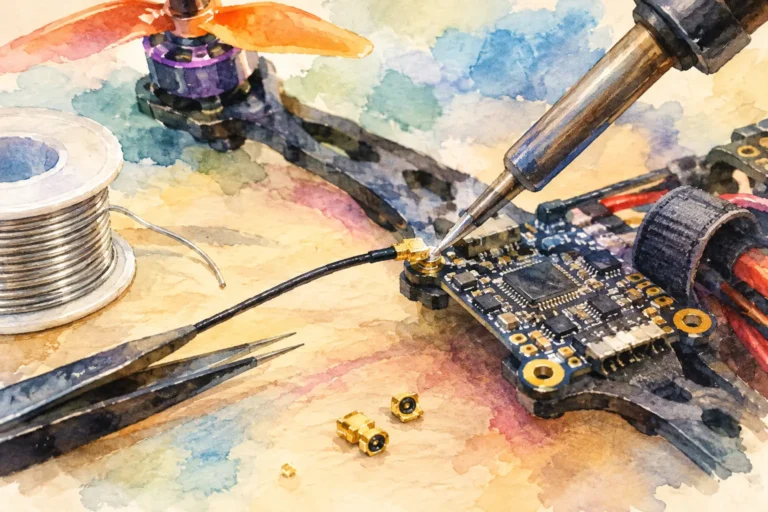
Connector type also deserves attention. SMA, RP-SMA, MMCX and U.FL are not interchangeable simply because they look similar. Confirm both the physical connector and centre-pin arrangement before fitting an antenna. Forcing an incorrect connector can damage the VTX or antenna, while operating a VTX without a suitable antenna can overheat and harm its output stage.
On the ground side, receiver diversity can improve resilience by using two antenna positions or types. A common approach combines an omni-directional antenna for general coverage with a directional antenna focused on the main flight area. The trade-off is simple: directional gain helps at range, but it requires the receiver antenna to remain aimed at the aircraft’s likely position.
Choose Power for the Flight, Not the Spec Sheet
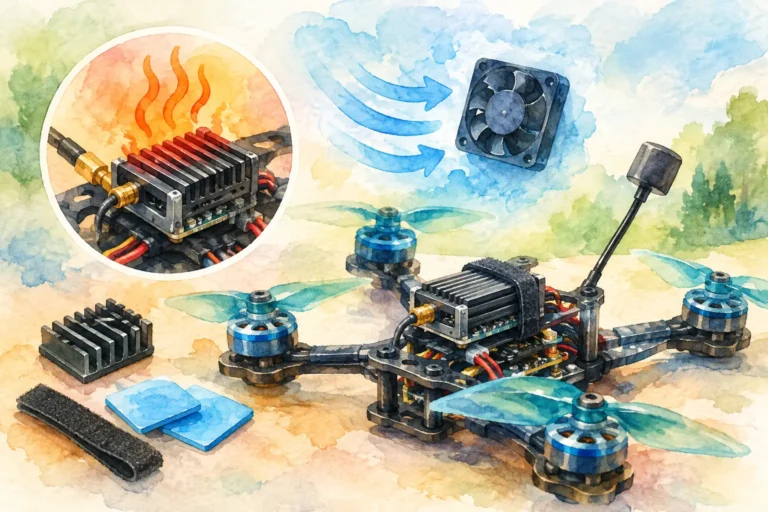
More VTX power can extend the margin available to a video link, but it is not a substitute for correct matching, antenna placement or a clear operating area. High power increases heat, current draw and the chance of interfering with nearby pilots. It can also offer little benefit where the receiver antenna is poorly positioned or polarisation is wrong.
Start with the lowest power setting that supports the planned route and operating conditions. Increase only when testing shows a genuine need. This approach reduces thermal stress and makes it easier to identify whether a problem is caused by range, interference, installation or configuration.
Check the VTX input-voltage range before connecting it to the aircraft power system. Some units accept a broad battery-voltage range, while others require regulated supply voltage. Confirm polarity, use appropriate filtering where needed, and keep noisy power wiring away from sensitive video leads. Electrical noise can present as lines, flicker, rolling interference or unstable video that is easily mistaken for an RF issue.
Install for Signal Integrity
Where you mount the VTX antenna matters as much as the hardware choice. Keep it clear of carbon fibre, dense electronics, battery packs and conductive structures that can shadow the signal. On compact frames, use a secure mount that lets the antenna sit beyond the noisiest and most obstructed parts of the aircraft without leaving it exposed to every landing impact.
Maintain strain relief around small connectors. Vibration and repeated handling can loosen U.FL or MMCX connections, creating intermittent faults that are difficult to diagnose. Check that the antenna lead, camera lead and VTX power wiring are supported rather than hanging from their sockets.
The receiver side needs equally deliberate placement. Position ground-station antennas with a usable view of the flight area. Avoid placing the receiver directly beside high-power electronics, metal barriers or other transmitting equipment. If using goggles, make sure your body position and head movement do not place the directional antenna away from the aircraft during the critical part of a flight.
Test the Link Before Committing to the Air
A disciplined ground test catches most matching errors quickly. Power the aircraft with the correct antenna fitted, select the intended VTX band and channel, then manually set the receiver to the same frequency. Confirm that the displayed image is from the intended camera, not a nearby source picked up by auto-scan.
Next, test at the actual output power you plan to use. Walk the aircraft or ground receiver through likely orientations and look for break-up, interference or image changes when the antenna is moved. Test with the motors armed only where safe and appropriate, because electrical noise often appears when the power system is under load.
For a new build, conduct the first flight close in and at a conservative altitude. Observe the video during turns, climbs and changes in orientation. A link that is clean while pointed directly at the pilot may weaken when the frame, battery or antenna angle changes. Use that first flight to refine antenna position and power settings before extending the route.
Diagnose the Common Mismatches
A black screen usually points to an incorrect channel, incompatible video system, failed power supply or damaged connection. Static or a weak but recognisable image often indicates poor signal strength, incorrect antenna polarisation, obstructed placement or insufficient receiver coverage. Clean video that develops lines when throttle rises is more likely to be a power-noise problem than a transmitter-receiver compatibility issue.
When the image drops only at certain angles, inspect the aircraft antenna location first. Carbon fibre and battery placement can create predictable shadows. If performance is inconsistent across the whole flight area, check the ground receiver antenna, connector tightness and local RF environment before increasing output power.
For nonstandard aircraft, specialised video-link layouts or replacement requirements, Aviadiag can help source component-level hardware around the intended build rather than forcing a standard configuration onto a specialised platform.
The strongest FPV link is rarely the one with the biggest headline specification. It is the one whose transmitter, receiver, antennas, installation and power settings all support the way you actually intend to fly. Build that link deliberately, test it under realistic conditions, and your video system will give the aircraft the vision it needs to perform beyond standard configurations.