Have Additional Questions? Contact Us: info(at)aviadiag.com

A frozen image at the edge of a gap, a sudden burst of static behind a tree line, or a picture that returns only when the aircraft turns home: these are link problems, not flying problems. The right long range FPV receiver gives your video system the best possible chance of holding a usable image when distance, terrain and antenna orientation start working against it.
For a capable FPV build, range is never a single specification on a product page. It is the combined result of receiver sensitivity, antenna selection, transmitter output, installation quality, airframe position and the environment around the flight path. Choose the receiver as part of the whole video link, not as an isolated upgrade.
What a long range FPV receiver actually does
An FPV receiver takes the video signal sent by the aircraft and delivers it to your goggles, monitor or ground station. In an analogue system, that usually means receiving a 5.8 GHz signal and presenting the cleanest available image. In a digital system, the receiver must belong to the same ecosystem as the air unit or video transmitter. Compatibility is absolute: a receiver cannot compensate for a mismatched protocol.
The phrase long range can be misleading. It does not mean a receiver creates range from nothing. It means the receiver is designed to make better use of the signal that arrives at the ground station. Strong sensitivity, effective filtering, stable diversity switching and properly matched antennas can extend the point at which video becomes too poor to fly safely.
Video range is also separate from control range. A high-performing video receiver does not extend an RC control link, GPS telemetry or failsafe performance. Every critical system needs an appropriate operating margin. Build and test the aircraft as a complete platform, with local rules, airspace restrictions and visual-observer requirements firmly in mind.
Start with the video system you already run
Before comparing receiver specifications, identify the system on the aircraft. This avoids the most expensive mistake in long-range FPV: buying capable hardware that cannot communicate with the existing transmitter.
For analogue builds, confirm the receiver supports the band and channels used by your video transmitter. Most modern 5.8 GHz receivers cover the familiar range of channels, but channel support alone is not the full story. Look at how the receiver handles weak signals, adjacent-channel interference and multipath reflections. These factors matter far more than a headline claim when flying near buildings, metal structures, rock faces or woodland edges.
For digital FPV, stay within the relevant video ecosystem. Receiver hardware, goggles and air unit firmware may each impose compatibility limits. A system can be excellent within its intended configuration while being wholly unsuitable for a mixed setup. Check supported resolutions, frame rates, recording requirements and any required updates before committing to an airframe layout.
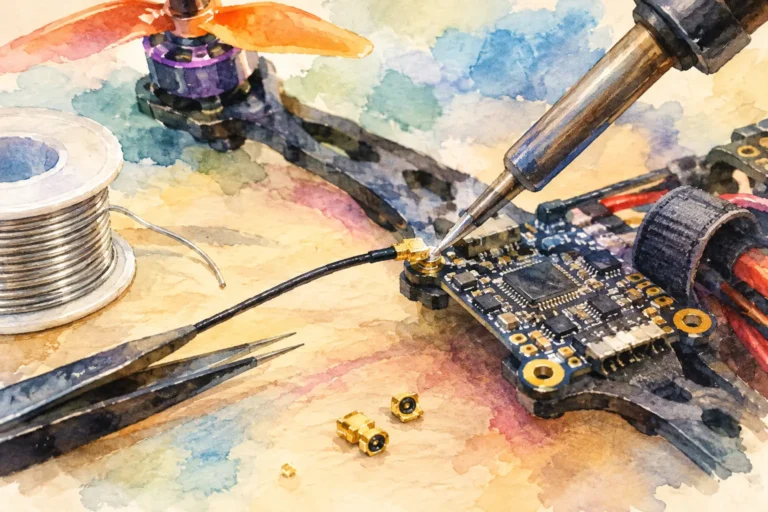
If you are rebuilding an older aircraft, consider whether the receiver decision exposes a wider weak point. A worn antenna lead, poorly mounted video transmitter, damaged connector or noisy power supply can reduce video performance long before a new receiver reaches its potential.
Receiver sensitivity matters, but diversity wins flights
Sensitivity describes how well a receiver can recover a weak signal. In practical terms, higher sensitivity can preserve a view for longer as the aircraft moves further away or drops behind light obstruction. It is valuable, but it should not be read as a guaranteed distance figure. Test conditions, transmitter power and antenna gain can make published comparisons difficult to apply directly to your field.
A diversity receiver uses two or more receiver paths, normally connected to different antennas. It selects the stronger or cleaner feed as the aircraft moves through the air. This is one of the most useful features for pilots who fly varied lines rather than simply travelling straight out and back.
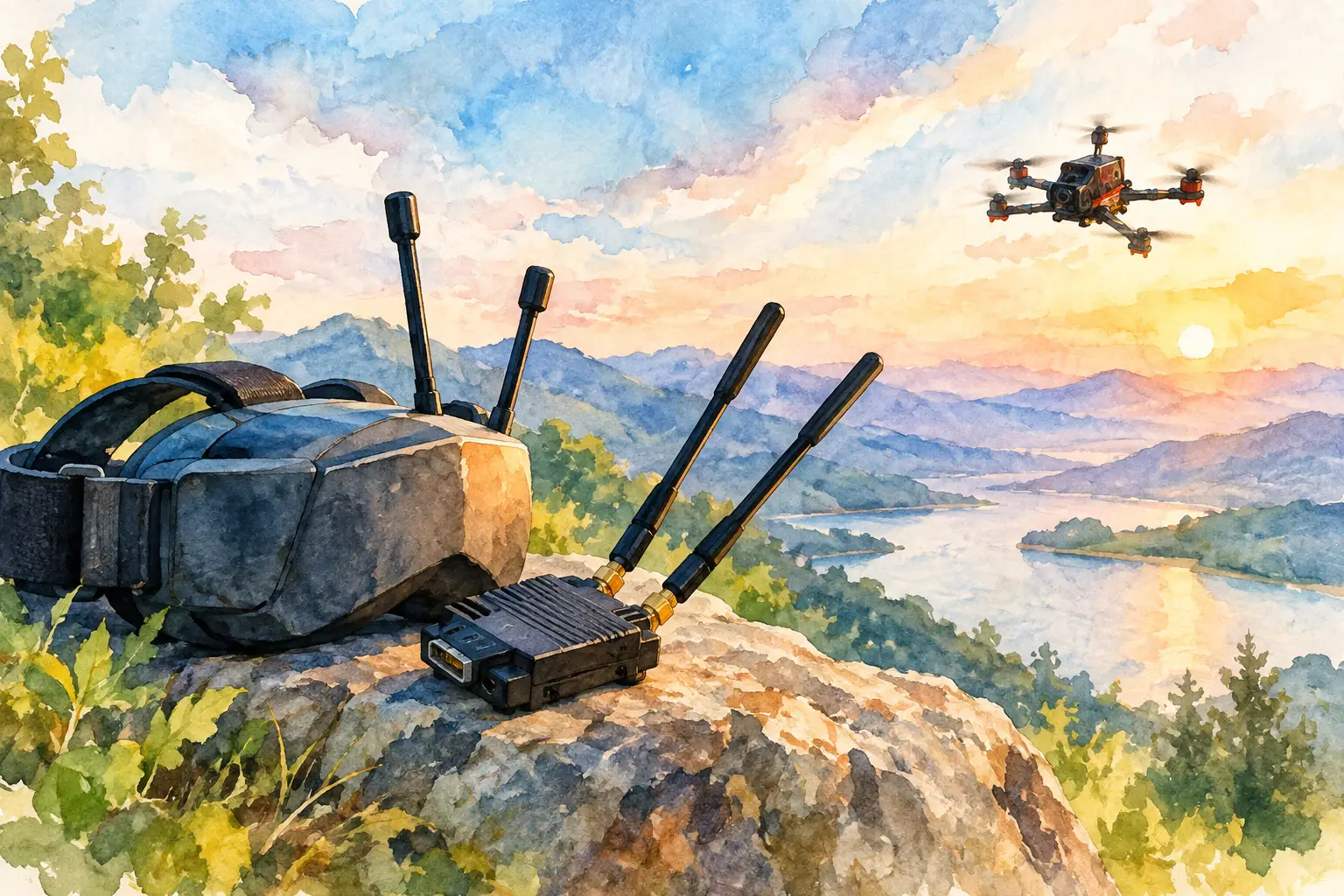
A typical ground-station arrangement combines an omnidirectional antenna with a directional antenna. The omni covers broad areas around the pilot, making it useful for take-off, landing and close manoeuvres. The directional antenna concentrates its gain in one direction, which can improve reception along a planned route or at longer distances. Diversity allows the receiver to benefit from both, provided the directional antenna is aimed correctly.
There is a trade-off. A high-gain directional antenna has a narrower coverage pattern. If the aircraft moves well outside that pattern, the gain advantage can disappear quickly. Pilots flying a wide freestyle area may value broad coverage more than maximum forward range. Pilots running a known corridor, ridge line or inspection route may benefit more from a carefully aimed directional setup.
Match antenna polarisation and connector type
A receiver can only work with the signal it is given. Antenna polarisation must match between aircraft and ground station. Circularly polarised antennas are common in analogue FPV because they can reduce the effect of multipath interference. Right-hand circular polarisation and left-hand circular polarisation are not interchangeable. Pair like with like.
Linear antennas can be effective and compact, particularly where both ends remain aligned, but they are more affected by changes in aircraft attitude. This is why a compact linear antenna may suit a small close-range build, while a long-range aircraft often benefits from a considered circularly polarised arrangement.
Check connectors before ordering. SMA and RP-SMA are often confused because they look similar, yet their centre pin arrangement differs. Forcing the wrong connector can damage equipment or leave you with a poor electrical connection. Also inspect the coaxial lead and any adapter in the chain. Every unnecessary adapter introduces another potential loss point.
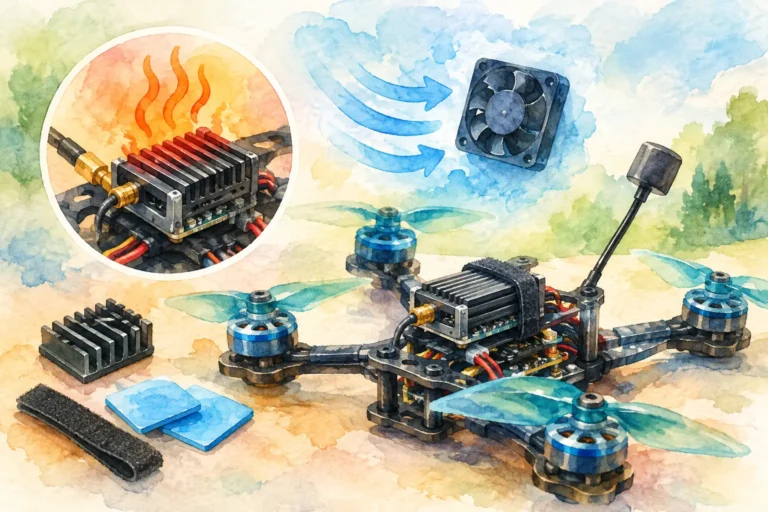
Receiver placement matters too. Keep the ground station clear of metal obstructions where possible, elevate antennas when the terrain demands it, and avoid placing sensitive receiving equipment directly beside high-noise electronics. A tidy station with antennas positioned intentionally will often outperform a more expensive receiver used carelessly.
Plan around the environment, not open-field claims
An open field with a clear line of sight is the easiest environment for any video link. Trees, terrain folds, warehouses, vehicles and dense housing change the equation. At 5.8 GHz, even modest obstacles can absorb or reflect enough signal to affect the image. Flying lower than the surrounding terrain can remove the line of sight entirely, regardless of transmitter output or receiver quality.
Long range is therefore about route planning as much as hardware. Think about the aircraft’s position in three dimensions. A pilot standing on a slope may have a dramatically better signal path than one standing at the bottom of the same hill. Raising the ground-station antennas can help, but it cannot reliably overcome a ridge between pilot and aircraft.
RF noise is another variable. Busy sites may contain Wi-Fi equipment, other pilots, industrial electronics or nearby transmitters. Scan the environment where possible, assign channels with care when flying in a group, and avoid assuming a setup tested at one location will perform identically at another.
Build in margin instead of chasing the last metre
The most useful long-range setup is not the one that produces a marginal picture at an extreme distance. It is the one that maintains a confident, readable image through normal turns, changes in height and realistic local interference. Treat the first signs of picture degradation as operational information, not a challenge to press further.
Bench-test the system before flight, then perform short, controlled range checks in an approved open area. Watch how the receiver behaves during turns, climbs and passes behind minor obstacles. Test the aircraft at the power level you genuinely intend to use, with the final battery, camera, antenna and airframe arrangement installed.
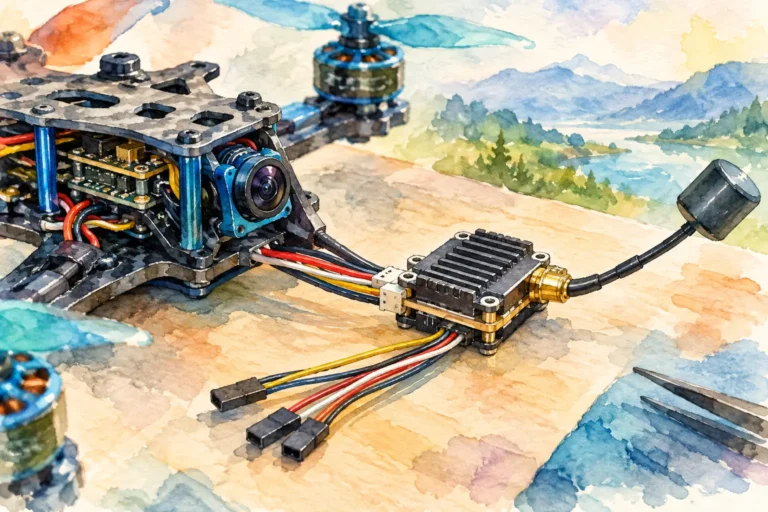
Pay particular attention to vibration and connector strain. A video transmitter antenna connection that is secure on a workbench can become intermittent after repeated landings. Protect coaxial leads, support antennas properly and inspect every connection after a hard impact. Reliability is built through these details.
Choose for your flight objective
A lightweight park build, a cinematic cruiser and a purpose-built long-range platform should not share the same priorities. Small aircraft may need compact hardware and broad close-in coverage. A cruiser can justify a more capable diversity receiver, a better ground station and directional antennas because the flight path is more deliberate. Professional operators may also prioritise recording, display options, repeatable ground-station mounting and integration with their wider workflow.
Aviadiag supports builders who need to configure around a specific flight objective rather than settle for a generic setup. When standard receiver and transmitter combinations do not match the build, define the video system, antenna requirements, aircraft layout and operating environment before selecting components.
The best next move is simple: choose the receiver that fits your video protocol, then give it the antennas, installation and operating margin it needs to perform. A clean picture is not just a better view of the flight. It is the information that lets you make better decisions before the aircraft reaches the edge of its link.