Have Additional Questions? Contact Us: info(at)aviadiag.com

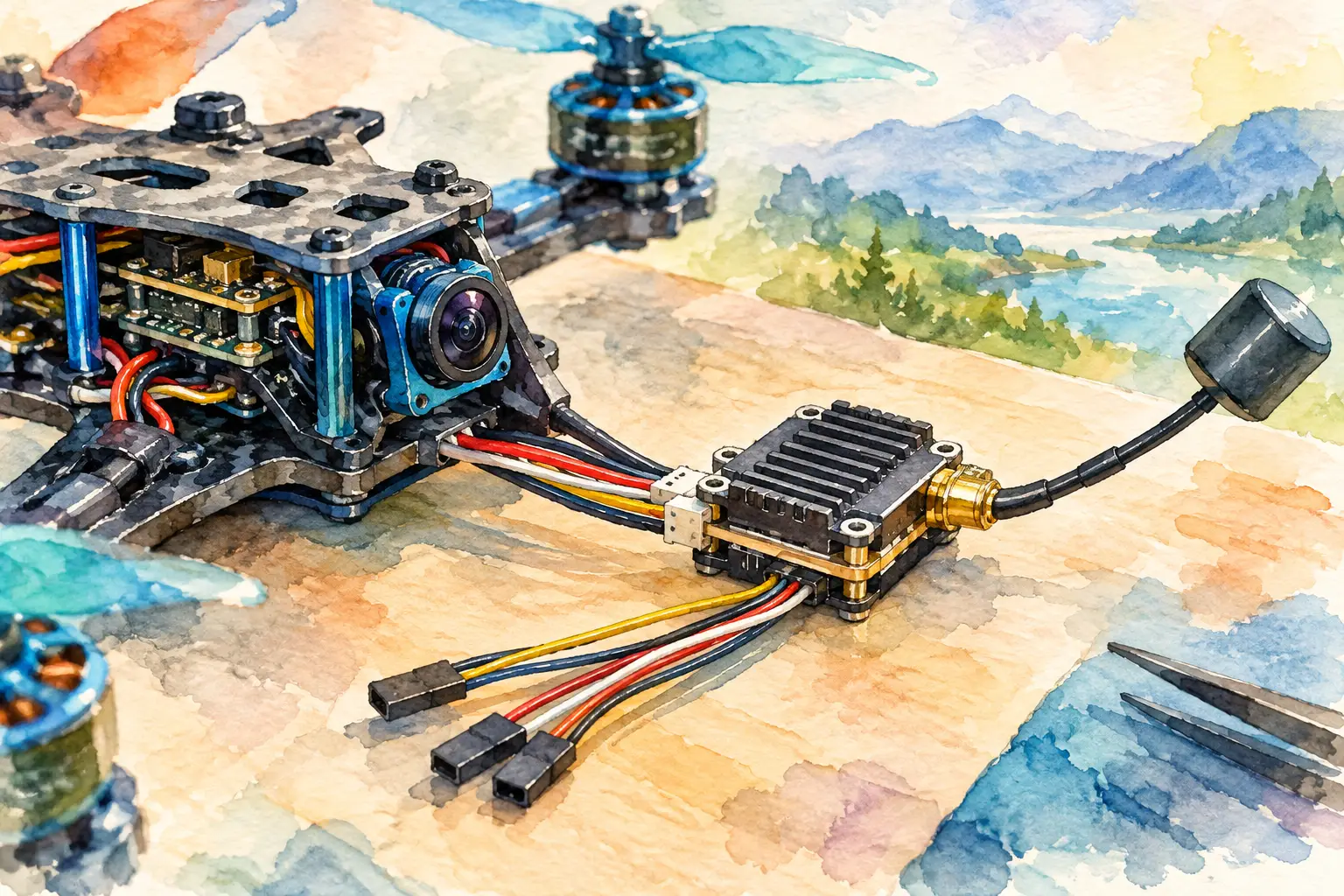
A VTX can be perfectly capable on paper and still deliver a noisy, unstable or short-range video link if it is wired into the wrong rail, the wrong video pad, or a poor ground path. This guide to VTX wiring focuses on the decisions that protect your transmitter and give your FPV build a dependable picture when the aircraft is under load.
Before a soldering iron touches the stack, identify the exact flight controller, camera and VTX variants in front of you. Pad labels vary between manufacturers, and wire colours are not a wiring standard. Work from the pinout and voltage specification for each component, not from a photo of a different build.
Start with the VTX wiring map
For a typical analogue FPV setup, the VTX normally needs four functional connections: positive power, ground, video input and a control wire for SmartAudio or Tramp telemetry. Some units also offer audio, LEDs, a secondary ground, or an extra telemetry connection. Those extra pads are useful only when your system supports them.
The core video path should be understood before you solder it. A camera produces an analogue video signal. The flight controller can overlay OSD data, such as battery voltage, timer and link quality, onto that signal. The VTX then sends the completed image to your goggles or ground receiver.
In the most common arrangement, wire the camera video output to the flight controller camera input, then wire the flight controller VTX video output to the VTX video input. This gives the flight controller control of the image path and allows Betaflight OSD to appear in the goggles.
A direct camera-to-VTX connection can work, but it bypasses the flight controller OSD. It may make sense on an exceptionally simple build or as a fault-finding step, but it removes useful flight data. For most performance-focused FPV builds, route the signal through the flight controller.
Read the pad labels, not the wire colours
A VTX harness may include red, black, yellow and white wires, but manufacturers do not always assign the same function to each colour. Confirm every wire against the VTX documentation. On the flight controller, identify the regulated power pads, ground pads, camera input, VTX output and an unused UART TX pad before planning wire lengths.
If your VTX has a plug, inspect the connector orientation as well. A reversed connector can put battery voltage on a signal pin, damaging the VTX, camera or flight controller in seconds.
Choose the right power source
Power is the wiring decision with the highest cost of getting it wrong. Check whether the VTX accepts direct battery voltage, commonly marked VBAT or BAT, or whether it requires a regulated 5 V, 9 V or 10 V supply. Never assume that a VTX marked for a 6S build can be powered from every pad on a 6S flight controller. Read the allowed input range.
A direct battery connection gives the VTX access to the full pack voltage. That may be appropriate for a transmitter designed for it, especially when the flight controller’s regulated rails cannot supply enough current. The trade-off is that electrical noise from motors and ESCs is more likely to reach the VTX. A quality low-ESR capacitor at the ESC battery pads is essential for controlling voltage spikes and video noise.
A regulated 9 V or 10 V pad is often a cleaner choice for a VTX that supports it. However, confirm the regulator’s current rating. A high-output VTX may draw more current than a small flight controller regulator can deliver, particularly during startup or when transmitting at higher power. An overloaded regulator can cause blackouts, random reboots or a regulator failure that takes other electronics with it.
Use a regulated 5 V pad only when the VTX explicitly accepts 5 V and the available current is sufficient. Do not connect a 5 V-only VTX to VBAT. Likewise, do not power a VTX from a camera power output unless that output is specified for the VTX load.
Grounding that protects the video signal
Every VTX needs a solid ground connection. The ground wire completes the power circuit and provides a reference for the analogue video signal. A weak solder joint, a broken ground lead or an overly long, poorly routed ground can show up as rolling lines, flicker, loss of image or intermittent power.
Where possible, use a ground pad close to the selected VTX power pad. For analogue builds, the camera, flight controller and VTX must share a common ground reference. Many flight controllers provide several ground pads, and using nearby pads is normally practical. The goal is not an elaborate wiring pattern but short, secure connections with clean solder joints.
Keep video signal wires away from battery leads, ESC motor wires and high-current power distribution where the frame permits. Cross noisy wires at an angle rather than running them in parallel for a long distance. This will not rescue a damaged camera or a poor regulator, but it can reduce the noise coupled into an analogue video line.
Connect SmartAudio or Tramp correctly
VTX control lets you change band, channel and output power from the OSD or a configured radio switch. It also supports pit mode on compatible equipment, helping you avoid transmitting at full power while other pilots are active nearby.
For SmartAudio or Tramp, the VTX control pad normally connects to a spare flight controller UART TX pad. The exact pad name may be T1, TX2, TX3 or similar. In most analogue installations, this is a single control wire rather than a crossed TX/RX pair. Configure that same UART in the flight-controller software for the protocol your VTX uses.
Do not connect the VTX control wire to a receiver UART already needed for ELRS, Crossfire, GPS or another serial peripheral unless you have verified that the port can support the intended configuration. UART planning early in the build prevents later compromises.
Digital video systems require more variation. Some use a dedicated plug and may need both TX and RX lines, while others carry OSD data through a manufacturer-specific harness. Follow the digital system’s pinout precisely, including its voltage requirement. Treat analogue and digital VTX wiring as different layouts, even when both sit on the same flight controller.
Build for serviceability, not just first power-up
Cut wires to length with enough slack for stack movement and future maintenance, but not so much that loops can contact a propeller or snag during a crash. Heat-shrink exposed joints and secure the VTX where airflow can reach it. High-power transmitters generate meaningful heat, and a VTX enclosed tightly in foam may overheat even when the wiring is correct.
Fit the correct antenna before supplying power. Running many VTX units without an antenna can damage the RF output stage quickly. Make sure the antenna connector is fully seated, and use strain relief if the antenna lead is likely to be pulled in a crash.
For analogue systems, a compact wiring sequence is usually camera power and ground to the flight controller, camera video to CAM, FC VTX video to the VTX video input, then VTX power, ground and control wire. Check each joint under magnification. Look for solder bridges between adjacent pads, especially on tightly packed VTX connectors and flight controller UART pads.
Bench-test the link before the first flight
Remove propellers before applying battery power. Use a smoke stopper for initial power-up where possible. It can prevent a small solder bridge from becoming a destroyed flight controller or VTX.
Power the quad and check that the VTX appears on the expected band and channel. Confirm that the goggles or receiver show a stable image, then inspect OSD operation. If SmartAudio or Tramp is configured, change the VTX channel or power level in the OSD and verify that the transmitter responds.
Test with the motors armed only after the props have been removed and the video system has already passed its basic checks. Watch the image as motor speed rises. Fine static may be normal in an analogue system, but severe horizontal lines, image collapse or VTX resets point to a power-noise, grounding or regulator-capacity issue.
Diagnose common VTX wiring faults
A black screen with VTX power present often means the video path is wrong. Confirm camera power first, then trace camera video to the FC camera input and FC VTX output to the VTX video input. A picture with no OSD commonly indicates that the camera is connected directly to the VTX or that the flight controller video pads have been reversed.
If the VTX powers up but cannot be changed through the OSD, check the control wire location, the selected UART and the SmartAudio or Tramp setting. A VTX that resets when armed or when output power is increased is more likely dealing with an inadequate regulator or voltage sag than a software issue.
Noise that tracks throttle input usually points towards power-system interference. Recheck the ESC capacitor, VTX power source, grounds and wire routing. Do not chase settings in the OSD before confirming the electrical foundation.
A clean video link begins with disciplined wiring, not a higher transmit-power setting. Build the power path for the VTX you are actually using, give the video signal a clean route through the flight controller, and verify every function on the bench. That work gives your aircraft the video confidence to fly harder and farther within the limits of your operating environment.