Have Additional Questions? Contact Us: info(at)aviadiag.com

A VTX that becomes hot on the bench is not automatically faulty. A VTX that overheats within a short hover, drops video, loses power output or burns your fingers after landing is a build problem worth solving immediately. To fix FPV VTX overheating, start by separating normal operating heat from excessive temperature caused by poor airflow, incorrect power, a damaged antenna path or an unsuitable installation.
FPV video transmitters convert electrical power into RF output, and that process creates heat. Higher-output units create more of it. The goal is not to make the VTX cold. The goal is to give it a stable power supply, a correctly matched antenna system and enough moving air to hold a reliable video link through the flight.
Know When VTX Heat Is Actually a Problem
Most VTX units run surprisingly warm, especially when powered at 400 mW, 800 mW or above. On the workbench, there is no propwash crossing the frame, so a unit may feel very hot after only a minute or two. That alone does not prove failure.
The warning signs are performance-related. Look for video that fades or cuts out after a few minutes, a VTX that reboots, changing output power without command input, distorted image quality, a burnt-electronics smell, or a heat-shrink cover that softens or discolours. A unit that becomes too hot to touch almost immediately at low output power also deserves attention.
Start testing with props removed, a correctly fitted antenna and a short power-up interval. Never power an analogue VTX without an antenna attached. An open or damaged RF path can reflect energy back towards the transmitter and can destroy its output stage quickly.
Diagnose the Cause Before Replacing the VTX
When builders try to fix FPV VTX overheating, they often replace the transmitter first. That can mask the fault rather than remove it. Check the installation as a complete video system.
First, confirm the selected power level in the VTX menu, button settings or flight-controller OSD. A unit intended for a compact 5-inch build may be set to maximum output after a configuration change, even though the original setup only required 25 mW or 100 mW. Pit mode can also be misleading: if it has been disabled unintentionally, the VTX begins transmitting at full selected power as soon as the quad is plugged in.
Then inspect the power source. Many VTX units accept a wide input range, but that does not mean every supply is equally clean. A noisy or over-voltage supply can increase internal stress and create video interference alongside excess heat. Measure the actual voltage at the VTX power pads with a multimeter, not only at the battery connector. Check your wiring diagram and verify whether the unit is fed from raw battery voltage, a regulated BEC or a dedicated VTX pad on the flight controller.
If the VTX is supplied by a regulator, confirm that regulator is not overloaded by cameras, LEDs, receivers or other accessories. A weak regulator may sag under load, causing repeated resets and heat cycling. If the VTX is rated only for a regulated supply, raw battery voltage can cause permanent damage even if it initially appears to work.
Give the VTX Airflow That Exists in Real Flight
Airflow is the most common mechanical answer to overheating. Carbon frames, TPU mounts and tightly packed electronics can turn the rear of a quad into a heat pocket. A VTX buried under a flight controller, pressed against a battery strap, or wrapped tightly in foam has nowhere to shed heat.
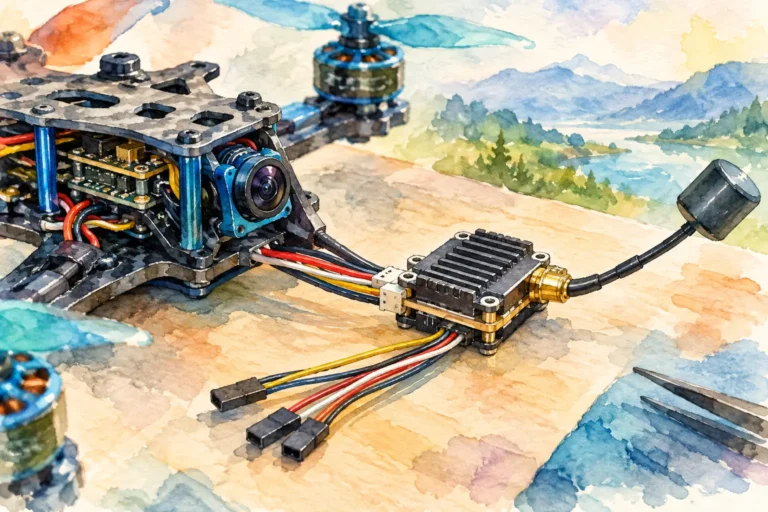
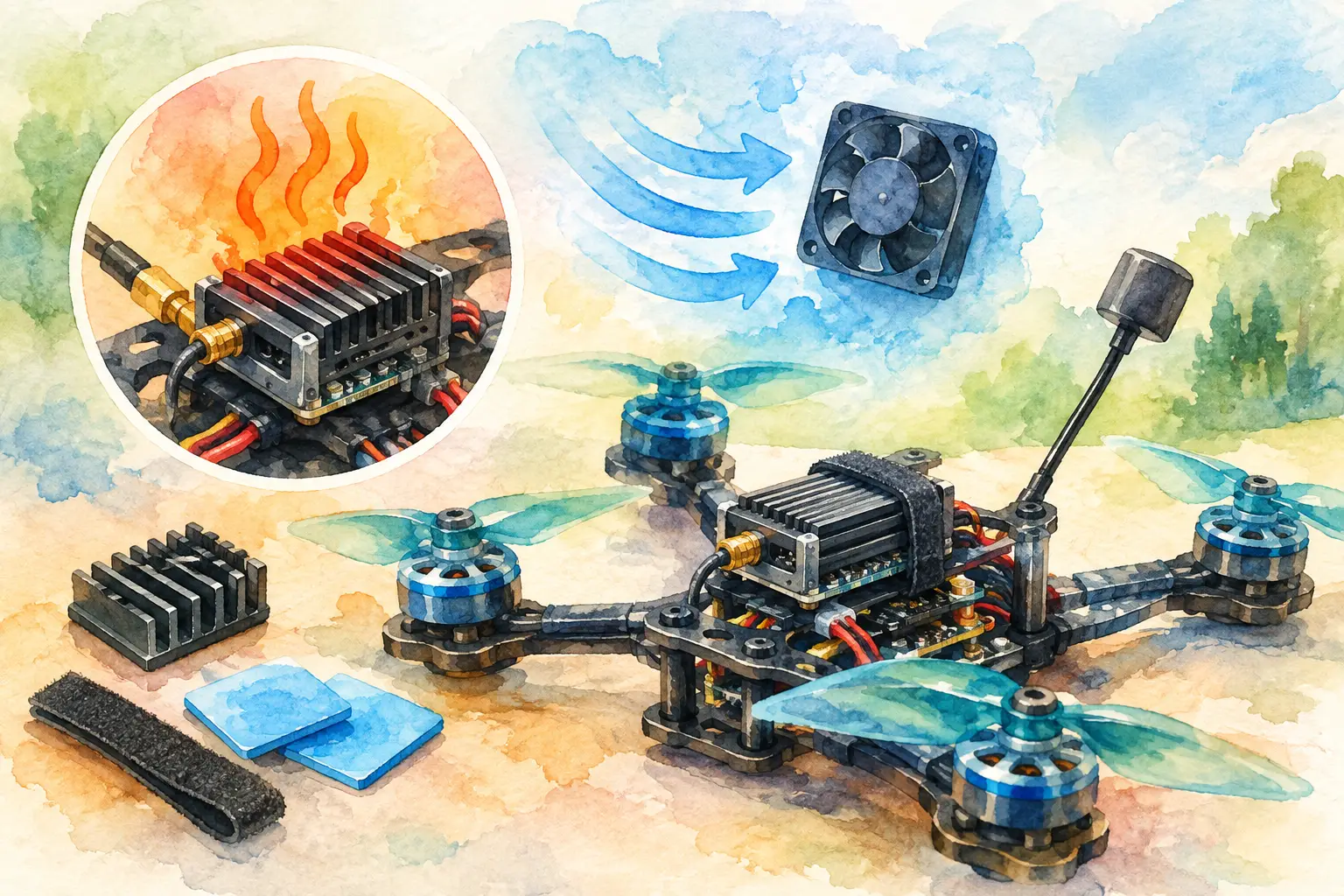
Mount the unit where propwash can move across its heat sink or metal case. On many freestyle frames, a rear stack position with open side access works well. On compact builds, moving the VTX away from the flight controller can be more effective than simply adding more thermal tape. Leave a small air gap where possible and avoid trapping the transmitter between solid carbon plates.
Do not assume a printed mount is always the problem. TPU is useful for vibration control and cable management, but a full enclosure can retain heat around a high-power unit. Use an open-sided mount, shorten unnecessary cable loops and keep the VTX clear of heat sources such as ESC capacitors and voltage regulators.
Bench heat still needs respect. If you are configuring your VTX table, setting channels or checking camera output for more than a minute, point a small fan at the electronics. This gives you repeatable testing without treating a stationary quad like it is in forward flight.
Check the Antenna, Connector and RF Match
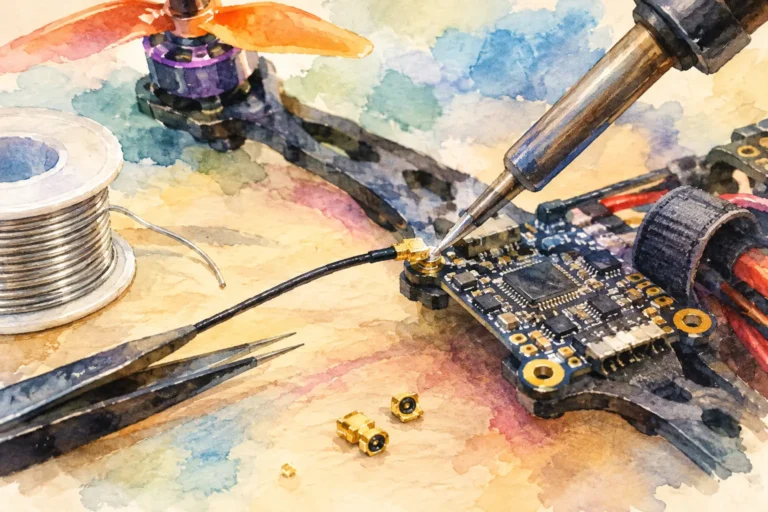
A weak antenna connection can create both poor range and excessive VTX stress. Inspect the antenna first, then the connector on the transmitter. An SMA or RP-SMA mismatch may look connected while failing to make the correct centre-pin contact. MMCX and U.FL connectors can loosen after crashes, and a partly detached connector may produce intermittent video or a transmitter that runs hotter than expected.
Check for crushed coaxial cable, split outer insulation, bent centre pins and antennas that have taken repeated prop strikes. If you have another known-good, correctly polarised antenna, test with it before assuming the VTX itself has failed.
Polarisation matters for link performance but is not normally the direct source of overheating. A right-hand circular polarised antenna paired with a left-hand circular polarised receiver antenna will reduce usable signal quality. A missing, damaged or incorrectly connected VTX antenna is the urgent thermal concern.
Also keep the antenna lead away from sharp carbon edges. A cable that looks acceptable on the bench can be pinched when the top plate is tightened or when the battery is fitted. Route it with enough slack for frame flex, but not so much that it can reach a propeller.
Reduce Output Power When the Flight Does Not Need It
More RF power is not a universal upgrade. It can improve penetration and usable range when the rest of the system supports it, but it also increases VTX temperature, battery demand and the chance of causing interference to nearby pilots. For local flights, testing and close-range freestyle, lower output power may be the better engineering choice.
Select power for the environment and the video system, not for the largest number printed on the specification sheet. A clean antenna installation, appropriate channel selection and a capable receiving setup can deliver a stronger practical link than maximum VTX power in a poorly ventilated frame.
If you run high output for long-range or demanding operational work, build around that requirement. Use a VTX rated for the selected power, provide direct airflow and make sure its supply voltage remains within specification under full throttle. The transmitter should be part of the aircraft design, not an afterthought squeezed into the remaining space.
Inspect Soldering and Nearby Components
A solder bridge, damaged pad or partially broken ground connection can cause unusual current draw. Inspect the VTX under good light and magnification. Look for solder whiskers between power pads, heat-shrink cut by a carbon edge, melted insulation and wires that pull against their pads.
Pay particular attention after a crash or frame rebuild. It is easy to reverse polarity, move a wire to the wrong pad or connect a control wire where regulated power should be. If the VTX became hot immediately after rewiring, disconnect power and compare every connection with the manufacturer pinout before applying voltage again.
A camera fault can occasionally complicate diagnosis, particularly when camera and VTX share a regulated rail. Disconnect non-essential video peripherals and test the VTX with a known-good camera if the wiring allows. This narrows the problem without introducing multiple changes at once.
When Replacement Is the Safer Choice
Replace the VTX if it overheats rapidly at low power with a verified antenna, correct input voltage, open airflow and clean wiring. The same applies if its output becomes inconsistent, its metal case has discoloured, or it no longer maintains settings after power cycling. RF output stages can be damaged by operation without an antenna, severe crashes or sustained thermal overload, and the fault may not be visible externally.
Choose a replacement that fits the build’s voltage range, connector type, mounting pattern and expected transmit power. For specialised aircraft or non-standard video-link requirements, matching the VTX, antenna lead and power architecture before installation prevents repeated failures. Aviadiag can support component-focused builds where standard fitment is not enough.
Before the next flight, power the quad with the antenna installed, verify the correct channel and output setting, and check for stable video with a cooling fan during bench work. A VTX should earn its place in the build by delivering a dependable link under load, not by surviving a hot bench test.