Have Additional Questions? Contact Us: info(at)aviadiag.com

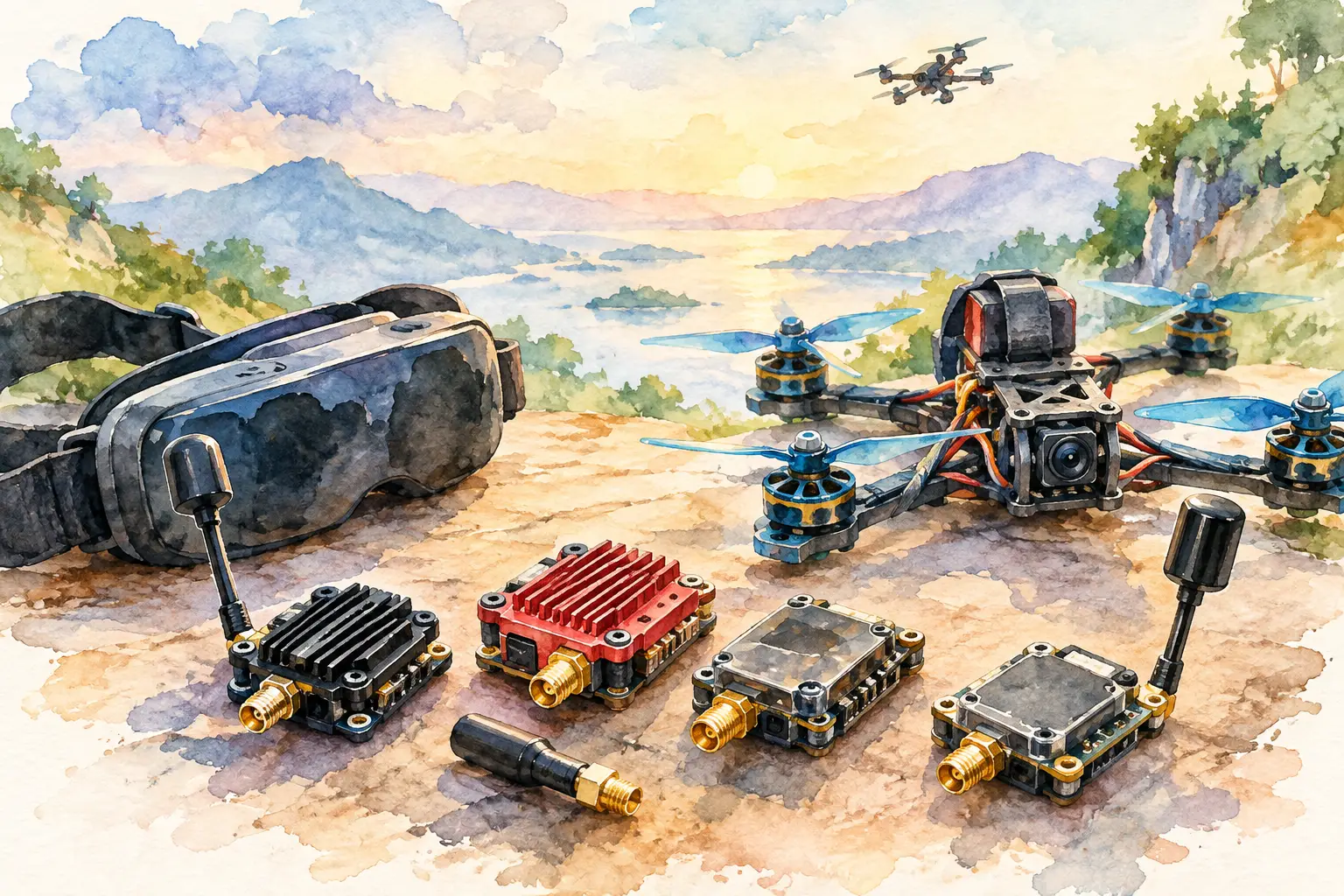
A VTX is not just another board in the stack. It defines how confidently you can fly behind trees, around structures, across open ground, or alongside other pilots without your video feed collapsing. Knowing how to choose FPV VTX hardware starts with the mission: a light freestyle quad, a long-range platform, a fixed installation, and a high-density race meet all need different answers.
Choose the video-link architecture first, then match power, cooling, antenna system, control and physical fit to the aircraft. Chasing the highest milliwatt figure without considering the complete link is how a promising build ends up with noise, heat and poor practical range.
Start with your video system
The first decision is compatibility. An analogue VTX sends a composite video signal from an analogue camera and works with a compatible 5.8 GHz analogue receiver and goggles or monitor. It offers low latency, wide component choice and a simple repair path. For compact builds, close-proximity flying and pilots who want to tune every part of the link, analogue remains a capable option.
Digital FPV systems use an air unit and must be matched to the relevant digital ecosystem. A standard analogue VTX cannot be added to a digital setup as a replacement for the digital air unit, and an analogue receiver cannot decode the digital signal. Before ordering anything, confirm the camera, air unit or VTX, receiver and display hardware are designed to work together.
There are also specialised wired and fibre-based video architectures. These solve a different problem from radio FPV transmission and need to be selected as a complete system around cable type, reel capacity, connectors and operating environment. Do not treat an optical-fibre disc as an antenna alternative for a conventional 5.8 GHz VTX.
Choose FPV VTX band and channel with the field in mind
For conventional analogue FPV, 5.8 GHz is the familiar choice because it supports compact antennas and a broad range of equipment. Its limitation is that higher frequencies are more easily blocked by terrain, foliage and buildings than lower-frequency systems. A more powerful transmitter can improve a weak signal, but it cannot make solid objects disappear.
Check that your transmitter provides the bands and channels you expect to use. This matters most when flying with others. Two pilots on neighbouring channels can interfere significantly, particularly when one transmitter is operating at high power. The channel name on a VTX menu is not enough: compare the actual frequency and leave sensible separation between active pilots.
At organised sites, follow the channel plan rather than selecting a channel by habit. At your own location, scan the environment with a receiver or spectrum tool where possible. Existing analogue video traffic, Wi-Fi-heavy buildings and reflective metal structures can all make a clean bench test look very different in flight.
Output power is a tool, not a specification to maximise
VTX output is commonly expressed in milliwatts. Higher output power can extend a usable link when the antenna system, receiver and installation are already sound. It can also make a VTX hotter, draw more current, create more interference for other pilots and exceed permitted limits.
For a small local freestyle build, lower power is often the better operating setting. It reduces heat, limits disruption and is frequently sufficient when you maintain a clear flight area. Medium power can suit larger spaces or flights with moderate obstruction. Higher settings are best reserved for a defined operational need, a well-cooled installation and an environment where they are lawful and considerate of other spectrum users.
Range is not created by transmit power alone. Receiver sensitivity, diversity or directional receiving antennas, antenna placement, polarisation, terrain and video quality settings all matter. Doubling transmitter power does not double range. In practical terms, cleaning up a damaged antenna, moving it clear of carbon and choosing a better receiving setup can deliver more value than stepping up to the next power setting.
Use only frequencies and power levels permitted where you operate. In Great Britain, radio use is subject to applicable Ofcom requirements, and rules can vary by band, equipment type and operating conditions. Check the current requirements before flight, especially for high-power or specialist equipment.
Match the VTX to the aircraft’s power and space
A VTX must accept the voltage your build actually supplies. Some units run from a regulated 5 V rail, while others accept wider battery-voltage input. Feeding battery voltage into a 5 V-only transmitter can destroy it immediately. Conversely, a VTX powered by an overloaded or noisy regulator may show video noise, brownouts or unreliable channel changes.
Read the input-voltage range, current demand and wiring diagram before soldering. Allow margin on the regulator rather than calculating only from nominal current. Motors, digital systems and accessories can introduce electrical noise, so route power and video wiring thoughtfully and use filtering where the design calls for it.
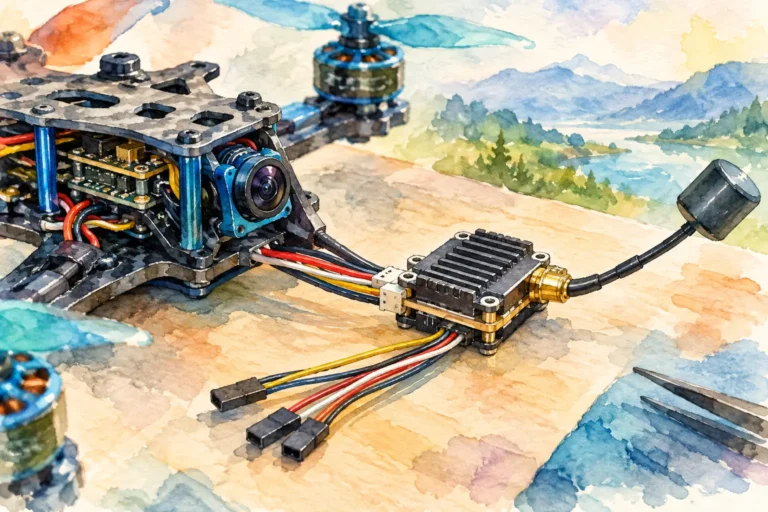
Physical format matters just as much. Confirm mounting pattern, board dimensions, connector orientation and the path for the antenna coax before committing to a frame. A compact whoop has very different space and heat constraints from a 7-inch long-range quad or a larger custom airframe. If the VTX uses a pigtail, ensure the cable can reach the exterior without a sharp bend or a point where prop strikes are likely.
Weight should be judged in context. Saving a few grams may be worthwhile on a small aircraft, but it is a poor trade if it forces inadequate cooling, a weak antenna mount or a transmitter that cannot deliver the required output reliably.
Cooling decides whether the quoted power is usable
A VTX produces heat whenever it transmits. On the bench, there is no prop wash, so even a quality unit can become extremely hot within minutes. Never leave a powered VTX sitting on a workbench for longer than necessary without airflow, particularly at elevated power.
In flight, position the unit where it receives moving air but is protected from direct impact and debris. Avoid wrapping it tightly in foam or trapping it beneath components that hold heat. If your aircraft will spend time stationary, fly slowly, or operate in hot weather, treat thermal management as a primary requirement rather than an afterthought.
Look for useful thermal protection and a clear power-control method, but do not assume protection makes poor installation acceptable. A VTX that repeatedly reduces output to protect itself is telling you the build needs more airflow or a lower operating setting.
Build the antenna system around the VTX
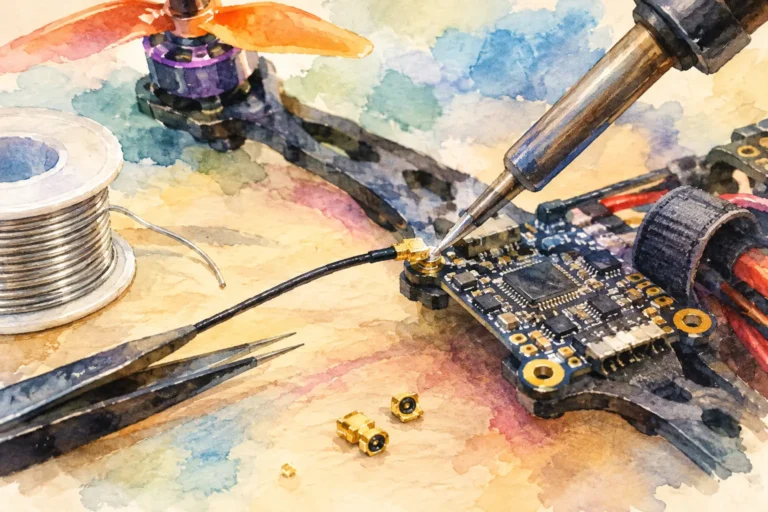
The VTX connector must match the antenna or pigtail you plan to use. Common compact connectors are easy to damage and are not interchangeable. Confirm whether the unit has a direct connector, a soldered coax lead or an included pigtail, then confirm the mating connector before purchase.
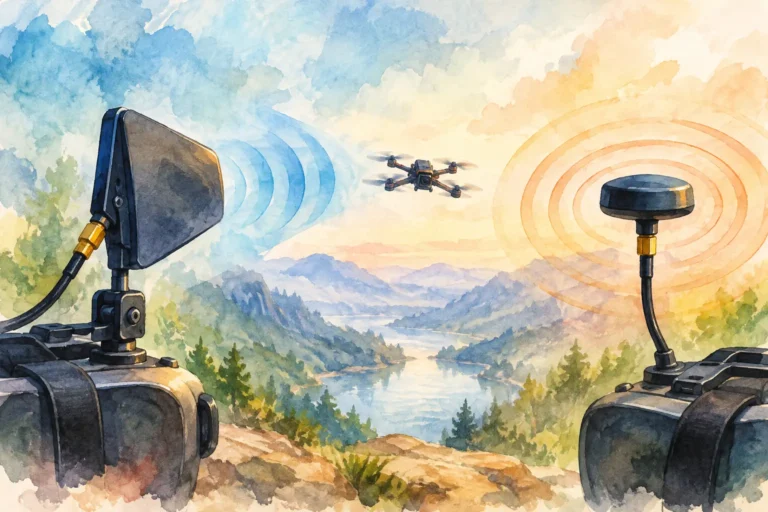
Polarisation must also match across the link. A circularly polarised right-hand antenna should normally be paired with right-hand receiving antennas; left-hand pairs with left-hand. Mixing them can severely reduce signal strength. Linear antennas can be suitable in some applications, but they are generally more affected by aircraft orientation and multipath reflections.
Keep the transmitting antenna clear of carbon fibre, batteries, electronics and the flight controller where possible. Carbon can shadow or detune the antenna, while a badly placed antenna can be blocked by the airframe exactly when the aircraft turns away from you. Secure the antenna mount so a crash does not transfer force directly into the VTX connector.
Prioritise control, configuration and recovery
A transmitter that supports flight-controller control can save time in the field. Depending on the unit and system, this may mean configuring channel, band and power through a menu protocol, a button interface or an on-screen display. Confirm compatibility with your flight controller firmware and available UARTs before planning the wiring.
Easy configuration is more than convenience. It lets you lower power when sharing a field, select an agreed channel at an event and confirm settings after a repair. If the VTX provides a pit or low-power mode, use it during setup and when waiting near other pilots. That reduces heat and prevents unnecessary interference.
Before the first flight, verify the actual channel and power setting in the goggles or receiver, not only in a configuration screen. Check for clear video with the motors armed only when safe to do so, inspect the antenna connection, and perform a short range test in a controlled area.
Select for the mission, then leave margin
A capable FPV link is designed as a system. For a compact analogue build, that may mean a low-weight VTX, sensible output setting, clean regulated power and a durable circularly polarised antenna. For a demanding custom platform, it may mean higher output, deliberate cooling, receiver-side diversity and a carefully planned antenna location.
Aviadiag supports builders sourcing specialised FPV transmitters, receivers and connectivity hardware for standard upgrades and nonstandard configurations. The right choice is the unit that fits your complete aircraft, your operating environment and your permitted operating conditions – then gives you enough margin to fly with confidence rather than hoping raw power will fix the rest of the build.