Have Additional Questions? Contact Us: info(at)aviadiag.com

A new antenna can look like a direct fit, thread onto a VTX pigtail cleanly, and still fail at the centre contact. That is the costly trap behind SMA versus RP-SMA connectors in FPV builds. At 5.8 GHz, a connector mismatch is not a cosmetic problem. It can leave your video transmitter without a proper antenna load, weaken a link, or risk damage when the VTX is powered.
For pilots building for reliable video, the answer is not to buy the connector labelled “female” or “male” by instinct. Inspect the centre contact, match the complete antenna path, and treat the connector standard as part of the RF system.
SMA versus RP-SMA connectors: the actual difference
SMA and RP-SMA connectors use the same threaded outer shell, which is why they are so easily confused. Both are common 50-ohm RF connector families, both appear on 5.8 GHz equipment, and both may be fitted to similar-looking bulkhead mounts and antenna bases. The difference is the centre conductor.
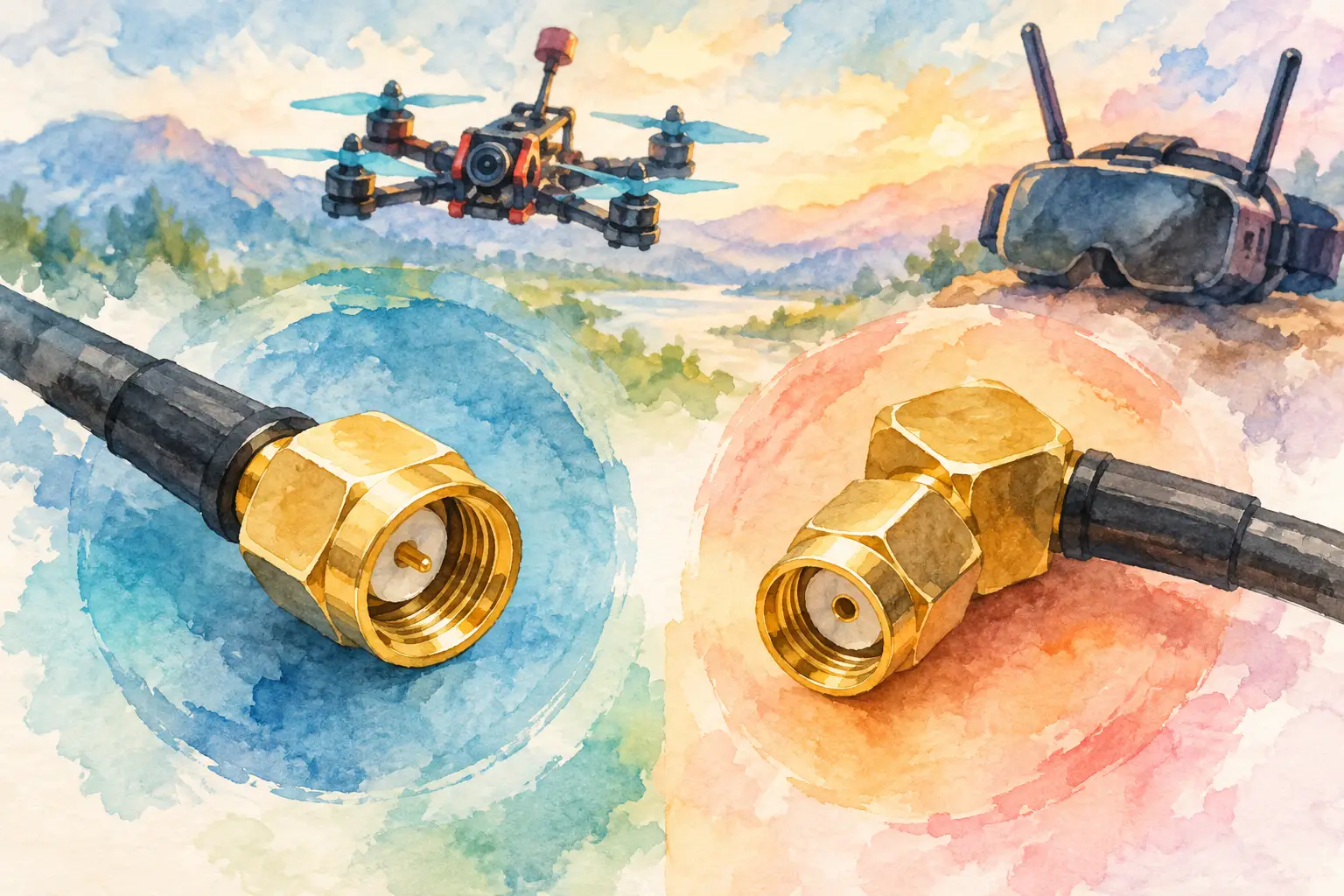
A standard SMA male connector has an internally threaded coupling nut and a centre pin. Its matching SMA female jack has external threads and a centre socket. RP-SMA, meaning reverse-polarity SMA, keeps the same outer-thread arrangement but reverses the centre contact. An RP-SMA male has a centre socket, while an RP-SMA female has a centre pin.
The term “reverse polarity” does not mean the RF signal is electrically reversed, and it has nothing to do with antenna polarisation. It simply describes the swapped centre-pin arrangement. Your RHCP or LHCP antenna choice remains a separate decision.
Connector bodies can deceive you
The outer shell is only half the identification job. A common FPV VTX pigtail with external threads may be an SMA female jack or an RP-SMA female jack. From a distance, they look alike. Look directly at the centre contact: a hole indicates standard SMA female; a protruding pin indicates RP-SMA female.
Likewise, an antenna with an internally threaded nut may be SMA male if it contains a pin, or RP-SMA male if it contains a socket. Never assume the label “antenna connector” tells you enough. Check both the thread style and the centre contact before ordering.
How SMA and RP-SMA connections mate
This quick reference applies to the common connector bodies found on FPV antenna leads and bulkhead mounts.
| Connector type | Outer thread arrangement | Centre contact | | — | — | — | | SMA male | Internal thread | Pin | | SMA female | External thread | Socket | | RP-SMA male | Internal thread | Socket | | RP-SMA female | External thread | Pin |
A standard SMA male antenna mates with an SMA female VTX port. An RP-SMA male antenna mates with an RP-SMA female VTX port. The threads of an incorrect pairing may begin to engage, but the centre contacts will not mate correctly. In some cases, pin-to-pin contact can prevent full seating. In others, socket-to-socket leaves no RF connection at all.
That is why mechanical fit is not proof of compatibility. Stop if the connection feels wrong, requires force, or does not tighten normally by hand.
Why the distinction matters on an FPV drone
An FPV video link has several linked components: the VTX output, any U.FL, I-PEX or MMCX pigtail, the bulkhead connector, the antenna, and the receiver-side antenna system. A mismatch at one point can undermine hardware that is otherwise well selected.
The immediate risk is running a transmitter into a poor or open load. Many modern VTX units include some level of protection, but that is not a reason to test a connector combination under power. Reflected RF energy can reduce output efficiency and create unnecessary stress on the transmitter’s RF stage. The result may be reduced range, inconsistent image quality, overheating, or a VTX that fails when you need it most.
Even a correct mating pair deserves attention. A loose connector, damaged centre contact, contaminated thread, or sharply bent coax lead can compromise the system. On a compact freestyle build, the antenna lead sees repeated vibration and impacts. A pigtail that is too short can pull at the VTX pad or connector; one that is too long adds clutter and can become an impact point. Build the antenna path for serviceability as well as signal performance.
Connector choice itself does not make one antenna inherently better than another. A high-quality SMA antenna is not automatically superior to an RP-SMA version of the same design. The performance difference comes from antenna tuning, polarisation, radiation pattern, cable quality, mounting position, and whether the connector is properly matched. Choose the connector format required by your hardware, then select the antenna that suits the flight objective.
Identify your VTX port before buying an antenna
Start at the transmitter, not at the antenna you want to use. Remove any antenna or protective cap and inspect the exposed connector under good light. If the port has external threads and a centre socket, it is standard SMA female. If it has external threads and a centre pin, it is RP-SMA female.
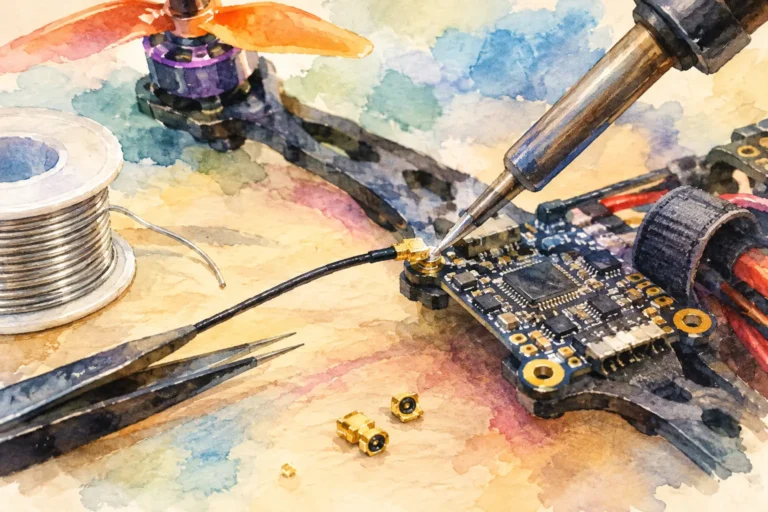
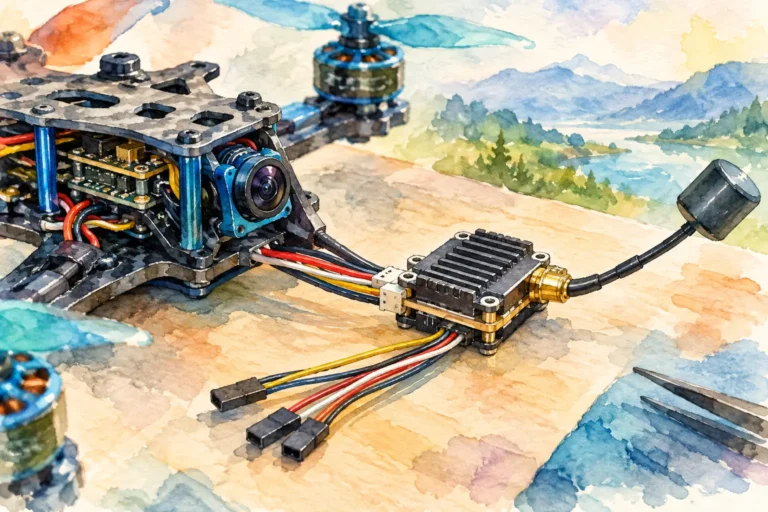
Then inspect the pigtail if your VTX does not carry a full-size connector directly. Many FPV transmitters use a compact U.FL or MMCX connection on the board and route it to an SMA or RP-SMA bulkhead mount. The connector on the VTX board and the connector at the antenna end are different interfaces. Ordering a U.FL pigtail with the wrong external connector simply moves the mismatch further along the system.
Product listings can add confusion because connector terminology is occasionally used inconsistently. Product photos help, but a clear view of the centre pin matters more than a generic connector label. When a specification and photo disagree, confirm the physical interface before committing it to a build.
When an adapter is the right answer
An SMA-to-RP-SMA adapter can be useful when you already own quality antennas in one format and need to connect them to a VTX or receiver in the other. It is also practical for bench equipment, fixed ground stations, and test configurations where space and strain are not concerns.
On a flight drone, an adapter is usually a compromise. It adds length, weight, another connection point, and more leverage on the bulkhead mount in a crash. Every additional RF interface is another place for looseness, contamination, wear, or small insertion losses to develop. For a permanent aircraft build, the cleaner approach is generally to use the correct antenna or the correct VTX pigtail from the start.
If you do use an adapter, make it a deliberate part of the configuration. Keep it tight by hand according to the component guidance, avoid pliers, and secure the antenna lead so the connector is not carrying the load of every landing and prop wash vibration.
Do not confuse connector type with RF specification
Most FPV antenna hardware is designed around 50 ohms, but connector family alone does not guarantee impedance, frequency capability, or quality. SMA-format components also exist in versions intended for other applications, and low-cost parts may have vague specifications or poor centre-contact tolerances.
For a 5.8 GHz FPV system, use components explicitly specified for the band and for 50-ohm use. Check that the antenna is designed for your video frequency range, that its polarisation matches the rest of the link, and that the pigtail is rated for the connection type used by your VTX. An SMA connector that fits is only one requirement in a reliable RF path.
Also avoid forcing a threaded connection to solve a gender mismatch. Damaging the centre pin or deforming the socket can create an intermittent fault that is difficult to diagnose later. A replacement pigtail costs far less than a lost aircraft or a damaged transmitter.
Before your next build session, make connector inspection part of the same routine as checking motor screws, prop direction, and VTX channel settings. A clear photo of the VTX port and a confirmed centre-contact type will let you choose antenna hardware with confidence – and keep the video link focused on the flight ahead.