Have Additional Questions? Contact Us: info(at)aviadiag.com

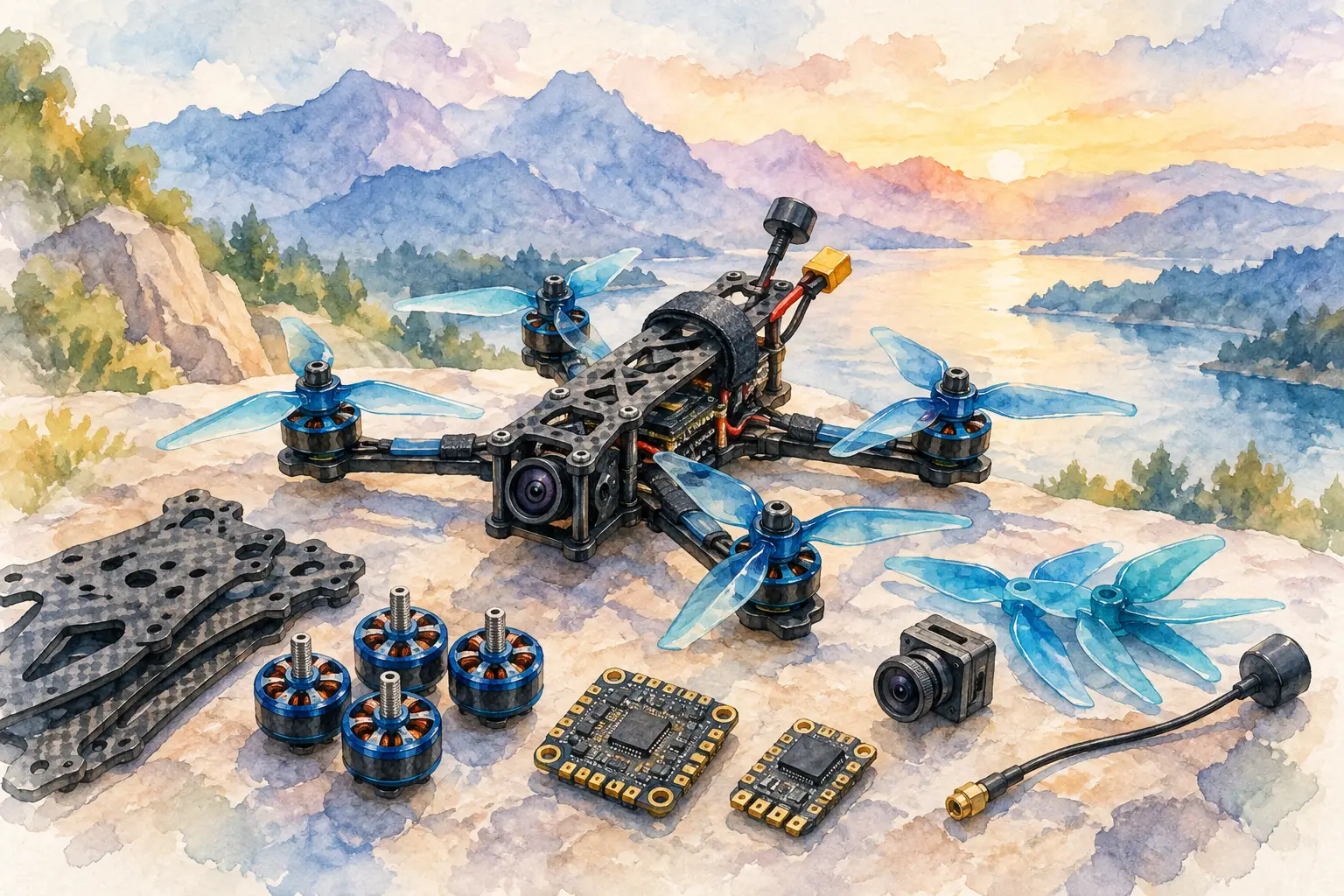
An FPV build rarely fails because one component is inherently poor. It fails when the video link, power system, airframe layout and intended flight role are treated as separate decisions. FS3MW drone hardware is best selected the same way you would select any specialised component: by defining what the aircraft must do first, then verifying every interface around it.
For experienced builders, that means looking beyond a product name or headline specification. The right unit has to fit the available power budget, physical installation space, antenna arrangement and wider communications architecture. A clean installation that supports a reliable video feed is usually more valuable than adding capability that the rest of the aircraft cannot support.
Selecting FS3MW drone hardware for the build
Start with the airframe’s purpose. A compact freestyle platform, a long-range observation build and a specialist commercial aircraft each place different demands on onboard hardware. Weight distribution, cooling, vibration isolation and cable routing may matter as much as the electronic function itself.
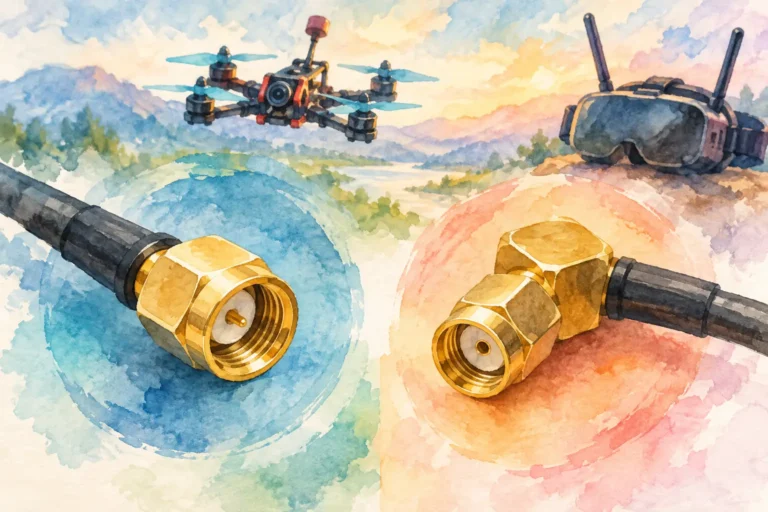
FS3MW drone hardware should be considered within the complete FPV chain: camera, transmitter or interface hardware, antenna system, receiver and display endpoint. Confirm connector types, voltage range, control compatibility and the space required for safe mounting before committing to a layout. If one part requires an adaptor, extra regulator or awkward lead run, account for the added failure points rather than treating them as minor details.
This approach also prevents an expensive but common mistake: choosing parts around a preferred unit, then forcing the aircraft to accommodate them. Build from the mission requirement outward. The result is a more deliberate aircraft and a simpler fault-finding process when adjustments are needed.
Video-link reliability begins with installation
A dependable FPV picture is shaped by the whole signal path. Hardware selection matters, but so do antenna placement, electrical noise control and mechanical protection. A high-performance unit can still deliver disappointing results when installed beside a noisy power source, trapped under carbon fibre, or connected through poorly secured leads.
Keep signal and power routing organised. Where practical, avoid running sensitive video wiring tightly alongside high-current motor and battery leads for long distances. Use appropriate strain relief so that repeated vibration, landing loads and maintenance do not pull on connectors. Check that cables cannot reach propellers, pinch against the frame or sit where a battery strap will crush them.
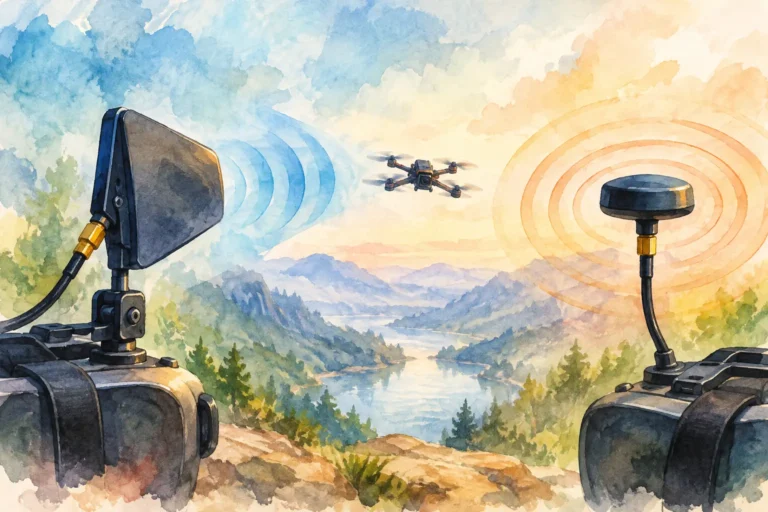
Antenna placement requires the same discipline. The best position depends on the frame material, the aircraft’s expected attitude and the surrounding hardware. An antenna obstructed by carbon components or installed too close to other transmitting equipment can compromise the link. Before final assembly, view the aircraft from the angles it will fly and ask whether the selected placement leaves the antenna clear enough to perform as intended.
Heat management is another installation decision, not an afterthought. Electronics that generate heat need airflow or a suitable thermal path, particularly in enclosed fuselages and tightly packed builds. Do not mount a unit against heat-sensitive materials simply because it is the only remaining space. Leave access for inspection and make sure the installation remains secure after several flight and transport cycles.
Match power planning to real operating conditions
Bench power is not flight power. A system that appears stable on the workbench can behave differently when motors are drawing current, battery voltage is falling and ambient temperature changes. Plan the FS3MW unit‘s supply around the actual voltage range of the build, including transients and the current requirements of connected equipment.
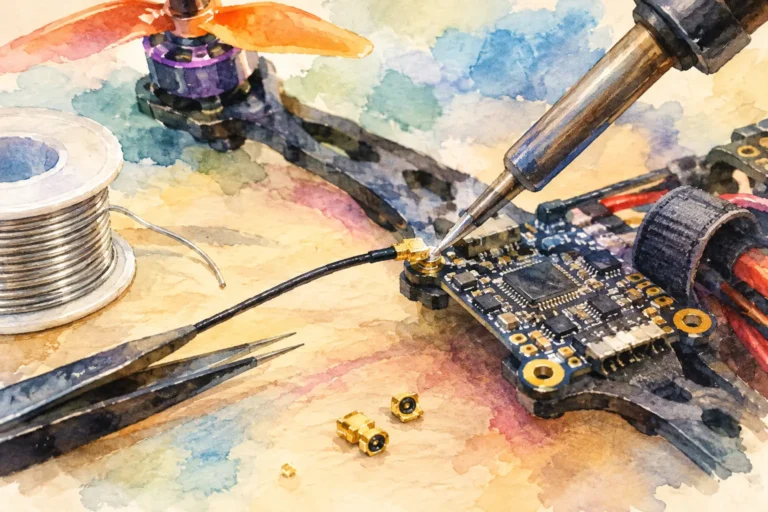
Use a power source appropriate to the component rather than relying on an unused pad because it is convenient. If regulation is required, choose a properly rated solution and keep the wiring run sensible. Inspect solder joints, connector retention and polarity before connecting valuable FPV hardware. A few minutes of verification can prevent damage that looks like a component fault but is actually a power-installation error.
Electrical noise deserves attention as well. Video systems can reveal problems that are less obvious elsewhere in the aircraft. If the image changes when throttle is applied, investigate grounding, power filtering, lead routing and the condition of the power system. Do not assume the transmitter, camera or receiver is at fault before isolating the source.
Build for serviceability, not just the first flight
Purpose-built aircraft evolve. Antennas get replaced, cameras are upgraded, firmware settings change and a hard landing may require a fast inspection. A tidy build gives you access to the parts that matter without dismantling half the frame.
Label non-obvious leads where the build is complex, retain enough slack for connector service, and route cables so that a single replacement does not require cutting multiple ties or removing major assemblies. For custom platforms, record the installed components, supply voltages and connection order. This is particularly useful when more than one person maintains the aircraft or when a build returns to the bench months later.
Mounting also involves a trade-off. A very rigid installation may protect a unit from shifting, while excessive rigidity can pass vibration directly into sensitive electronics. Select mounting methods that suit the frame, component size and flight environment. The target is controlled retention, not simply the tightest possible fit.
Test in stages before committing to the field
Do not wait until launch day to discover a configuration conflict. Test the video path in stages: first confirm clean power, then verify the camera or input, then check the transmitted and received image, and finally assess behaviour with the propulsion system active in a controlled setting.
During these checks, watch for image dropouts, interference patterns, overheating, unexpected restarts or loose connectors. Confirm that the antenna configuration is correct before applying power. Where settings are available, document the selected configuration so you can restore a known working state after future changes.
Field testing should remain compliant with applicable radio, aviation and site rules. Operate only where permitted, respect spectrum requirements, and use safe procedures appropriate to the aircraft and location. Specialist hardware gives a builder more configuration options; it does not remove the need for disciplined operation.
When a standard configuration is not enough
Some builds need more than an off-the-shelf layout. A non-standard airframe, unusual enclosure, fibre-based connection requirement or specific video-link objective may call for component matching before purchase. In those cases, the useful questions are concrete: What voltage is available? Which connectors are already specified? How much physical room exists? What is the required signal path? What environment will the aircraft operate in?
Aviadiag supports builders sourcing specialised FPV transmitters, receivers, optical fibre discs and associated hardware for defined requirements. Bringing the build details to the sales conversation makes it easier to identify a suitable path and avoid buying components that only appear compatible on paper.
FS3MW drone hardware earns its place when it serves a complete, well-planned system rather than becoming the system’s compromise. Define the aircraft’s job, protect the signal path, verify power and leave room for maintenance. That is how a collection of parts becomes an FPV platform you can trust to keep moving towards your flight vision.