Have Additional Questions? Contact Us: info(at)aviadiag.com

The best connectors for drone wiring are not necessarily the smallest or the most familiar. They are the connectors that match your current draw, wire gauge, vibration exposure and service plan without adding unnecessary resistance or weight. A clean FPV build can still fail in the field if a battery lead overheats, a receiver plug loosens or a video harness is pulled during a hard landing.
For performance-focused aircraft, connector choice is part of the power and signal-link design. Treat every connection as a deliberate interface: one that must survive prop wash, impact, repeated maintenance and the electrical demands of your chosen configuration.
Best Connectors for Drone Wiring: Match the Circuit
Start by separating high-current, motor, low-voltage power and signal circuits. A connector that works well for a GPS module is not appropriate for a battery lead, and a large battery connector is wasted on a 5 V peripheral. Matching the connector to the circuit keeps the build lighter, easier to diagnose and less vulnerable to intermittent faults.
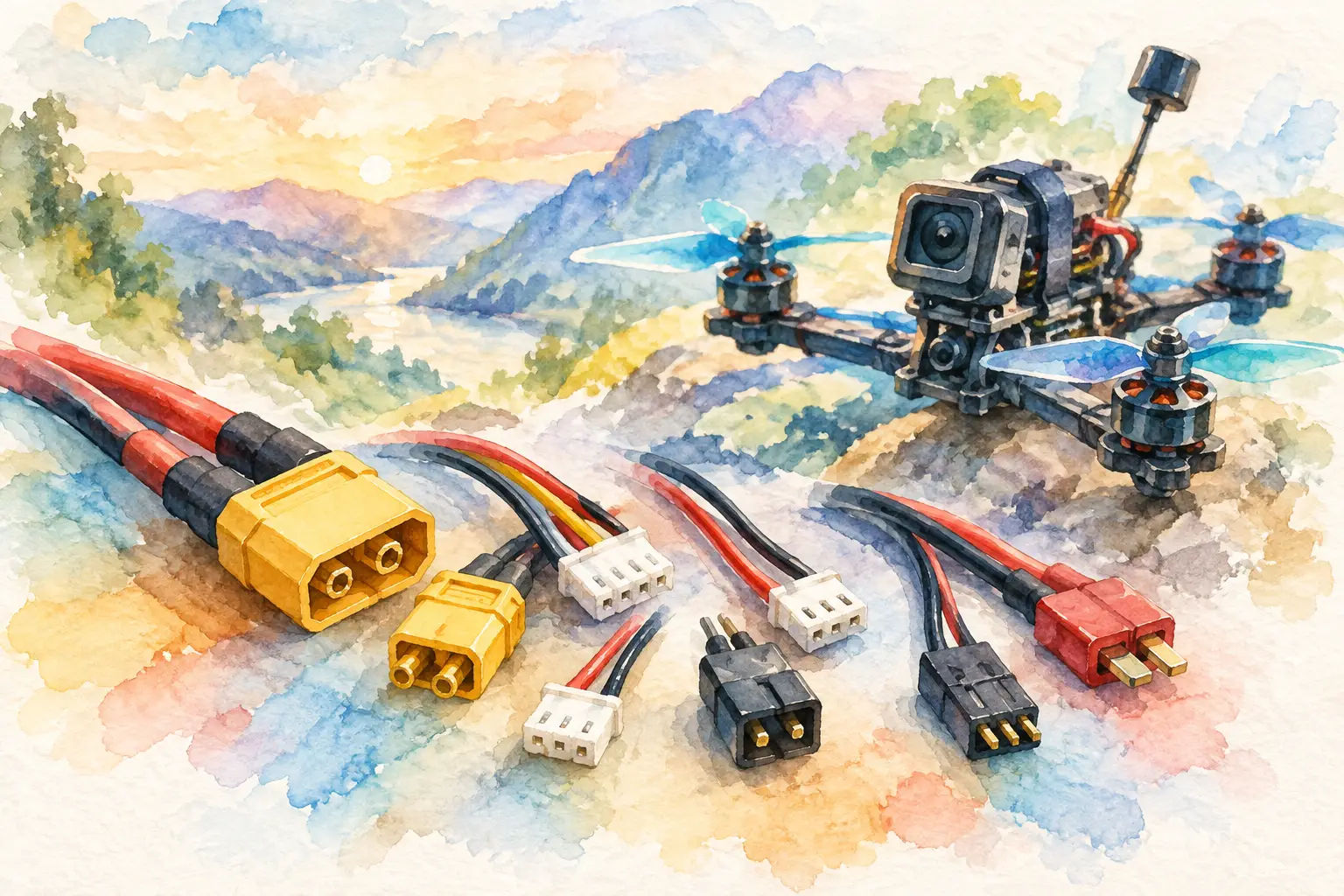
For the main battery connection, XT30 and XT60 connectors remain the practical standard across many FPV builds. XT30 suits compact quads and moderate-current setups where every gram matters. XT60 is the stronger all-round choice for 5-inch and larger builds with higher current demand. Its larger contact area and housing make it easier to solder correctly and more tolerant of repeated connection cycles.
XT90 connectors belong on heavy-lift, long-range or unusually high-current platforms where an XT60 would be operating too close to its practical limit. They add size and mass, so fitting one to a lightweight freestyle build simply because it looks more substantial is not a performance upgrade. Choose for measured current demand, not appearance.
For motor-to-ESC connections, direct soldering is usually the lightest and most reliable option on compact FPV quads. However, bullet-style motor connectors can make arm replacement faster on larger platforms and serviceable builds. MR30 and MR60-style connectors package multiple motor phases in a keyed housing, which can reduce assembly errors and tidy the wiring layout. The trade-off is additional mass, more solder joints and another potential point of failure.
Main Power Connectors: Prioritise Contact Quality
A high-current connector must maintain firm contact under load. Loose contacts create resistance; resistance creates heat; heat damages housings, solder joints and adjacent wiring. That sequence can end a flight long before the flight controller reports a useful warning.
Use genuine, correctly rated connectors wherever possible. Low-quality copies may look identical but often have thinner plating, weaker spring tension or plastic that softens under heat. For battery leads, this is a poor place to save a small amount of build cost.
Wire gauge matters just as much as connector type. An XT60 fitted to undersized silicone wire does not create a high-current lead. Likewise, heavy cable attached to a small connector may be difficult to solder properly and can place mechanical stress on the pad or housing. Keep the conductor, connector and expected current in the same performance class.
Strain relief is equally valuable. A battery lead should not rely on the solder pads alone when the pack lead is pulled during transport or a crash. Route the cable so the frame, capacitor mount or a restrained section of wire absorbs movement before it reaches the ESC pads.
Do not overlook the anti-spark question
Larger battery systems can produce a sharp inrush current when the pack is connected. This can pit contacts over time and stress input capacitors. Anti-spark solutions are most relevant on higher-voltage, high-capacitance aircraft, where they improve connector life and make pack connection more controlled. They are not mandatory for every FPV build, but they are worth considering when your power system has moved beyond a standard compact quad configuration.
Signal Connectors Need Positive Retention
Receiver, GPS, buzzer, camera-control and telemetry wiring carry far less current, but a momentary disconnect can be just as costly. For these circuits, small locking connectors are usually preferable to loose pin headers in any location exposed to frame flex or repeated servicing.
JST-SH connectors are common on modern flight controllers and peripherals because they are compact and light. They are well suited to UART devices, digital video harnesses and other low-current connections. Their small pitch demands careful crimping and gentle handling, particularly when disconnecting a plug from a board.
JST-GH connectors offer a more secure latch and are often favoured where vibration resistance and retention matter more than minimum size. They are a strong option for GPS units, professional payloads and field-serviceable signal harnesses. The additional bulk is modest, but the confidence of a more positive lock can be worthwhile on larger aircraft.
Servo-style connectors still have a place for conventional PWM accessories and some external modules, although they are not ideal where a locked connection is required. If your design uses them, route the lead carefully and secure it to the frame so a pull on the wire cannot lift the plug from the pins.
Do not assume plugs with a similar shape are interchangeable. JST is a family name, not a guarantee of shared pitch, keying or pin order. JST-SH, JST-PH and JST-GH systems have different dimensions and intended uses. Check the connector series, pin count, pitch and wiring order before applying power.
Build Harnesses for Maintenance, Not Just First Flight
The cleanest wiring installation is not always the best service installation. Direct soldering saves weight and eliminates a connector, but it can turn a simple camera or receiver replacement into a full rebuild. Use removable harnesses where you expect to service or upgrade components, especially on aircraft carrying specialised FPV transmitters, receivers or non-standard payload hardware.
A practical approach is to solder permanent connections for the ESC, capacitor and core power distribution, while using compact locking harnesses for replaceable peripherals. This keeps the critical current path short and gives you access to the parts most likely to change between configurations.
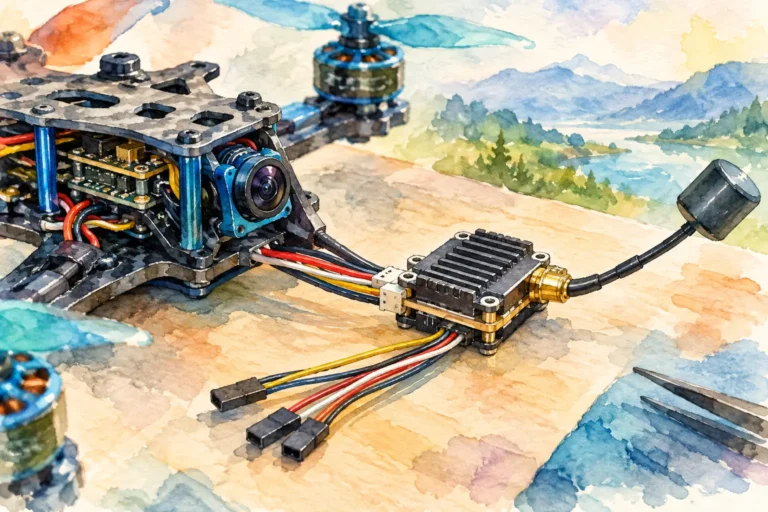
For digital video systems, use the supplied harness where possible. It normally matches the unit’s voltage, grounding and UART requirements, and it reduces the risk of reversing a plug during installation. If you must create a custom loom, confirm every pin against the manufacturer’s diagram rather than matching wire colours alone. Wire colours are convenient conventions, not electrical proof.
Optical-fibre-based configurations require even more discipline. Fibre interfaces, FOP optical fibre discs and their associated hardware should be handled according to the specified termination and bend-radius requirements. Do not treat fibre like ordinary copper wire: crushing, sharply bending or contaminating an optical interface can degrade the link without producing an obvious external fault.
Crimping Versus Soldering
A correctly made crimp is often superior to a poorly soldered small connector. Proper crimping forms a controlled mechanical and electrical bond without wicking solder up the wire, which can leave a stiff section prone to vibration fatigue. The catch is that good crimps require the correct terminals, wire size and die set.
For small JST-style harnesses, a quality ratcheting crimper and a few practice terminals are worth the effort. Pull-test every crimp before inserting it into the housing. The conductor crimp should grip bare copper; the insulation crimp should support the cable without cutting into it. A terminal that can move in the housing or pulls free under light tension is not ready for flight.
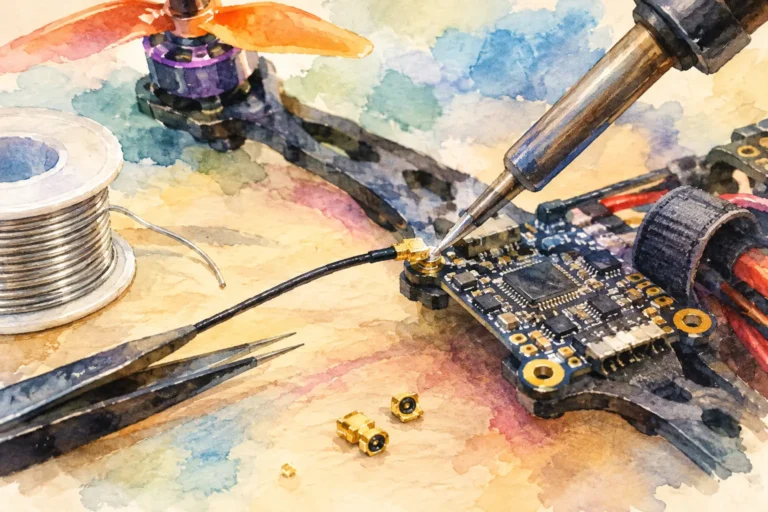
Soldering remains the practical choice for battery connectors, motor wires and direct board connections. Use enough heat to flow solder quickly, but not so much that insulation retreats excessively or the connector housing softens. A dull, grainy joint usually signals poor heat transfer or movement while cooling. Rework it before it becomes an intermittent fault at full throttle.
Inspection Before You Arm
Connector failures are often visible before they become airborne failures. Check for melted plastic, darkened contacts, exposed strands, cracked insulation and wires that can move at a solder joint. Confirm polarity with a multimeter before plugging in a new battery, especially after replacing an XT lead or building a custom harness.
Also inspect the mechanical route. No lead should rest against a spinning bell, sharp carbon edge or hot component. Secure long signal wires with appropriate restraint, but avoid pulling ties so tight that they pinch insulation or place constant strain on a connector.
If your build needs an unusual harness, specialised video-link arrangement or a component combination outside standard stock configurations, Aviadiag can help you source hardware around the aircraft you are actually building. Choose connectors early, make every joint serviceable where it needs to be, and your wiring will support the flight vision rather than limit it.