Have Additional Questions? Contact Us: info(at)aviadiag.com

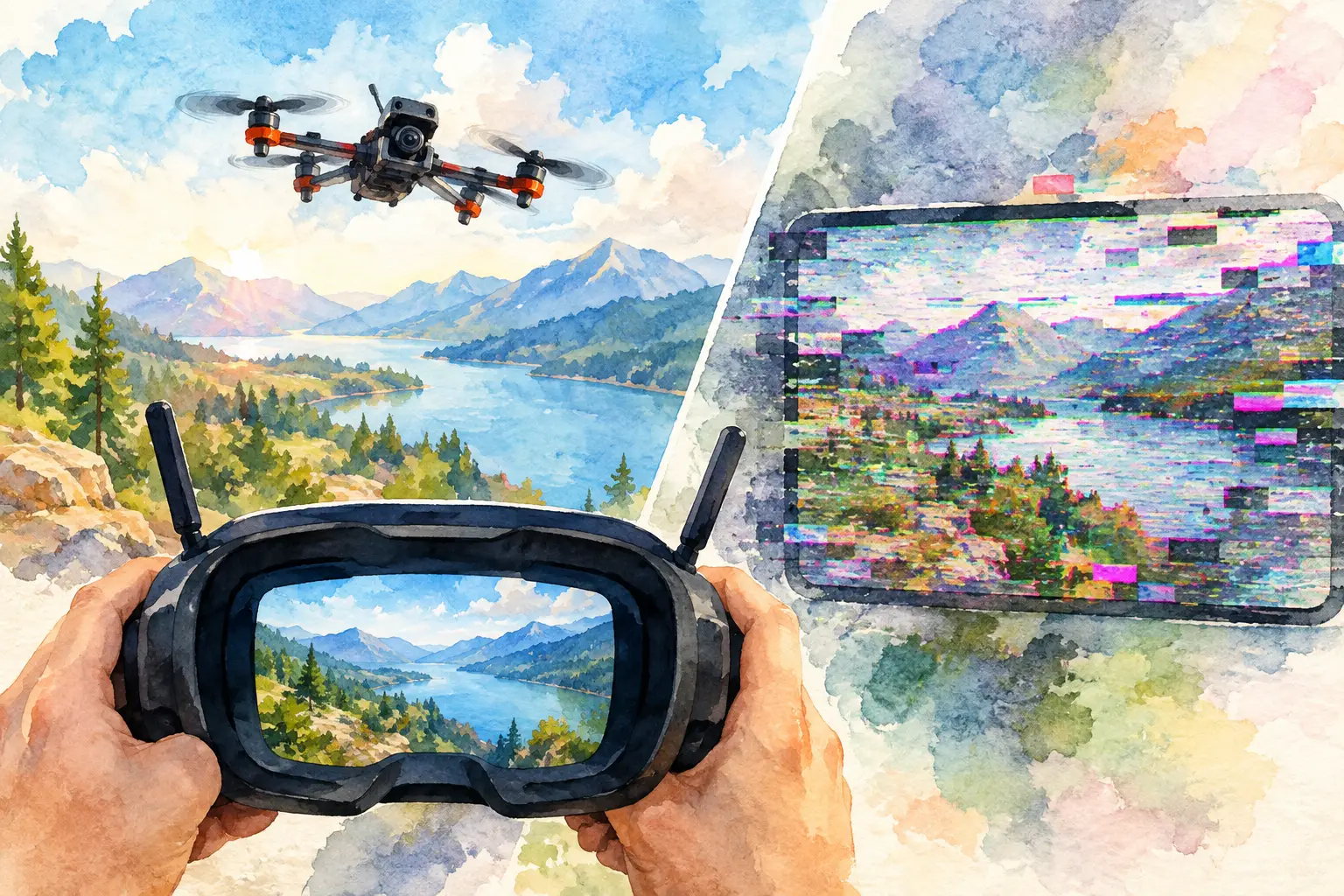
A clean FPV feed can fall apart in a single turn: snow appears behind trees, the image rolls during a punch-out, or a digital feed freezes just before a gap. If you are asking, “why does my FPV video break up”, the answer is rarely one universal fault. Video breakup is the visible result of a weakened RF link, but the cause may sit in the aircraft, on the ground, in the environment, or in the way those parts work together.
The quickest route to a reliable link is not simply fitting the highest-power video transmitter available. Build the system around the flight environment, confirm each component is doing its job, then isolate the failure with short, repeatable tests. That approach gives you a dependable feed without adding unnecessary weight, heat, or complexity.
Why Does My FPV Video Break Up During Flight?
Your video transmitter sends a radio signal to the receiver or goggles. As distance increases, obstacles block the path, antennas move out of alignment, or competing signals occupy the same spectrum, the receiver has less usable signal to work with. Analogue systems show this as static, lines, colour shifts, or rolling. Digital systems tend to hold a clearer image until the link falls below its recovery threshold, then pixelate, stutter, or freeze.
That difference matters when diagnosing a fault. Analogue static that gradually worsens with range usually points to ordinary signal loss, an antenna problem, or an obstructed path. A digital system that fails sharply at a location which normally works can point to interference, incorrect channel settings, overheating, or a marginal antenna connection.
Do not diagnose from one dramatic moment alone. Review whether the issue occurs at a particular distance, heading, throttle level, altitude, or location. Pattern is evidence.
Start With the Antennas
Antenna faults account for a large share of sudden and avoidable video-link problems. Check both ends of the link before changing transmitter settings or replacing more expensive hardware.
First, confirm that the antenna is the correct type for the system. Circularly polarised antennas are commonly used on 5.8 GHz FPV links because they manage multipath reflections better than linear antennas. However, the transmitter and receiving antenna must use the same polarisation direction. A right-hand circular polarised antenna paired with a left-hand circular polarised antenna can lose a substantial amount of usable signal.
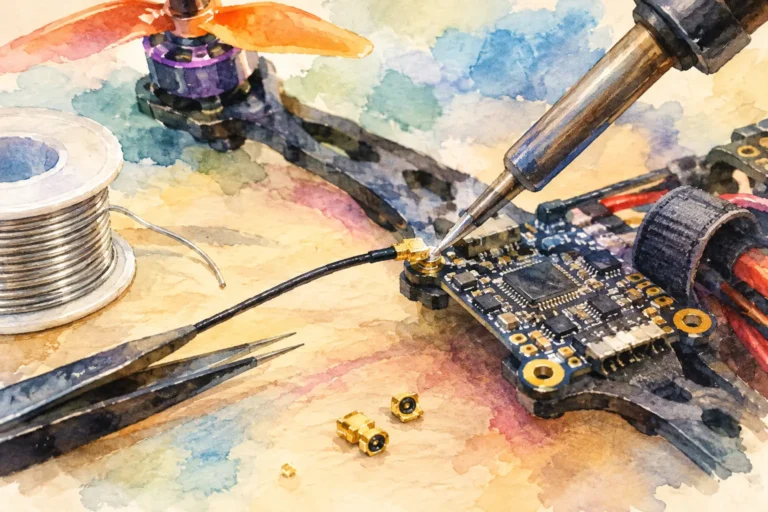
Inspect the connector closely. A loose SMA, RP-SMA, MMCX, or U.FL connection may look intact while producing poor range or intermittent breakup. Tiny U.FL connectors are especially vulnerable after crashes and repeated canopy removal. Look for a damaged centre pin, worn cable, cracked antenna housing, or a connector pulled partly from the VTX.
Never power a video transmitter without a suitable antenna connected. Reflected power can overheat and damage the transmitter output stage, leaving you with a unit that still transmits but no longer performs at its rated capability.
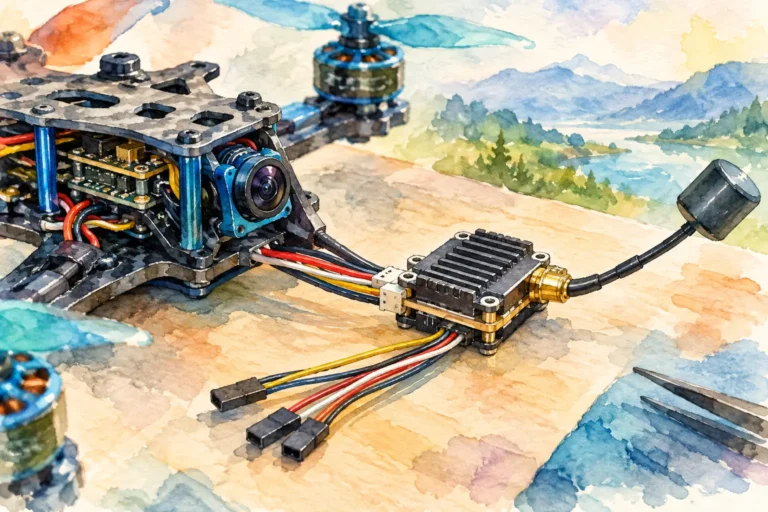
Antenna placement also changes the result. Keep the VTX antenna clear of carbon fibre, battery straps, action cameras, GPS hardware, and dense wiring. Carbon fibre can shield or detune the signal. On the receiving side, make sure directional antennas actually face the expected flight area. A patch antenna has gain because it focuses reception in one direction. Point it away from the aircraft and that advantage disappears.
Check VTX Power, Channel, and Heat
A VTX set to pit mode or a low output level can deliver a pristine bench image and still break up almost immediately once the quad moves away. Confirm the active power setting in the VTX menu, flight-controller OSD, or supported configuration tool. Do not assume that the selected value is the transmitted value, particularly after a firmware change, SmartAudio or Tramp configuration issue, or region-related power restriction.
Channel planning is equally important. Your goggles and VTX must be on the exact same frequency, not simply a similarly named band and channel. This is easy to miss when equipment labels use different channel tables. With analogue systems, manual frequency confirmation is more reliable than trusting an auto-scan result in a busy field.
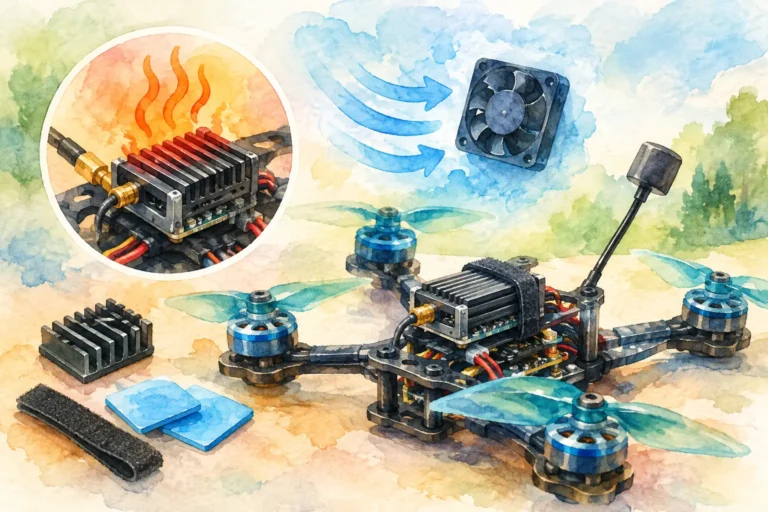
High output power has a trade-off. It can improve margin at range or behind light obstruction, but it adds heat and can create interference for other pilots. A VTX mounted with no airflow, wrapped tightly in heatshrink, or buried under a battery lead may reduce power or become unstable as it heats up. If breakup begins only after a few minutes of flight, land and check whether the VTX is excessively hot. Compare the behaviour when the aircraft is cool with the behaviour after a sustained hover or fast flight.
Use the lowest power level that provides a safe margin for the route you intend to fly. For close freestyle, a clean antenna setup and sensible receiver arrangement often matter more than extreme output power. For long-range work, higher power may be appropriate, but it must be paired with thermal management, disciplined channel use, and a receiver setup designed for the task.
Rule Out Power Noise and Electrical Faults
Video breakup that appears with throttle is a strong clue. When motors draw current, voltage ripple and electrical noise can reach the flight controller, camera, or VTX. On analogue builds this often shows as lines, flicker, or a changing image during punch-outs. Digital equipment may show dropped frames, restart behaviour, or a sudden reduction in link quality if its supply becomes unstable.
Check the battery voltage at the point where the VTX is powered, not only in the OSD. A poor solder joint, undersized wire, tired connector, or damaged regulator can sag under load. Inspect the VTX power and ground pads for cracked solder, especially after hard impacts.
If your build uses an analogue camera and VTX, test the camera from a clean regulated supply where practical. A faulty camera can mimic a transmission fault. Add or replace a low-ESR capacitor at the battery input if motor noise is reaching the electronics, and ensure the VTX is receiving the voltage it is rated to accept. More filtering is not automatically better if it introduces voltage drop or is installed poorly. The aim is stable supply voltage at the component.
Look at the Receiver, Not Only the Aircraft
A weak ground station can make a healthy aircraft look faulty. Inspect receiver antennas with the same care as the VTX antenna, including polarisation, connector security, and placement. Diversity receivers work best when their antennas see the flight area from slightly different positions or orientations. Two antennas pressed together do not create meaningful diversity.
For analogue goggles or a standalone receiver, a common practical arrangement is an omnidirectional antenna for nearby manoeuvres and a directional patch for distance. This combination is not magic. It needs correct aiming, compatible polarisation, and a flight path that spends enough time in the patch coverage area.
Receiver settings matter too. Some modules offer rapid switching, blending, or sensitivity modes. A setting that reacts too aggressively can produce distracting shifts as the receiver hunts between antennas. Test one change at a time in a known location, rather than changing antennas, power, channels, and receiver settings in one session.
Interference, Obstacles, and Multipath
Even a well-built FPV link has limits. Concrete, metal, wet foliage, parked vehicles, buildings, and terrain attenuate or reflect 5.8 GHz signals. Flying behind a hill is not the same as flying around a thin tree branch. No transmitter setting turns a non-line-of-sight route into a guaranteed link.
Multipath is the reason a feed can break up in an apparently open area. Your receiver may receive the direct signal plus delayed reflections from metal roofs, water, fences, or structures. Circular polarisation helps, but it cannot remove every reflection. Change your position, altitude, or antenna angle and the picture may recover immediately.
Interference from other pilots is another frequent cause. Agree channels before powering up and leave practical frequency separation between active analogue VTXs. Wi-Fi equipment and other local RF activity can also affect the environment, particularly in built-up areas. If a site produces poor results on multiple known-good aircraft, move to a cleaner location before rebuilding a working quad.
A Fast, Repeatable Fault-Finding Sequence
When you need to isolate the fault efficiently, work from the simple checks outward:
- Test the aircraft at close range with a known-good receiver and antenna set.
- Verify exact frequency, VTX power level, and antenna polarisation.
- Inspect and reseat every RF connector, then check for crash damage or carbon obstruction.
- Compare video at idle and under throttle to identify power-related noise.
- Test a different antenna first, then a different receiver or VTX if the fault remains.
- Repeat the flight in a quieter area to separate equipment failure from environmental interference.
Change only one variable at a time. This discipline prevents false conclusions and tells you which component actually improved the link.
For specialised builds, component matching is the performance decision. The right FPV transmitter, receiver, antenna arrangement, and power layout should support the way you fly rather than force compromises into the aircraft. Aviadiag can help source specialised FPV video-link hardware when a standard setup does not fit the mission.
A video feed does not need to be perfect everywhere to be reliable, but its limits should be understood before you commit to a line. Test deliberately, maintain signal margin, and let the real flight environment define the configuration you trust.