Have Additional Questions? Contact Us: info(at)aviadiag.com

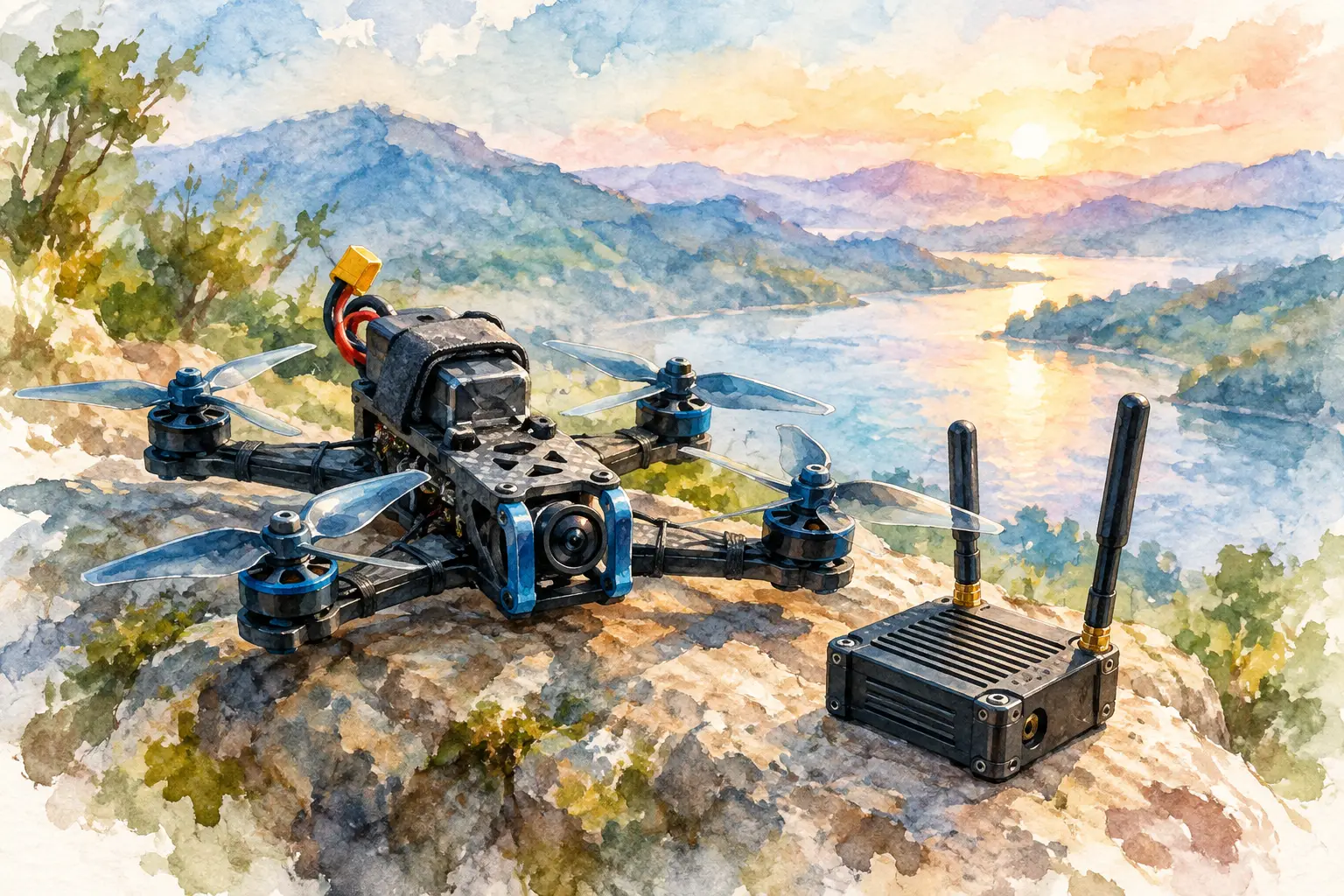
An FPV build rarely fails because one component is simply ‘bad’. It fails when the video link, power system, airframe layout and intended flight profile are treated as separate decisions. The FS16M drone unit should be selected and integrated as part of the complete aircraft system, with a clear understanding of the link you need to build and the constraints you need to manage.
For experienced pilots and custom builders, that means looking beyond a product name. Decide what the aircraft must do, how its video or connectivity architecture will be arranged, and what access you will have for inspection, replacement and field adjustment. A considered configuration creates a cleaner build, a more dependable link and fewer unknowns when the aircraft is on the ground ready to fly.
Start with the mission, not the component
The right FS16M configuration depends on the intended role of the aircraft. A compact FPV platform built for tight spaces has different priorities from a larger airframe designed around endurance, a specialised payload or a protected communications route. Weight, installation volume, available power and antenna placement all affect what is practical.
Define the flight requirement before committing to the unit. Consider the operating environment, expected separation between aircraft and receiving equipment, the amount of electrical noise generated by the propulsion system, and whether the airframe needs to accommodate optical fibre hardware or other dedicated connectivity components. These choices influence the whole layout, not merely the position of one module.
A compact installation may favour the shortest possible cable runs and a simple service path. A more specialised platform may justify additional protection, strain relief and deliberate separation between power wiring and sensitive signal hardware. There is no universal arrangement that suits every build. The objective is to make each component support the aircraft’s intended performance rather than compete for space and power.
FS16M drone unit integration: plan the full link
Treat the FS16M drone unit as one point in a chain. Its real-world result is shaped by the interfaces before and after it: power delivery, video source or receiver path, antennas or fibre hardware, connectors, mounting method and the receiving-side equipment. A high-quality unit cannot compensate for a poorly planned installation.
Begin by mapping the link on paper. Identify where the source signal begins, where it travels, where it is conditioned or transmitted, and how it reaches the equipment used by the operator. This simple step exposes common problems early, including incompatible connectors, impractical cable routing and component placement that blocks access to a port or fastening point.
Keep high-current power leads and motors in mind when arranging signal hardware. Electrical noise, vibration and heat can turn an otherwise tidy specification into inconsistent field performance. Route cables with enough slack for maintenance, but not so much that they can snag, flex excessively or add unnecessary clutter inside the frame. Secure every run at sensible intervals and protect it where it meets a sharp edge or moving structure.
The following compatibility checks are worth completing before final installation:
- Confirm the available supply voltage, connector type and expected power demand across the full operating range.
- Check the physical dimensions, mounting points and clearance around cooling surfaces, ports and cable exits.
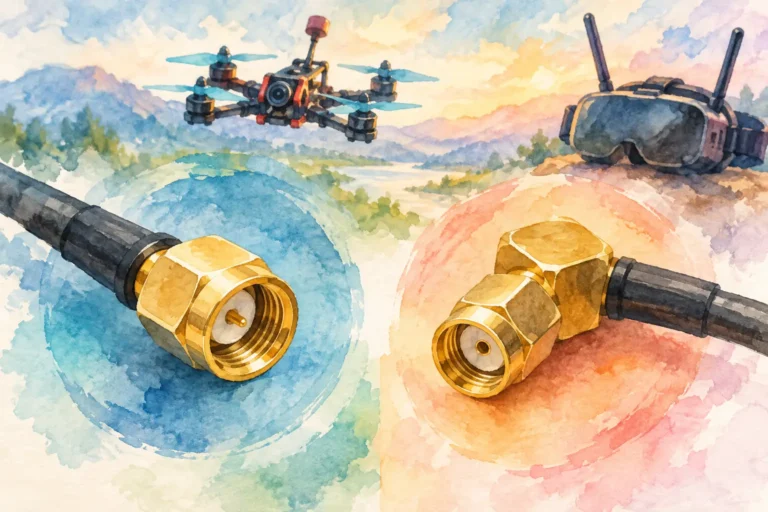
- Match video, receiver, transmitter and fibre interfaces deliberately rather than relying on adapters as a first solution.
- Verify that antennas, optical fibre discs and associated hardware can be positioned without obstructing propellers, payloads or access panels.
Adapters can solve a genuine integration problem, but every extra connection adds another mechanical and electrical point to inspect. When reliability is the priority, use the cleanest compatible path available.
Power quality is part of link quality
Builders often reserve most of their attention for the transmitter, receiver or camera, then give the power path little more than a connector check. That is a mistake. Voltage behaviour under load, grounding choices and filtering can all influence connected electronics.
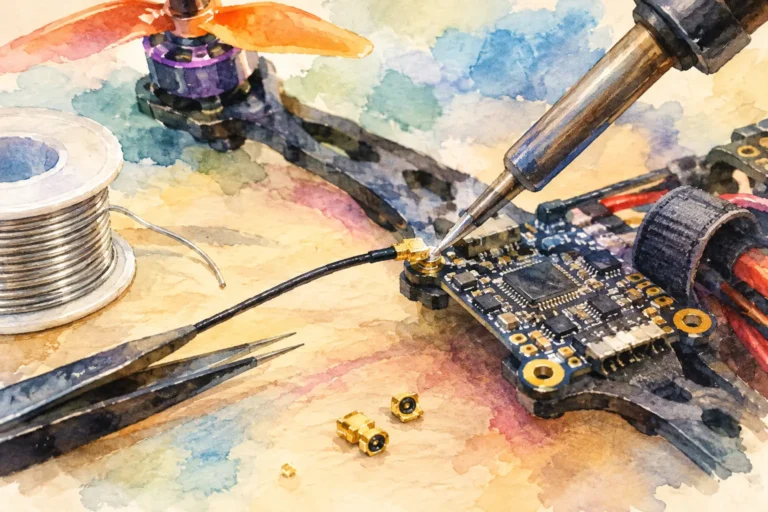
Use a power arrangement appropriate for the unit and the rest of the aircraft. Confirm polarity before applying power, inspect solder joints, and ensure that connectors cannot pull loose under vibration. If a build includes high-current propulsion components, consider their physical separation from sensitive electronics as part of the initial layout rather than a late-stage repair.
Heat also deserves attention. A densely packed electronics bay may look efficient on the bench but behave differently after sustained use. Do not bury a unit beneath wiring, foam or other hardware without allowing for its operational thermal requirements. A protective mount should protect the component without preventing sensible airflow or routine inspection.
Build for access, service and repeatability
A specialised FPV platform is not finished when it powers on. It is finished when you can inspect it, service it and return it to the same known configuration without dismantling half the aircraft.
Mount the FS16M unit where connectors remain reachable and cable labels can still be read. A small amount of planning here saves considerable time when you need to trace a fault, replace a lead or verify a setting in the field. Use mounting hardware that controls vibration without placing strain on housings or connectors.
Repeatability matters especially when several airframes use the same architecture. Standardise cable lengths where sensible, label ports and create a simple build record with the component arrangement, supply details and tested configuration. This does not need to become paperwork for its own sake. It gives you a reliable baseline when diagnosing an issue or reproducing a successful platform.
For custom projects, it can also be useful to separate what is fixed from what is designed to be changed. A permanent internal power route may sit alongside a serviceable external connection point. A protected fibre path may be planned with a clear replacement route. Good integration makes upgrades possible without forcing a complete rebuild.
Test progressively before committing to flight
Do not wait until the aircraft is fully assembled to find out whether the system behaves as expected. Test progressively, beginning with the unit and its immediate interfaces. Then add the remaining equipment one stage at a time. This approach makes fault-finding faster because each change has a known cause.
On the bench, inspect for connector movement, unexpected heat, intermittent video behaviour and signs that cable routing is putting strain on a port. With propellers removed and the airframe secured, observe how the system responds as other onboard electronics are introduced. A clean bench result is useful, but it is not the same as a complete operational check.
Move next to a controlled field test that matches the intended configuration as closely as practical. Evaluate the link in the conditions you expect to encounter, while keeping the aircraft within applicable operational requirements and using a safe test area. If the build includes specialised connectivity hardware, inspect the routing and protection after each test cycle. A component that works electrically can still become a failure point if its cable path is exposed to abrasion, tight bends or repeated flexing.
Avoid changing several variables at once. If you alter the unit position, power arrangement and antenna route together, it becomes difficult to identify why the result improved or degraded. Make one deliberate change, document it and test again.
When a standard configuration is not enough
Some projects need more than an off-the-shelf arrangement. Nonstandard airframes, unusual installation spaces, dedicated fibre requirements and specific FPV link objectives may call for a tailored component selection. In those cases, the useful question is not simply whether a unit can be made to fit. It is whether the resulting configuration remains supportable, inspectable and fit for the flight vision behind the build.
Aviadiag supports builders who need specialised FPV transmitters, receivers, optical fibre discs and drone hardware matched to a defined configuration. When assessing an FS16M unit for a custom project, provide the practical details that shape integration: airframe constraints, required interfaces, available power, existing equipment and the target operating outcome.
The strongest build is the one you can understand at a glance. Plan the FS16M integration around a clear link architecture, leave room to inspect and service it, and test each stage with discipline. That gives your aircraft a configuration built to perform when the flight matters.