Have Additional Questions? Contact Us: info(at)aviadiag.com

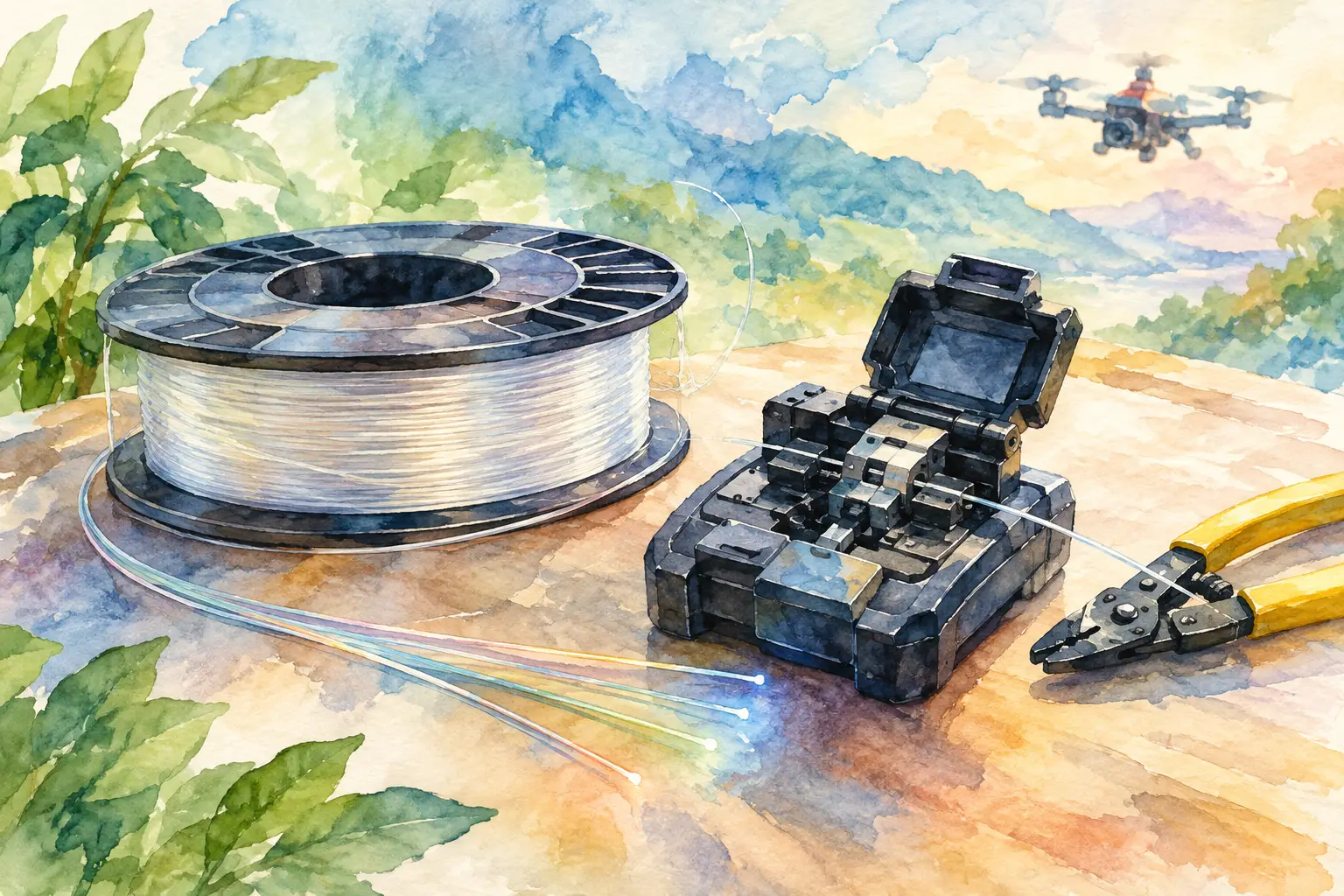
An FOP disc is not a component to throw into a parts case with spare props and fasteners. The fibre path, spool geometry and connector protection all affect whether your system performs as specified when it matters. This FOP disc handling guide focuses on the practical habits that protect the disc from delivery through installation, transport and post-flight inspection.
For builders working beyond standard FPV configurations, fibre integrity is part of system reliability. A clean, correctly supported disc helps preserve the link you designed. A pinched, contaminated or loosely mounted disc can create faults that are difficult to diagnose once the aircraft is assembled.
Start With a Controlled Receiving Check
Inspect the outer packaging before opening it. Crushing, punctures, water exposure or a split carton are reasons to slow down and check the disc carefully before it enters your build. Photograph visible shipping damage and retain the packaging until you have confirmed the component is serviceable.
Open the package on a clean, stable bench. Keep food, liquids, loose carbon-fibre dust and metal swarf away from the work area. Fibre and optical connector interfaces do not respond well to the same casual handling that a power lead or antenna extension might tolerate.
Before removing any protective covers, check the disc housing, flange edges, centre hub, cable exit point and mounting features. Look for cracks, warped sections, loose fasteners or fibre that has shifted out of its intended path. If the disc arrives with transit retainers, do not remove them until you are ready to install it. They are there to prevent movement during handling, not as disposable packing material.
Record the product identification and any supplied specifications with the build documentation. That simple step makes future replacement, support requests and configuration checks faster, particularly where several aircraft use similar hardware.
Store the Disc Like a Precision Component
Keep the FOP disc in its original protective packaging whenever it is not installed. Store it flat or in the orientation specified by the manufacturer, on a shelf that will not flex under weight. Do not stack batteries, flight cases or other hardware on top of it.
A dry, indoor environment is the right baseline. Avoid prolonged direct sunlight, high heat, condensation and locations where the disc may be knocked from a bench. Temperature cycling and moisture can affect more than the exterior housing. They can also compromise protective materials and encourage contamination around exposed interfaces.
Do not hang the disc by its fibre, connector or exit lead. If it must be moved, support the housing with both hands and keep the fibre route relaxed. The aim is simple: the disc should carry its own load through its designed structure, never through a delicate section of cable or optical termination.
FOP Disc Handling Guide: Protect the Fibre Path
The most costly handling errors usually happen in a few seconds. A fibre route catches on a bench corner, gets trapped beneath a mounting plate or receives a sharp bend while the builder concentrates on another part of the airframe. Preventing these errors is easier than fault-finding them later.
Never pull fibre from the disc by force or at an angle. If the design requires fibre to be deployed, use a controlled, steady motion and ensure the disc can rotate or dispense as intended. Do not allow loose loops to form on the floor, snag against carbon edges or pass through areas exposed to prop wash, moving arms or suspension hardware.
Bend radius matters, but the correct value depends on the disc and fibre specification. Do not guess. Follow the minimum bend radius supplied for the specific component, and treat any route tighter than that value as a redesign issue rather than something to force into place. A route that looks tidy but puts constant strain on the fibre is not a reliable route.
Avoid twisting the fibre during installation. Twisting can happen when a disc is fixed in one position while the far end is rotated repeatedly to reach a connector or pass through a frame opening. Plan the route first, then make each connection with enough slack to avoid torsion and tension.
Keep the fibre clear of sharp carbon-fibre edges, threaded fasteners, heat sources and high-vibration contact points. Where the route passes through a frame aperture, use an appropriate smooth-edged guide or protective interface compatible with the build. Protection should prevent abrasion without compressing the fibre.
Mount for Retention, Not Compression
A secure mount prevents the disc from shifting under vibration, acceleration and handling. It should not squeeze the housing, distort the spool or trap the fibre exit point. Use the intended mounting locations and hardware where provided. If you are adapting the disc to a custom airframe, design the mount around the component rather than making the component conform to an unsuitable bracket.
Check clearance with the rest of the aircraft before final tightening. The disc needs protection from battery movement, canopy pressure, arm flex and service access. It also needs a sensible path for inspection. If you cannot see the exit area or reach the connector without removing half the build, routine checks will be skipped.
Vibration isolation can help in some airframes, but excessive softness can allow the disc to move and work against adjacent parts. The right balance depends on airframe stiffness, flight profile and mounting location. After fitting, apply light hand pressure around the mount and confirm that nothing rubs, shifts or loads the fibre path.
Keep Optical Interfaces Clean and Covered
If your FOP disc includes optical connectors or protected ends, leave caps in place until the exact moment of connection. Do not place connector faces directly on a bench, in a pocket or inside a dusty tool bag. Even a small amount of contamination can affect performance and create intermittent behaviour that appears only after the aircraft has been reassembled.
Use cleaning methods approved for the connector type and follow the supplier’s instructions. Do not improvise with compressed workshop air, abrasive materials or general-purpose solvents. When reconnecting, inspect the interface first, align it correctly and avoid forcing engagement.
Once connected, provide strain relief so normal aircraft vibration and service movement do not transfer directly to the termination. Strain relief should support the cable without creating a tight bend immediately behind the connector.
Inspect Before Flight and After Transport
Add the FOP disc to your pre-flight routine. Check that the housing is secure, the fibre is correctly routed and no new pinch points have appeared after fitting the battery or closing the canopy. Confirm that protective guides and retention points remain in place, especially after maintenance work.
After transport, inspect again. Vehicle vibration, tightly packed equipment and repeated loading can move a component that was secure at the workbench. A visual check takes moments and can prevent a damaged route from reaching the field.
Watch for visible kinks, flattened sections, abrasion, unexpected slack, movement at the connector, cracked housing or a changed fibre exit angle. If you find any of these, stop and assess the installation. Do not attempt to straighten a sharply kinked section by bending it back. Repeated bending can worsen internal damage even when the outer surface looks normal.
Build a Service Record Into the Aircraft
For advanced FPV builds, a short maintenance record is more useful than memory. Note the installation date, disc identification, routing changes, inspections and any unusual event such as a hard landing or transport impact. If link performance changes, this record narrows the investigation quickly.
Aviadiag supports builders who need specialised FPV components matched to a defined configuration. Where your airframe, mounting method or fibre routing falls outside standard inventory guidance, confirm compatibility before committing the installation.
Treat the FOP disc as part of the flight-critical build standard you set for every high-performance component. Careful storage, controlled routing and disciplined inspection give the fibre system the protection it needs to support the aircraft you intended to build.