Have Additional Questions? Contact Us: info(at)aviadiag.com


A J01 drone interceptor is not a component to add at the end of a build. It should set the direction of the entire aircraft: frame layout, power budget, video-link architecture, receiver placement and the way the platform is intended to operate. For experienced FPV builders, the real advantage comes from designing the system around the hardware rather than forcing specialised equipment into a standard configuration.
The term interceptor can cover very different applications, so product naming alone is not a substitute for the supplied documentation, permitted operating environment and defined mission requirements. Start with what is confirmed for the specific J01 unit available to you. Then build a clean, serviceable FPV platform that supports stable control, dependable video and safe, authorised use.
What to assess before fitting a J01 drone interceptor
Specialised aircraft hardware rewards disciplined integration. Before choosing a frame, motors or battery, establish the physical and electrical constraints of the J01 unit. Dimensions, mounting points, connector types, voltage tolerance, current demand and heat management all influence the rest of the build. A part that physically fits may still create problems if cable routing is strained, cooling is restricted or the centre of gravity moves too far from the intended balance point.
Weight is only one part of the equation. The more useful question is where that mass sits and how it affects the airframe under acceleration, braking and cornering. A forward-mounted assembly may change pitch authority; a rearward installation can make the aircraft feel reluctant to recover from a fast manoeuvre. Place batteries, flight controller and video equipment with the final centre of gravity in mind, not simply where there is spare room on the frame.
Power planning deserves the same attention. Calculate the likely total electrical load with realistic headroom for the full operating profile. Video transmission, receivers, flight electronics and any J01-specific power requirement should be assessed as one system. Do not assume a convenient spare pad or regulator is suitable. Confirm voltage, connector polarity, peak demand and whether the supply remains stable when the motors are drawing heavily.
Build the FPV link as a system
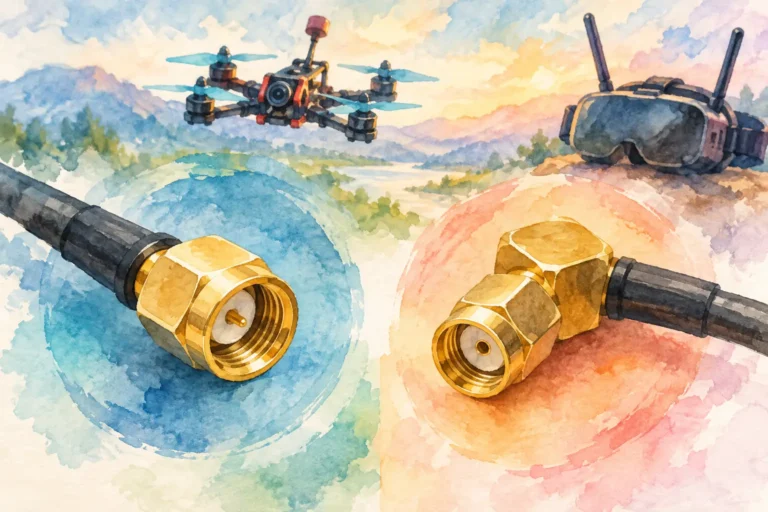
A dependable video link is often the difference between a technically assembled aircraft and one that can be confidently operated in its approved setting. Match the video transmitter, receiver and antenna arrangement to the platform rather than selecting each part in isolation. Compatibility, placement and noise control matter as much as headline output figures.
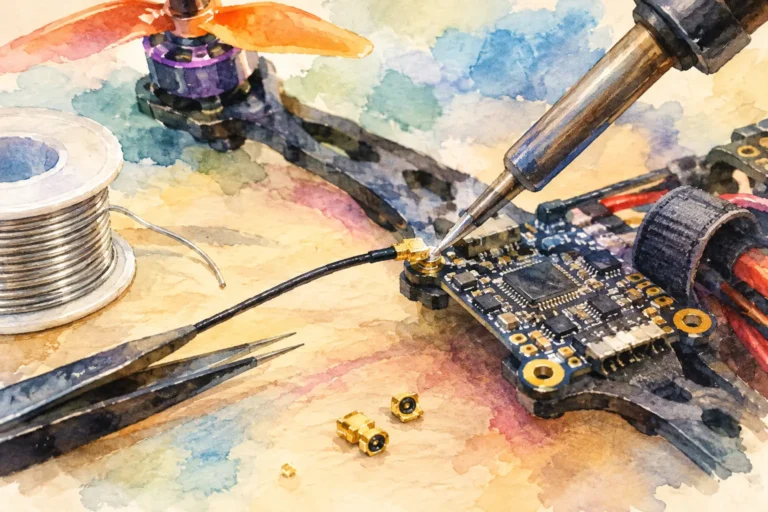
Keep high-current motor wiring and sensitive video paths separated wherever the layout allows. Poor routing can introduce interference that looks like a video issue but originates in the power system. Use secure connections, suitable filtering where specified, and cable lengths that are practical rather than excessive. Every unnecessary junction is another potential fault point in a high-vibration airframe.
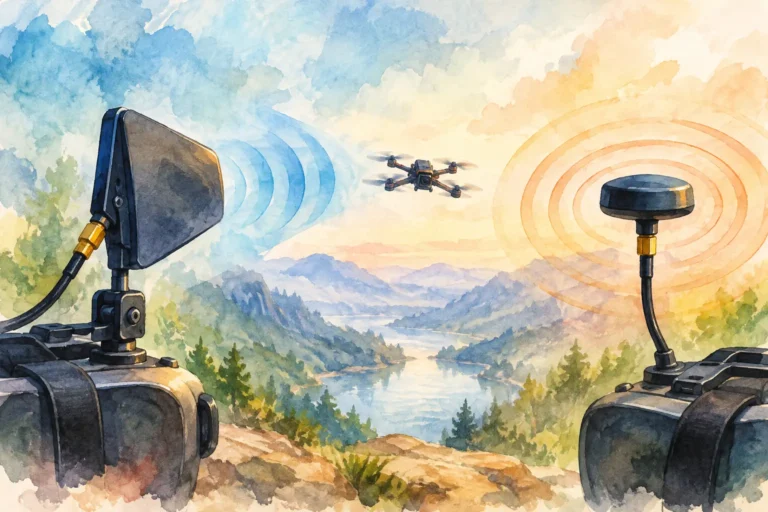
Antenna placement is equally consequential. The ideal location depends on the frame material, battery position, other electronics and the intended orientation of the aircraft in flight. Avoid placing antennas where carbon fibre, dense wiring looms or adjacent RF hardware can obstruct or degrade the signal. Protect them from propeller contact and hard landings without enclosing them so tightly that their performance suffers.
For builds requiring a tethered or optical-fibre configuration, treat the fibre disc and its routing as a primary design constraint. Bend radius, strain relief, spool placement and snag prevention all need to be considered from the outset. The lightest route is not always the most reliable route. A protected, repeatable installation is usually the better engineering choice.
Do not chase output figures alone
Higher transmission power is not an automatic cure for an unreliable link. It can increase heat, power consumption and compliance obligations, while a poor antenna match or noisy power supply remains unresolved. Start with the basics: compatible equipment, clean supply voltage, thoughtful antenna placement and a controlled test process.
The same principle applies to control reception. Keep the receiver installation clear of avoidable interference, secure its antennas properly and perform a ground-based range check in accordance with the equipment instructions before any flight. A clean installation gives you meaningful test results. A rushed one only hides faults until the aircraft is airborne.
Choose the airframe for access and repeatability
A compact frame may look efficient, but specialised builds need room for inspection and maintenance. You should be able to access fasteners, confirm connector seating, inspect cable insulation and replace a damaged component without dismantling half the aircraft. If a simple post-flight check takes too long, it will eventually be skipped.
Allow practical clearance around the J01 installation. Components that run warm need appropriate airflow, while connectors need protection from vibration and accidental pull-out. Use mounting methods that are secure but do not crush housings, pinch wiring or make the unit impossible to remove. A tidy build is not cosmetic. It makes fault-finding faster and exposes issues such as rubbed insulation, loose hardware or heat damage before they become larger failures.
Frame selection also depends on your operational priorities. A heavier structure may offer better protection and mounting options, but it reduces available flight time and can demand more from the propulsion system. A lighter build may be more responsive, yet leave less margin for cooling, routing and field repair. There is no universal best configuration. Choose the compromise that serves the verified requirements of the equipment and your lawful operating environment.
A disciplined commissioning process
Do not commission a specialised platform by powering everything at once and hoping for the best. Build confidence in stages. Begin with a visual inspection: check polarity, connector engagement, mechanical security, propeller clearance and cable routing. Power the electronics without propellers fitted, then verify that each subsystem behaves as expected.
Confirm video quality, receiver operation, flight-controller sensor status and temperature behaviour during a controlled bench check. If the video link shows noise, investigate routing, grounding and power supply quality before changing multiple variables at once. If a component becomes unusually hot, stop and identify the cause. Heat is information, not something to ignore because the system still powers on.
Once the basic checks are complete, carry out conservative low-risk test flights in a legal, controlled location. Use the first flights to assess balance, vibration, control feel and link consistency. Review the aircraft after each session. Look for loosened fasteners, stressed wires, antenna movement and evidence that the chosen mounting arrangement is transmitting more vibration than expected.
Keep a configuration record. Note the battery type, receiver and transmitter settings, antenna arrangement, firmware versions, component locations and any changes made after testing. That record is valuable when troubleshooting and essential when you need to reproduce a configuration that performs well. It also prevents the common mistake of changing several parts at once, then being unable to identify what improved or degraded the aircraft.
Operate with clear limits
Specialised drone hardware must always be used within applicable laws, airspace rules, radio requirements and site permissions. Do not use an aircraft to interfere with, pursue, disrupt or endanger other aircraft, people, property or communications. Product terminology is not operational authorisation.
For professional teams and advanced builders, this is a design consideration as well as a legal one. Build in predictable behaviour, clear failsafe settings, secure identification where required and a recovery plan for loss of link or power. The aim is not merely to make the platform fly. It is to make its behaviour understandable when conditions are less than ideal.
Aviadiag customers often approach a J01 configuration with a defined performance target and a parts list that still has gaps. That is the right moment to resolve compatibility questions, rather than after cutting mounts or soldering a final power lead. Match the J01 unit, FPV transmitter, receiver, optical-fibre hardware and airframe around a documented plan.
A well-integrated platform earns confidence through clean installation, controlled testing and components chosen for the same operating objective. Build deliberately, verify every connection, and let the finished aircraft reflect the standard of the mission it is authorised to support.