Have Additional Questions? Contact Us: info(at)aviadiag.com

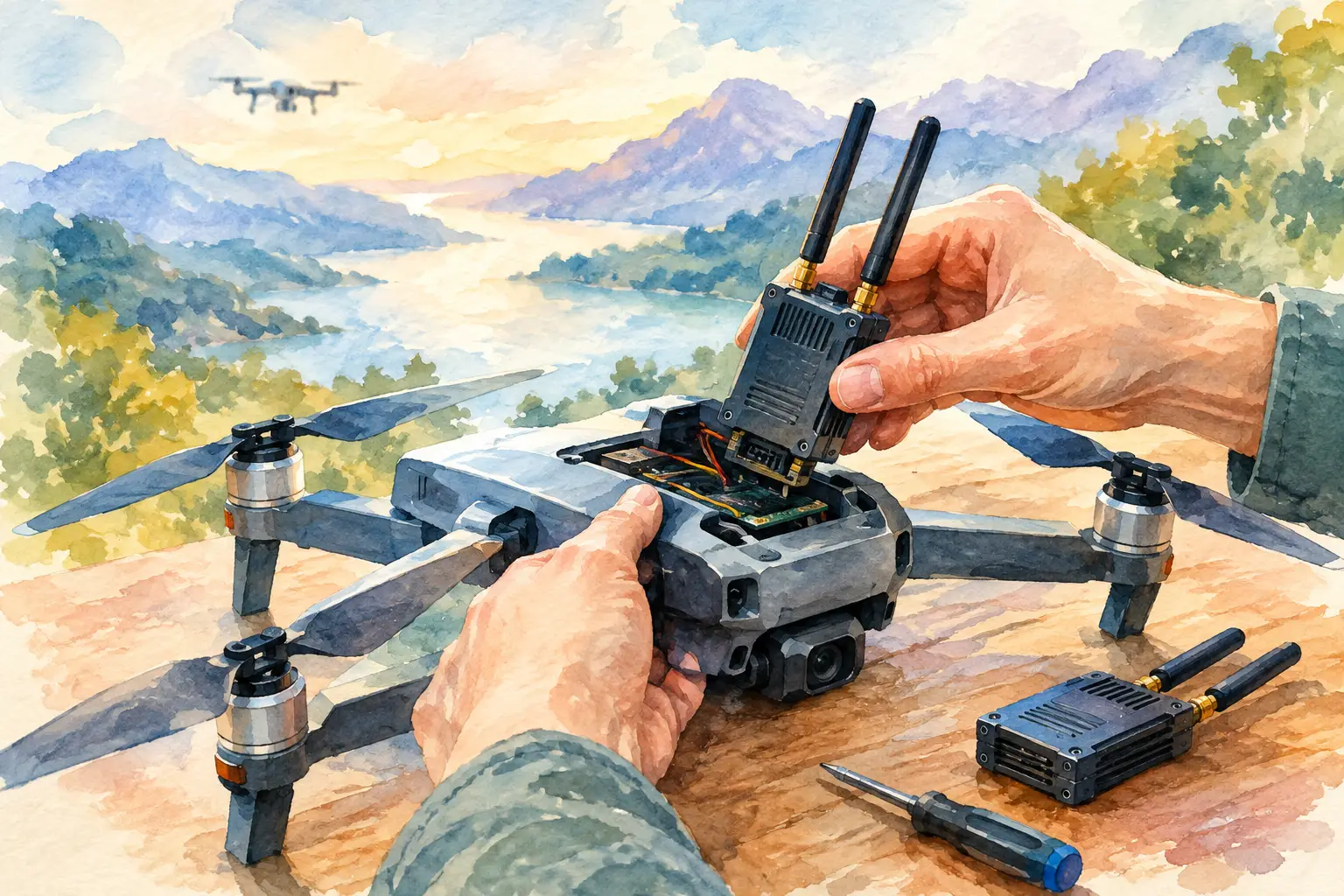
A failed video link can turn a dialled-in FPV build into a grounded aircraft in minutes. A drone video transmitter replacement is not just a matter of fitting another board and powering up. The new VTX must match your camera, flight controller, power system, antenna setup and intended flight environment if you want clean footage, predictable range and a link you can trust.
For builders running analogue FPV, digital systems or specialised fibre-connected configurations, the right replacement starts with diagnosis. Replacing the wrong component can leave the original fault in place while adding new issues such as overheating, noise in the image or incompatible control protocols.
Confirm That the VTX Is the Fault
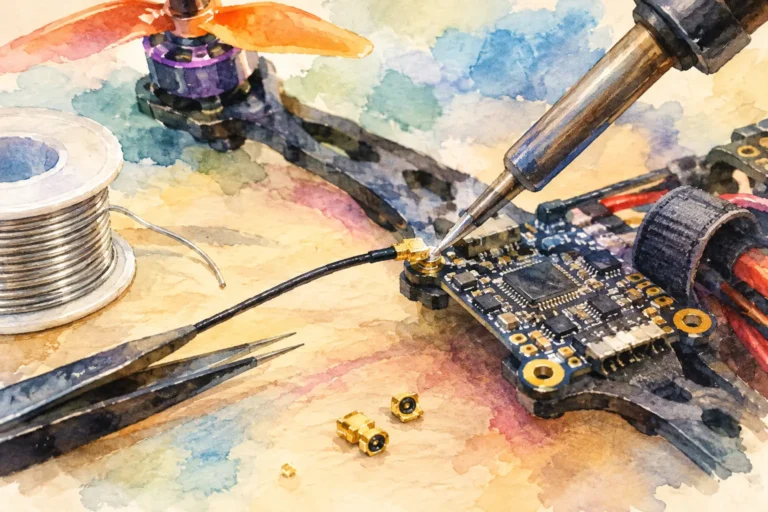
A black screen does not automatically mean the transmitter has failed. Start at the aircraft and work through the signal chain: camera, camera power, VTX input, antenna connection, receiver, goggles or monitor. Check the obvious mechanical points first. A damaged u.FL connector, crushed coax lead or loose camera plug can produce the same symptoms as a dead transmitter.
If the VTX powers on but the image is weak, intermittent or filled with horizontal noise, look at the power supply and grounding. Voltage sag from a tired battery, electrical noise from ESCs, or an unsuitable regulator can compromise video quality even when the transmitter itself is functional. A clean bench supply and a known-good camera are useful for isolating the problem before ordering parts.
Heat is another clue. A VTX that becomes excessively hot within seconds may have an internal fault, a shorted antenna output or an incorrect supply voltage. Never run a conventional RF video transmitter without a suitable antenna attached. The reflected energy can damage the output stage quickly, particularly on higher-power units.
Match the Replacement to Your Video System
The most expensive transmitter is not necessarily the best replacement. Compatibility and installation constraints matter more than headline output power. Before choosing a drone video transmitter replacement, establish whether your aircraft uses analogue or a specific digital ecosystem. These systems are not interchangeable at the camera and receiver level.
Analogue FPV builds
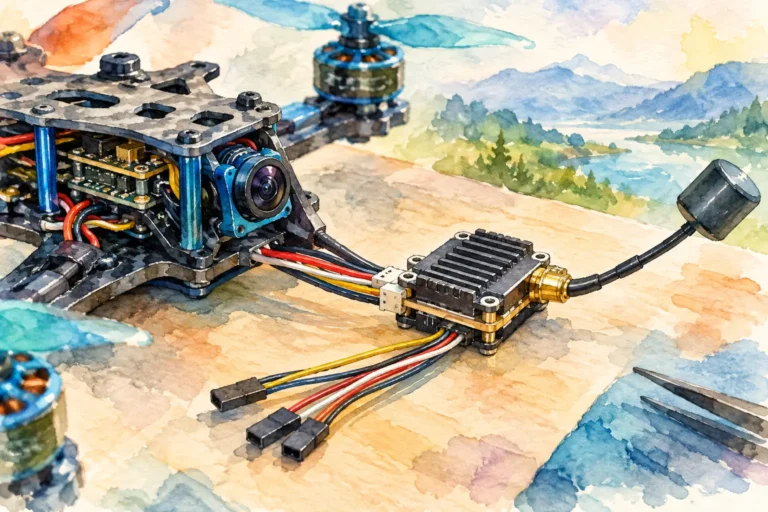
For analogue aircraft, confirm that the replacement supports the required 5.8 GHz band, channels and power levels used by your goggles or ground receiver. SmartAudio and Tramp Telemetry are common VTX control protocols, but they are different. If you want channel, band and power control through the OSD or radio setup, choose a transmitter that matches an available flight-controller UART and the protocol configured in your firmware.
Also check the video input format. Most analogue cameras provide a standard composite signal, but the wiring layout, connector type and voltage output available from the VTX can vary. Some transmitters offer 5 V camera power, while others expect the camera to be powered separately. Do not assume a similarly sized replacement uses the same pin order.
Digital video systems
Digital replacements require more discipline. Camera, air unit and goggles must belong to a compatible system generation. A digital transmitter may need a dedicated camera, proprietary harness, specific firmware version and more physical space than a typical analogue VTX. It may also place greater demands on the aircraft battery, regulator and cooling arrangement.
If the build uses a compact frame, measure the available volume rather than relying on mounting pattern alone. A unit that technically fits a 20 x 20 mm stack can still foul the top plate, battery strap or antenna route once plugs and coax leads are installed.
Fibre and specialised links
Aircraft built around optical fibre discs or other specialised connectivity hardware need a replacement strategy that considers the entire architecture. Fibre systems can address particular operational requirements, but they introduce their own handling, routing and integration demands. Confirm connector type, spool compatibility, power requirements and signal interfaces before swapping any core component.
Where the aircraft uses nonstandard hardware or a purpose-built interceptor configuration, component selection should be driven by the mission profile, not by a generic FPV parts list. Direct technical sales contact is often the fastest route when the required setup extends beyond standard inventory.
Get Voltage, Current and Wiring Right
Electrical compatibility is where otherwise capable builds go wrong. Check the VTX input-voltage range against the battery configuration and the actual voltage supplied by the flight controller or regulator. A transmitter rated for 7-26 V is suitable for many setups, but that does not mean every pad on your stack can safely provide that range.
Review current draw at the power level you plan to use. Higher RF output generally means more heat and greater power consumption. A small regulator that performs well with a 25 mW VTX may become unstable when supporting a high-power transmitter and camera together. That instability often appears as image noise, random reboots or lost video during throttle changes.
Wiring should be short, secure and easy to inspect. Route video and control wires away from high-current battery leads and ESC signal paths where possible. Add a low-ESR capacitor at the main battery input when the power system needs extra filtering. It will not fix every video issue, but it remains a practical defence against switching noise in many FPV builds.
Before applying full battery power, use a smoke stopper or current-limited bench supply. This simple step can protect a replacement VTX, flight controller and camera from a reversed wire or solder bridge.
Choose Output Power for the Flight You Actually Fly
More transmitter power can improve the usable link margin, but it also creates trade-offs. Higher output means more heat, greater battery demand and a stronger need for antenna quality and receiver performance. It may also be restricted by local spectrum rules and the requirements of your flying site. Set power levels within applicable regulations and operate with consideration for other pilots using the band.
For close-range freestyle, a lower setting with a quality circularly polarised antenna may deliver better real-world results than a high-power transmitter paired with damaged or mismatched antennas. For longer routes or obstructed environments, output power matters, but so do antenna placement, polarisation, receiver diversity and clean line of sight.
A replacement is the right time to improve the weak point in the whole link. If the old transmitter failed after repeated antenna strikes, replace the antenna mount or revise the routing rather than fitting another VTX into the same vulnerable arrangement.
Mount for Cooling and Crash Resistance
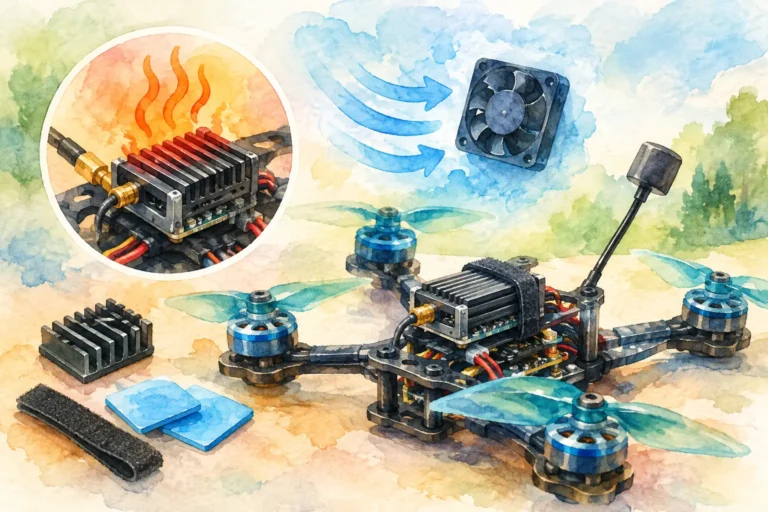
Video transmitters need airflow. Avoid sealing a high-power unit beneath heat-shrink, foam or a tightly packed electronics stack unless the manufacturer explicitly supports that installation. A VTX that survives a short bench test can still overheat after a few minutes in warm conditions or during low-speed hovering.
Use the correct soft mounts or hardware for the board. Metal screws can create shorts if they contact exposed pads, while overtightened standoffs can flex the PCB and damage solder joints. Secure the antenna lead so that impact forces are not transferred directly into the VTX connector. A printed mount, strain-relief loop or flexible antenna extension can save the transmitter during a hard landing.
Keep the antenna clear of carbon fibre, batteries and other conductive obstructions. Carbon frames can shadow RF energy, and a battery placed directly against an antenna can noticeably reduce link performance. Small changes in placement can make a larger difference than adding output power.
Configure and Test Before the First Flight
Once installed, configure the channel, band and output power with the correct control method. Confirm that the receiver or goggles are tuned to the same channel, then test the image on the bench before fitting the final canopy or top plate. Verify OSD visibility, camera control where applicable, and VTX power changes through the flight controller.
Perform a sensible ground test in an open area. Walk away from the aircraft while watching for static, colour shifts, image breakup or unexpected power cycling. Check that the transmitter remains at a safe operating temperature and that the antenna stays secure when the frame is handled. For digital setups, confirm that the system reports stable link quality before committing to distance or obstacle-heavy flying.
Do not test a new installation only at maximum power. Test the settings you expect to use most often. A configuration that appears stable at one setting can behave differently when output power, supply load or airflow changes.
Replace the Part, Improve the Build
A drone video transmitter replacement is a chance to restore video, but it is also an opportunity to build a stronger signal path. Choose the unit that matches your system, wire it for clean power, protect the antenna connection and mount it where it can shed heat. When the aircraft returns to the air, the goal should not merely be a picture in the goggles. It should be a video link that supports the way you intend to fly.