Have Additional Questions? Contact Us: info(at)aviadiag.com

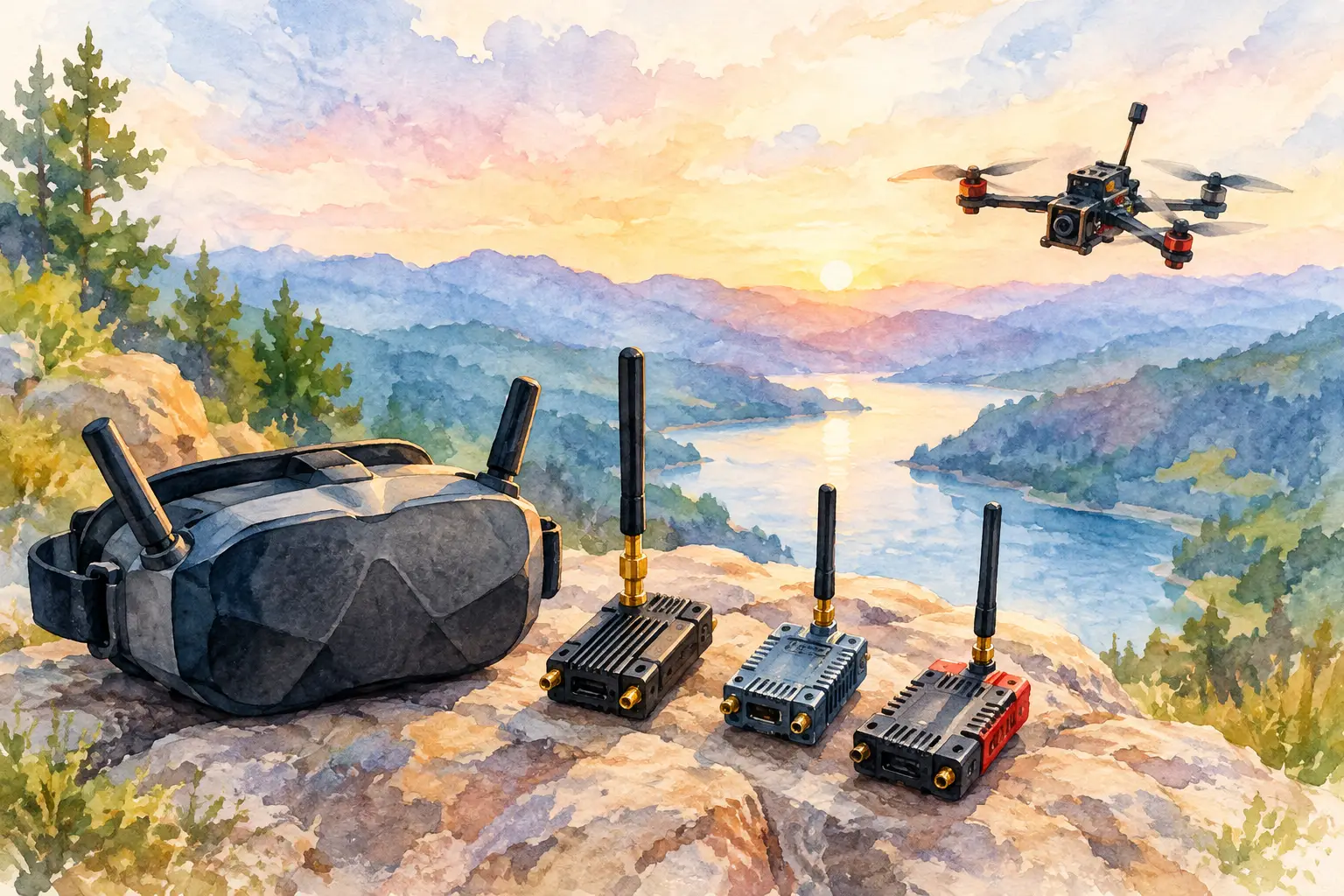
A missed gate, a late correction or a sudden loss of orientation rarely begins at the sticks. Often, it starts with video arriving just late enough to force the pilot to react to where the aircraft was, rather than where it is. A low latency FPV transmitter helps close that gap by moving camera footage from the aircraft to the goggles with less delay.
For fast freestyle lines, racing, inspection work and purpose-built aircraft, latency is not a headline specification to compare in isolation. It is one part of the complete video chain. The camera, transmitter, receiver, goggles or display, antenna system and operating environment all affect what the pilot sees and when they see it.
What Low Latency Actually Means in FPV
Latency is the time between a change occurring in front of the camera and that change appearing on the pilot’s display. In an FPV system, that delay is created across several stages: image capture, camera processing, video encoding where applicable, radio transmission, receiver processing and display refresh.
An analogue system can feel highly immediate because it avoids the heavier encode-and-decode process used by many digital systems. Its trade-off is image quality. As signal quality declines, analogue video becomes progressively noisier, with static and distortion appearing before the image disappears. Some pilots value that gradual degradation because it offers warning before a total loss of usable picture.
Digital systems can provide a sharper image, better detail and a more refined viewing experience. However, their latency can vary with resolution, frame rate, transmission mode, signal conditions and the processing performed by the goggles. A quoted figure on a product page is useful, but it is not always the delay a pilot experiences in a complete installation.
The objective is not simply to buy the smallest number available. It is to build a video link whose response remains predictable when the aircraft is moving quickly, the airspace is busy and the flight demands precise control.
Why a Low Latency FPV Transmitter Changes Flight Control
At cruising speed, a modest delay may feel manageable. At high speed near obstacles, the same delay changes the timing of every input. The aircraft travels further before the pilot sees the result of a roll, pitch or yaw correction. That can make a well-tuned quadcopter feel vague even when the flight controller, motors and radio link are performing correctly.
Low latency matters most when visual feedback drives immediate decisions. Racing pilots need to read a gate entrance before committing. Freestyle pilots need to judge proximity during split-S manoeuvres, dives and recovery lines. Professional operators may need stable, immediate visual feedback to position an aircraft accurately around structures or through confined routes.
It also affects confidence. A pilot who trusts the picture can fly a chosen line with intent. A pilot who senses delay often slows down, leaves more margin and makes larger corrections. The difference is not only speed. It is consistency.
Latency is not the same as range
A powerful transmitter does not automatically create a low-latency system. Output power can help maintain a usable signal over distance, subject to local regulations and the rest of the link, but it does not remove processing delay from the camera or display.
Likewise, a low-latency setup is not automatically a long-range setup. Range depends on transmission power, frequency band, antenna gain and polarisation, terrain, obstruction, receiver sensitivity, interference and the quality of every connector. Select the transmitter as part of a matched system, not as a standalone upgrade.
Choosing a Low Latency FPV Transmitter for Your Build
Start with the aircraft’s purpose. A compact freestyle build has different priorities from a long-range platform, a fixed-wing aircraft or a specialised fibre-connected configuration. Size, mass, cooling, supply voltage and mounting position can decide whether an otherwise capable unit belongs in the build.
Next, choose the video ecosystem. The transmitter must be compatible with the camera, receiver and goggles you intend to use. Analogue equipment requires matching video standards and frequency support. Digital equipment must operate within its intended system. Trying to force compatibility through adapters or mixed components can add delay, reduce reliability or create a weak point that is difficult to diagnose in the field.
Camera selection deserves equal attention. A fast transmitter cannot compensate for a camera with slow exposure handling, heavy image processing or poor low-light performance. In changing light, look for a camera that preserves useful detail without creating motion smear or excessive image adjustment. The goal is not cinematic footage. It is clear visual information that supports accurate decisions.
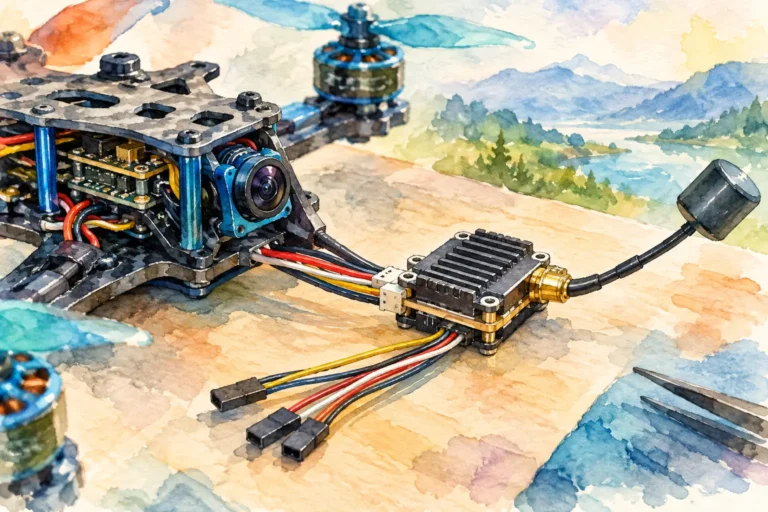
Power handling is another practical consideration. Confirm the transmitter’s input-voltage range and account for the electrical noise generated by motors and ESCs. Poor power filtering can introduce lines, interference or unstable behaviour into the video feed. Use clean wiring, sensible grounding and a suitable regulated supply where the system requires it.
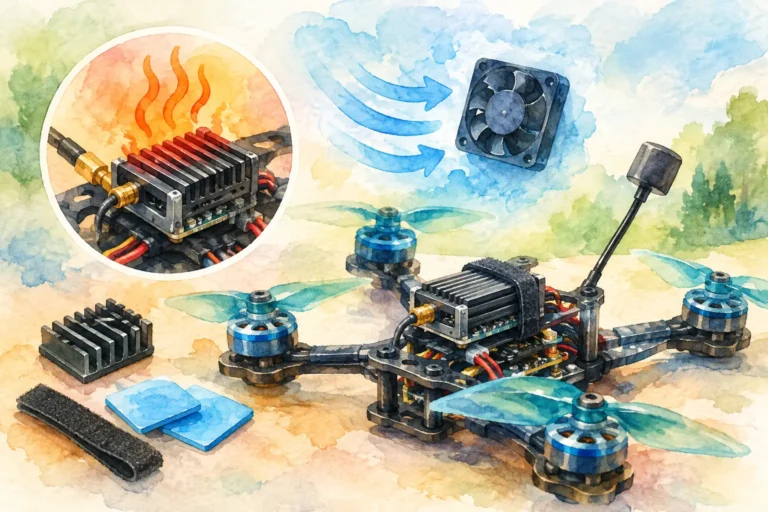
Heat also matters. Video transmitters generate heat, especially at higher output levels. A unit that is stable on the bench may overheat if installed with no airflow or surrounded by dense components. Plan its location before final assembly. Keep the antenna connection protected, allow air to move around the housing and avoid burying the unit beneath foam, tape or tightly packed wiring.
Build the Video Link, Not Just the Transmitter
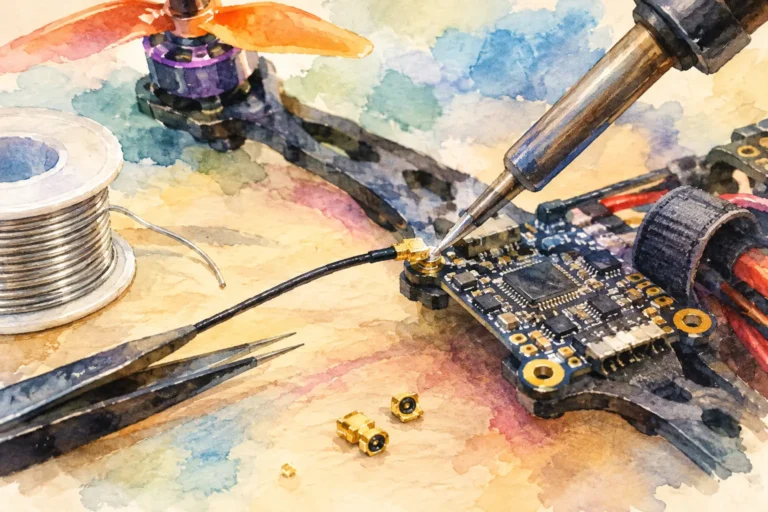
A transmitter only performs as well as the signal path around it. Antennas are particularly influential. Match antenna polarisation between aircraft and receiving side, use quality connectors and inspect them after hard landings. A damaged antenna or loose connector can reduce link quality far more than a minor change in transmitter output setting.
Receiver diversity and directional receiving antennas can improve resilience in challenging environments, particularly where the aircraft changes orientation or travels across a wider area. The best receiving arrangement depends on how and where you fly. A compact local course, open field and obstructed site each create different multipath and coverage challenges.
Placement on the aircraft matters too. Keep the transmitting antenna away from carbon-fibre obstructions where possible, and separate it sensibly from high-noise electronics. Carbon fibre can shadow RF energy, while poorly routed power leads and high-current components can contribute electrical noise. Do not treat antenna position as an afterthought once the frame is complete.
For specialist operations where RF transmission is unsuitable or the operating concept calls for a tethered video path, fibre-optic hardware introduces a different set of priorities. Fibre can support a controlled physical link, but demands careful consideration of disc capacity, cable management, connector protection, payload weight and the aircraft’s intended manoeuvres. It is a system-level design decision, not a substitute for planning.
Test Latency in Conditions That Resemble Flight
Bench testing confirms that components power on. It does not prove that the video link will support the mission. Test the complete aircraft in a controlled area before committing to demanding flying.
Begin with a close-range hover and look for video noise, unexpected delay, dropped frames, heat build-up and changes caused by throttle. Then fly simple passes at increasing distance and varied orientations. Watch how the image behaves when the aircraft turns, when the antenna is no longer facing the receiver and when nearby electronic equipment is active.
If the picture feels delayed, isolate the cause rather than assuming the transmitter is responsible. Test with another camera if available, check goggles or monitor settings, inspect power filtering and review whether the system has entered a lower-performance transmission mode. If the issue appears only at distance, suspect link quality before blaming base latency.
It is also worth checking local rules governing frequencies, output power and aircraft operation before selecting settings. A high-performance build still depends on lawful, responsible use and a reliable pre-flight process.
When Higher Video Quality Is Worth the Trade-Off
Not every aircraft needs the lowest possible latency. If your work depends on identifying fine surface detail, framing a shot or observing an asset at a slower pace, image resolution may carry more weight. A small additional delay can be acceptable when the flight profile leaves enough margin for it.
The reverse is true for highly dynamic flying. If the aircraft will be driven hard through tight terrain or fast technical lines, immediate feedback usually deserves priority over visual polish. Choose the compromise that serves the flight vision, rather than buying specifications that belong to a different type of operation.
Aviadiag supports builders sourcing specialised FPV transmitters, receivers and fibre hardware for standard upgrades as well as less conventional aircraft configurations. When a build has unusual power, mounting, range or connectivity requirements, define the full video path before ordering individual components.
Your best low-latency result comes from disciplined matching: a responsive camera, compatible transmitter and receiver, correctly chosen antennas, clean power and a display that keeps pace. Build that chain with the aircraft’s real task in mind, then test it until the picture earns your trust.