Have Additional Questions? Contact Us: info(at)aviadiag.com

A video feed that breaks up on the exit of a turn is not a minor inconvenience. It changes how confidently you fly, how accurately you place the aircraft and how much usable performance your build can deliver. The right FPV video transmitter turns camera output into a controlled, dependable link between the drone and your goggles or ground receiver. The wrong one can create heat issues, interference, poor range and a setup that never performs as intended.
For experienced builders, transmitter selection is not about choosing the largest power figure on a product page. It is about matching the video link to the aircraft, the receiver, the antennas, the flight environment and the rules that govern the bands and output levels you can use.
What an FPV Video Transmitter Must Do
An FPV video transmitter, commonly called a VTX, takes the video signal from the camera and sends it over a selected radio channel to a compatible receiver. In an analogue system, the VTX transmits an analogue video feed, while the receiver and goggles convert that signal into the image you fly from. In a digital system, camera and transmission hardware work within a defined ecosystem and must be matched accordingly.
That basic role hides several decisions. A VTX must hold its chosen channel cleanly, provide enough usable output for the site, survive the heat generated during operation and integrate physically with the frame and flight controller. It also needs an antenna connection suited to the build. A high-spec unit is only useful when the rest of the video chain can support it.
The aim is not maximum advertised range. The aim is a stable, predictable picture for the mission your aircraft is built to complete – whether that is close-proximity freestyle, long-distance observation, a compact cinewhoop or a purpose-configured airframe.
Start With Your Video System
The first choice is system compatibility. Analogue and digital FPV video systems are not interchangeable by default. An analogue camera, analogue VTX and analogue receiver or goggles form one chain. Digital systems depend on compatible air units, cameras, receivers and goggles within their specific platform.
Analogue remains relevant because it is lightweight, configurable and widely supported. It can be an efficient choice for compact builds, repairable fleets and pilots who value component-level flexibility. Picture quality depends on signal strength and receiver performance, but a properly configured analogue setup can remain flyable as the signal weakens rather than dropping away abruptly.
Digital video generally delivers a clearer image when conditions are favourable, but it brings ecosystem constraints, power requirements and often more weight. Neither approach is universally better. Choose the system that supports your operating objective, then select a transmitter designed for that system.
Confirm channel and band support
Your VTX and receiver must support a common channel. In busy flying environments, that also means planning channel separation with other pilots. Closely spaced channels can interfere with each other even when every unit appears to be configured correctly.
Check the supported bands, channel count and channel-lock behaviour before installation. For organised sessions, select a clear assigned channel before powering the aircraft. Avoid changing channels while other pilots are already transmitting unless the group has agreed on the plan.
Output Power Is a Trade-Off, Not a Trophy
Output power is usually expressed in milliwatts. Higher power can improve signal margin, particularly where distance, terrain, foliage or aircraft orientation weaken the path between drone and receiver. It also increases heat, electrical demand and the potential to interfere with other users of the spectrum.
For a small freestyle build flown within a contained area, modest output may be the more effective choice. It reduces thermal load and keeps the system simple. For a larger aircraft operating over greater separation in an authorised setting, higher output may be justified, provided the VTX has suitable cooling, the antennas are correctly matched and local rules permit it.
Do not judge performance from the VTX rating alone. A carefully positioned low-loss antenna pair can outperform a high-power transmitter paired with a damaged antenna, poor polarisation match or a receiver placed behind obstructions. Video-link performance is a system result.
Use only frequencies and power levels permitted where you operate. Requirements differ by country, site and licence status. Check the applicable radio regulations, flying-site rules and any operational permissions before configuring a high-power video link.
Antennas Define Much of the Link
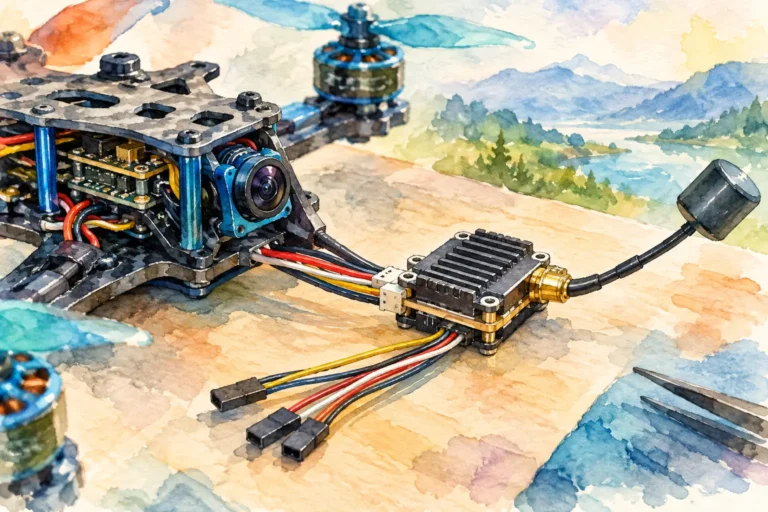
A VTX transmits through its antenna, so antenna selection and placement deserve the same attention as the transmitter itself. Confirm connector type before ordering or fitting hardware. Common connector families are not mechanically compatible, and forcing the wrong connection can damage equipment.
Polarisation must also match across the link. Circularly polarised antennas are common in FPV because they can reduce the impact of multipath reflections around buildings, trees and hard surfaces. However, a right-hand circularly polarised transmitter antenna must be paired with a right-hand circularly polarised receiver antenna. Mixing handedness severely reduces the usable signal.
Keep the transmitting antenna clear of carbon fibre, batteries, high-current wiring and other conductive structures where possible. Carbon frames can block or distort RF energy. On a compact aircraft, even a small change in antenna height or angle can improve the feed more than a power increase.
Never power a VTX without an appropriate antenna attached unless the manufacturer explicitly states that it is safe to do so. Transmitting into an open circuit can overheat or damage the output stage quickly.
Cooling, Power Input and Physical Integration
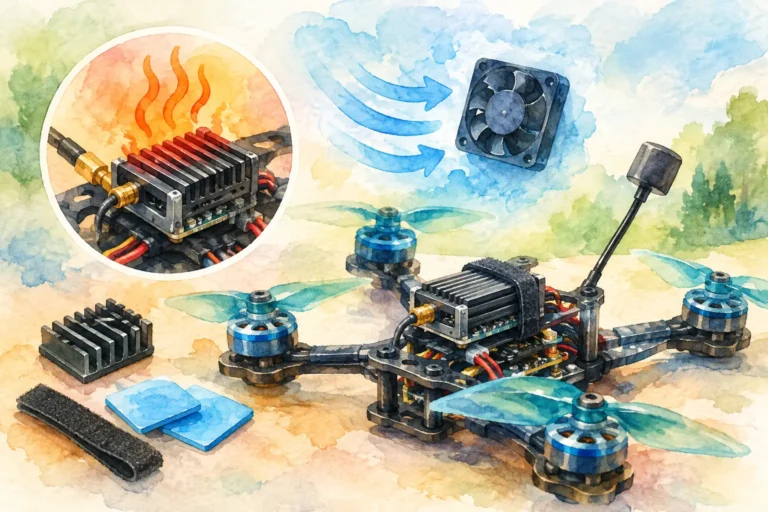
Heat is one of the most common reasons a video transmitter disappoints on the bench and in flight. Many units become hot rapidly when powered without airflow. That is not always a fault, but it does mean the installation needs a realistic cooling path. Place the VTX where propwash or forward airflow can reach it, without exposing the board to direct impact in a crash-prone location.
Review the allowed input-voltage range before connecting power. Some transmitters accept a broad battery-voltage range; others need a regulated supply from the flight controller. A mismatch can permanently damage the VTX. Confirm ground, power, video and control wiring against the manufacturer’s pinout rather than relying on wire colour alone.
Control protocols such as SmartAudio or Tramp can allow channel and power adjustments through the flight controller’s on-screen display. This is useful for field configuration, but only after the wiring and firmware settings are correct. Set the VTX table or configuration data carefully so the displayed channel and output level match what the transmitter is actually using.
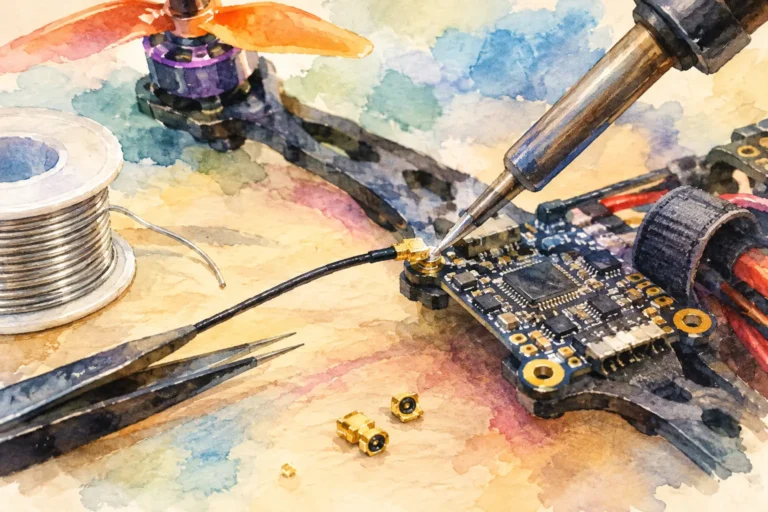
For builds where every gram and millimetre matter, account for board format, mounting pattern, antenna connector orientation and wire strain relief before committing to a unit. A transmitter that fits electrically but leaves the antenna cable under tension is not properly integrated.
Receiver Quality Still Matters
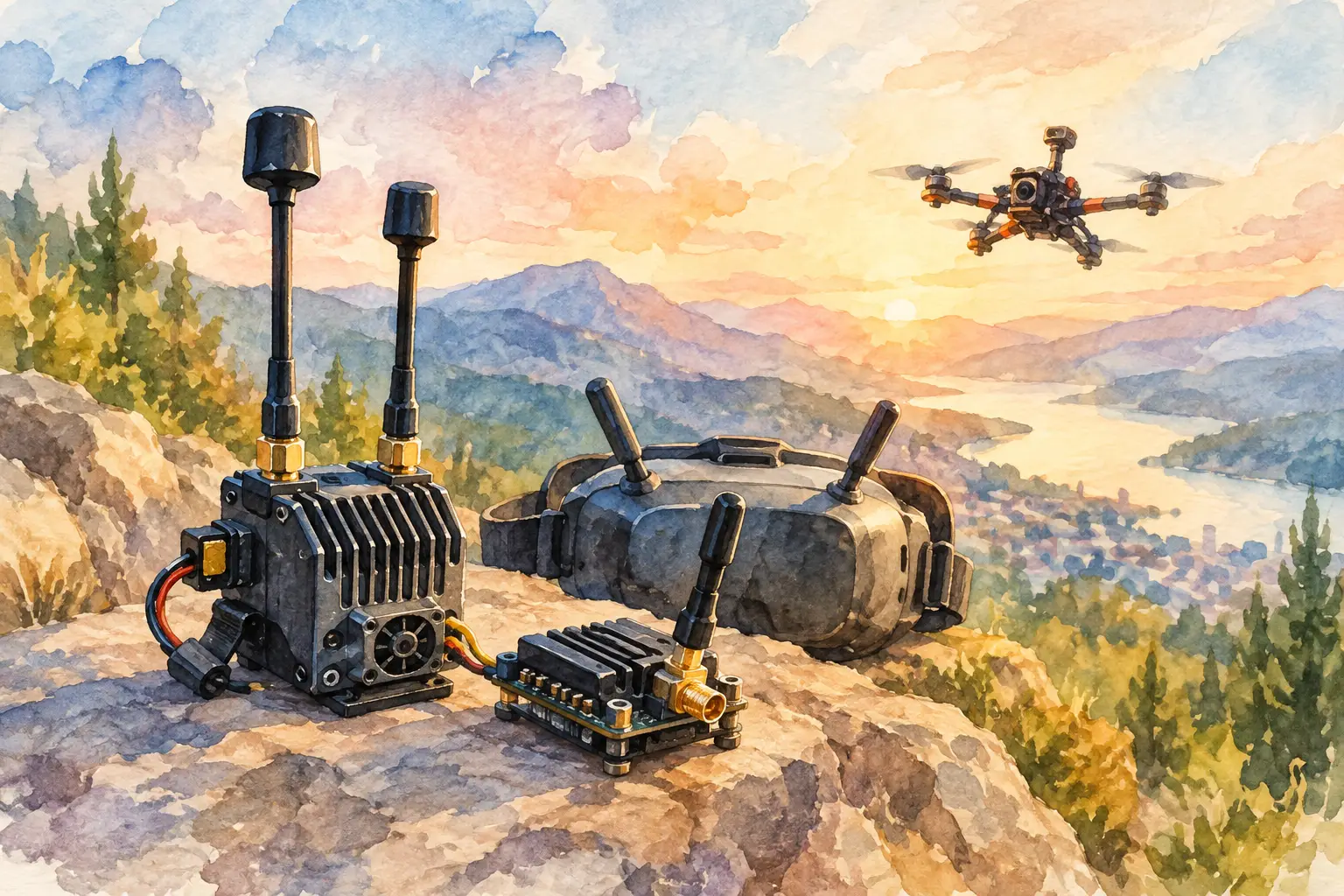
An excellent transmitter cannot compensate for a weak receiving setup. The ground side should use antennas chosen for how you fly. Omnidirectional antennas suit movement around the pilot and general close-range work. Directional antennas can extend useful reception in a known flight area but require you to keep the aircraft within their coverage direction.
Diversity receivers can combine inputs from two antennas, improving resilience when the aircraft changes orientation or moves through reflected-signal areas. Receiver placement matters as well. Keep the receiving antennas clear of metal structures and avoid standing where vehicles, walls or your own body obstruct the expected signal path.
Before each flying session, inspect antenna connectors, coaxial cables and heat-shrink support. A loose connector can produce intermittent video that looks like a range issue but is actually a mechanical fault.
Configure the Link Before You Need It
A disciplined setup process saves aircraft and prevents avoidable troubleshooting. Before the first flight, power the system with the antenna connected, verify camera image quality, confirm the displayed channel, and test VTX control changes from the flight controller if fitted. Then perform a low-risk range check in an appropriate area before relying on the link for demanding flights.
If image quality degrades under throttle, investigate electrical noise. Check power filtering, camera supply, ground paths and the distance between video wiring and high-current battery leads. If the image fails only after several minutes, investigate thermal conditions. If it fails when the aircraft turns, inspect antenna placement and polarisation.
Aviadiag supplies specialised FPV components for builders who need to match transmitters, receivers and connectivity hardware to a defined aircraft requirement. When a standard installation does not fit the brief, selecting components around the complete signal path is the faster route to a dependable result.
The strongest video link is built deliberately: compatible hardware, lawful settings, clean power, sensible cooling and antennas positioned for the way the aircraft will actually fly. Set those foundations before chasing more output power, and your FPV feed will support the flight rather than becoming its limiting factor.